PMR Expo 2026 · 24–26 November 2026 · Hall 8 · Stand D030 / E031PMR Expo 2026 · Hall 8 · Stand D030 / E031 Learn more

Search the website

Popular searches

Tip: press / or Ctrl+K to open the search on any page.

← All products

Software & modules · Operator software for radio, telephony and video – on the PC, at a software workstation or with UniKey
AfVis

AfVis

Radio, telephony, video. One interface.

The AfVis workstation software extends the UniKey desk units with additional functional areas. It can be configured for convenient touch operation as well as for detailed views with mouse control. Thanks to its modular structure AfVis adapts to your requirements.

  • With or without PC
  • As SoftClient on the PC

Combination with UniKey-TS3, UniKey-TS2

Combination with TALKpit Advanced

Request this product
AfVisAfVis
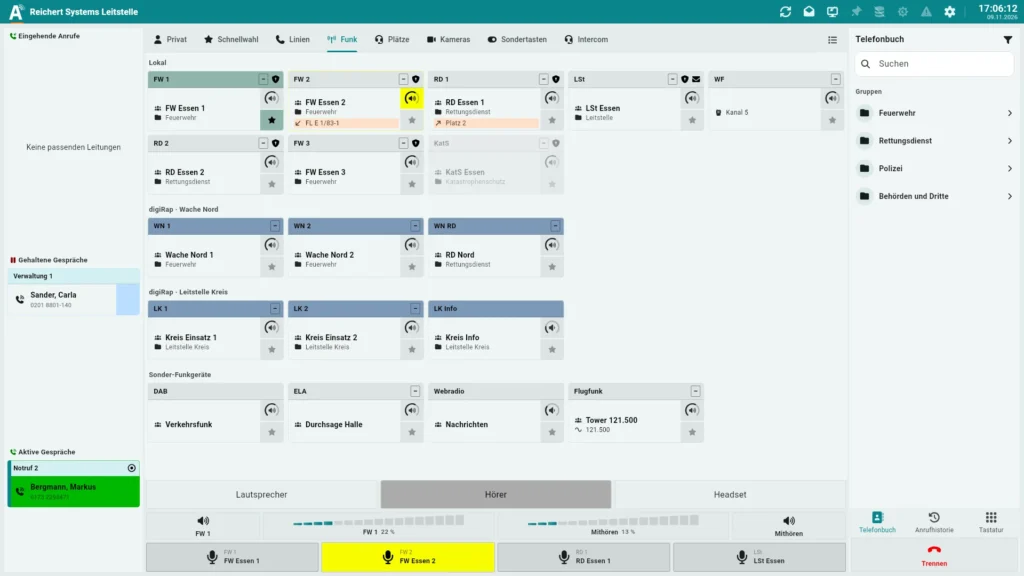
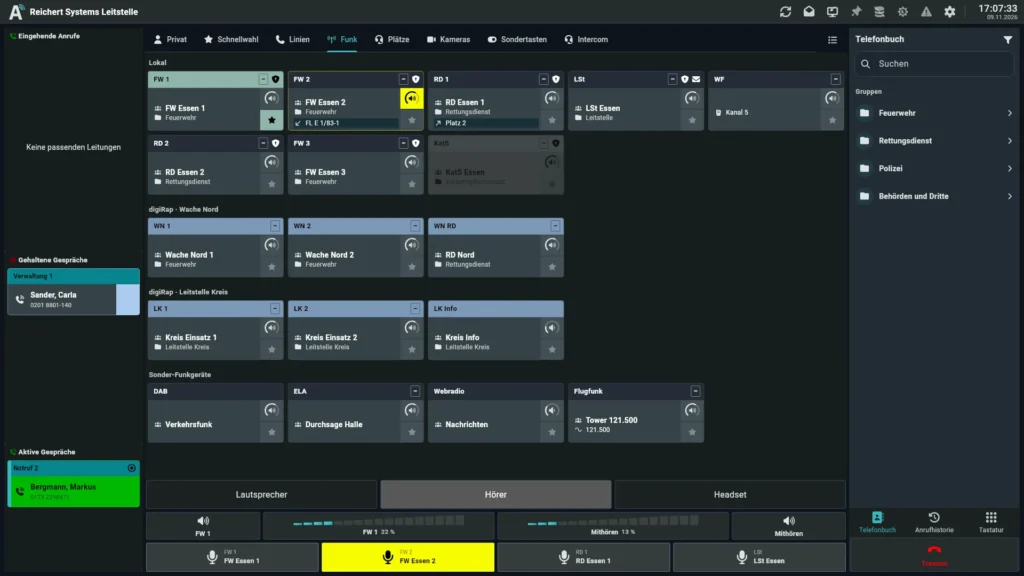
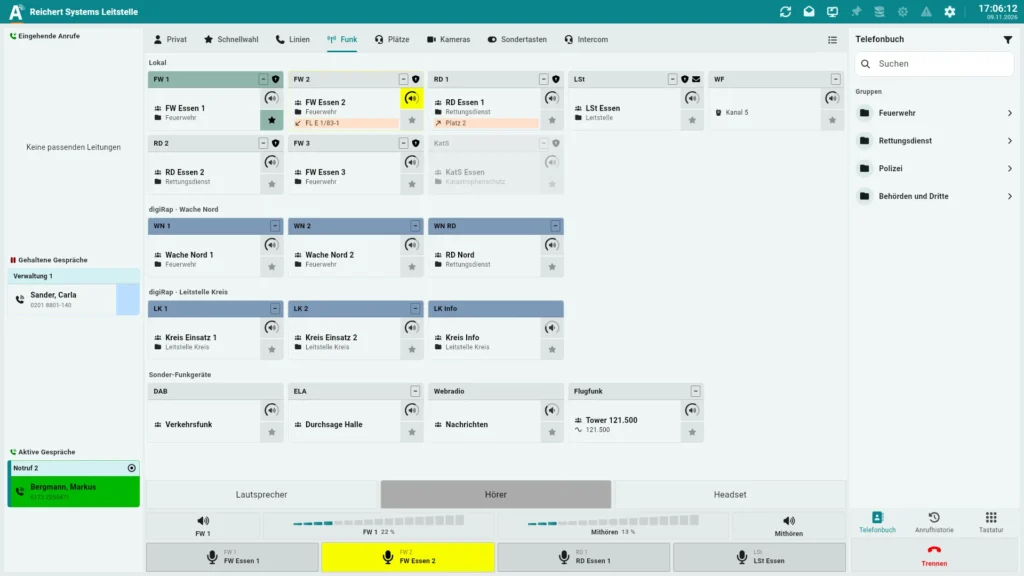
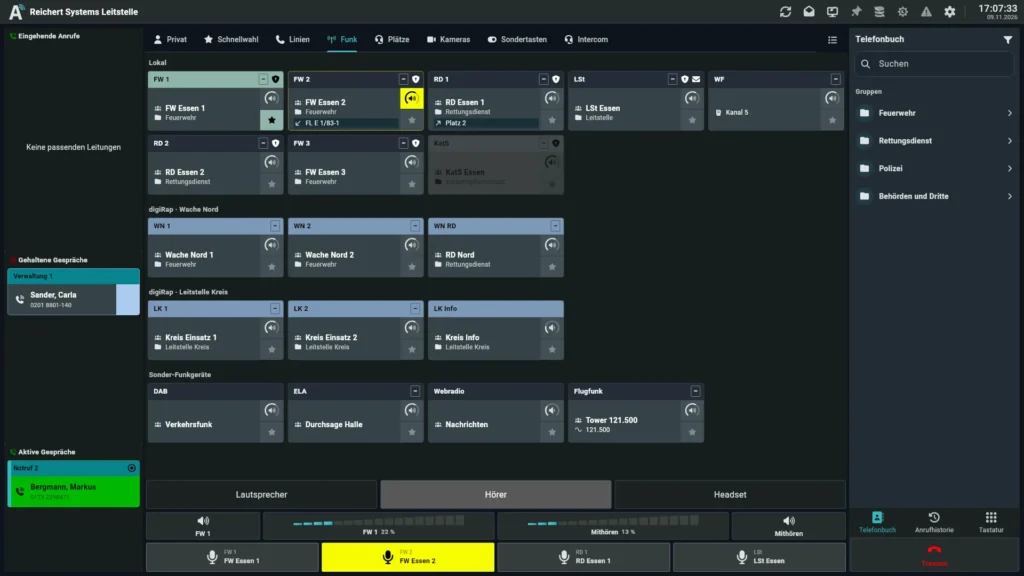
Radio console with local radios, the digiRap-linked sites Wache Nord and Leitstelle Kreis, and special radios in separate areasRadio console with local radios, the digiRap-linked sites Wache Nord and Leitstelle Kreis, and special radios in separate areas

Radio console with local radios, the digiRap-linked sites Wache Nord and Leitstelle Kreis, and special radios in separate areas

The workstation runs with or without a PC, on any monitor size and on several monitors. As SoftClient, AfVis uses the PC's audio or external USB sound devices.

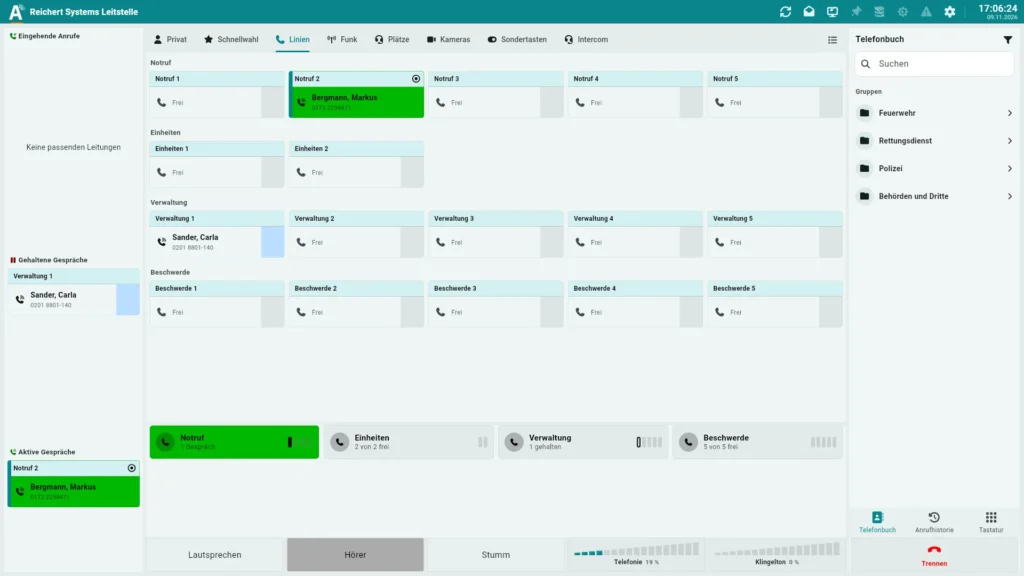
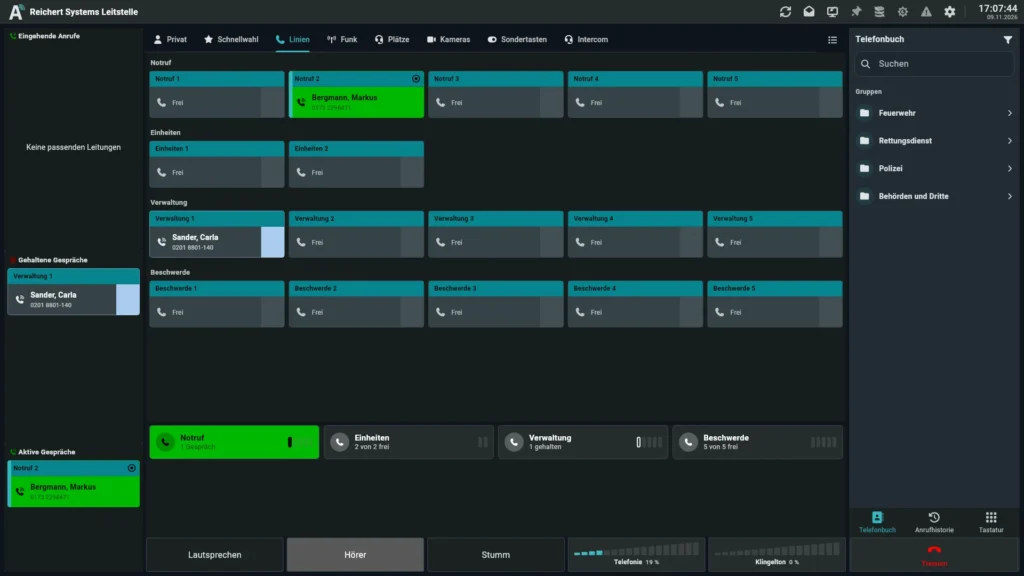
Telephony by line group: one active emergency call, one call on hold, all other lines freeTelephony by line group: one active emergency call, one call on hold, all other lines free

Telephony by line group: one active emergency call, one call on hold, all other lines free

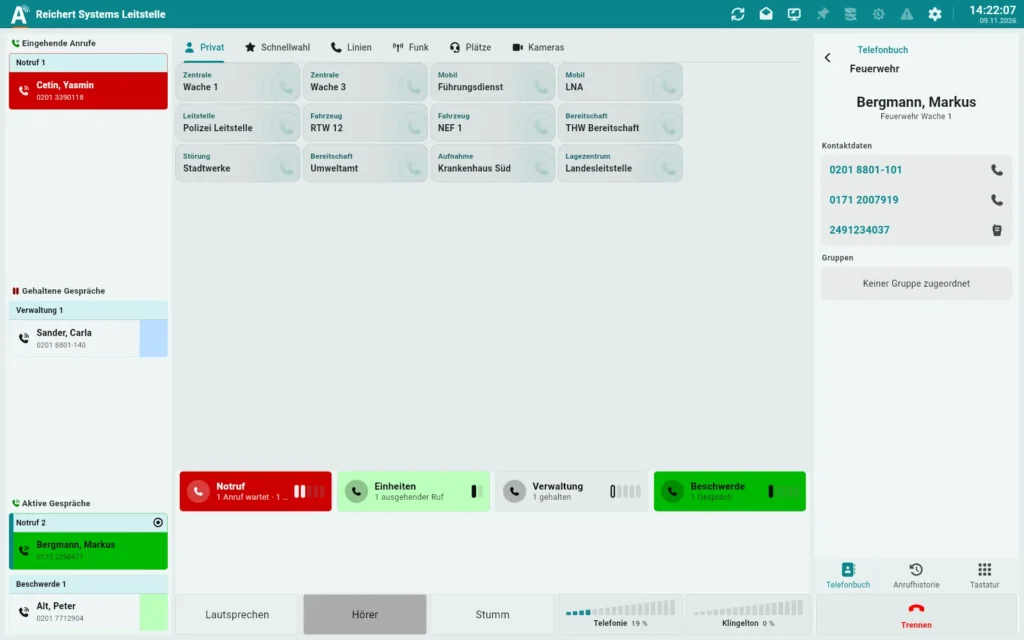
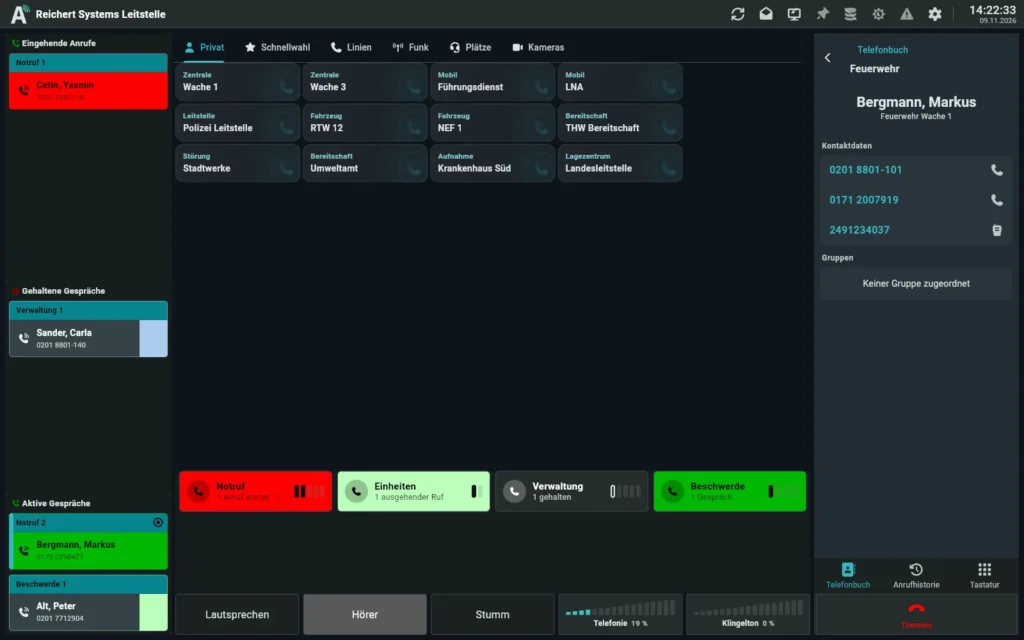
Phone book: groups, contacts and contact details right at the workstationPhone book: groups, contacts and contact details right at the workstation

Phone book: groups, contacts and contact details right at the workstation

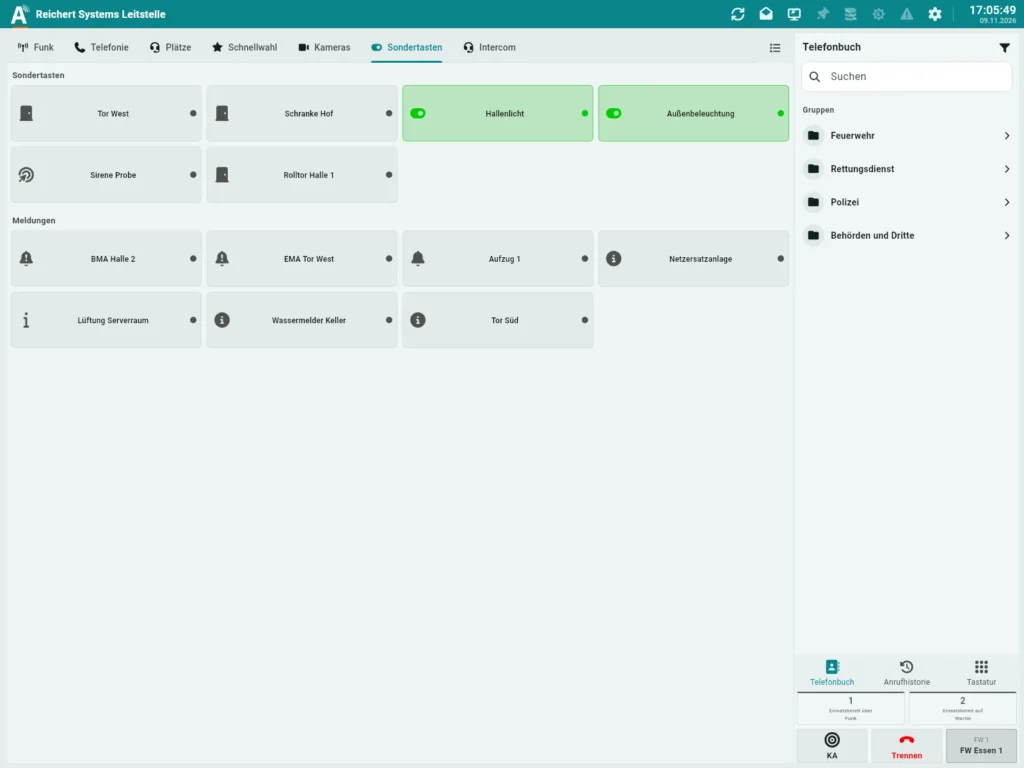
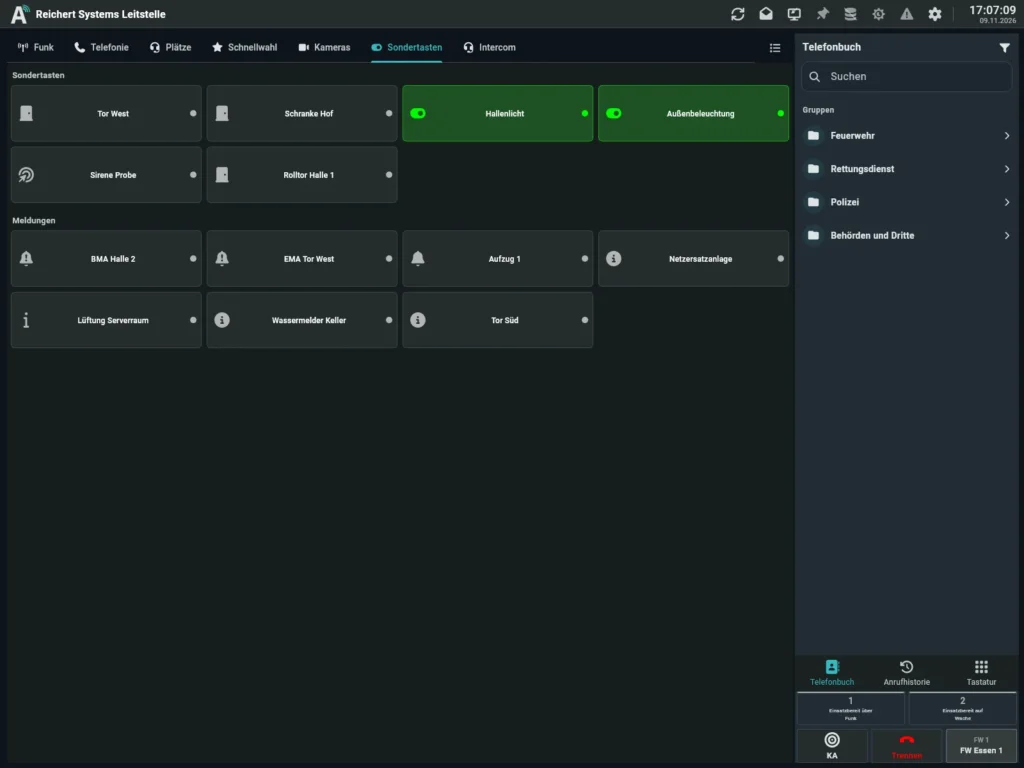
Special keys for gates and lighting next to building-services indicationsSpecial keys for gates and lighting next to building-services indications

Special keys for gates and lighting next to building-services indications

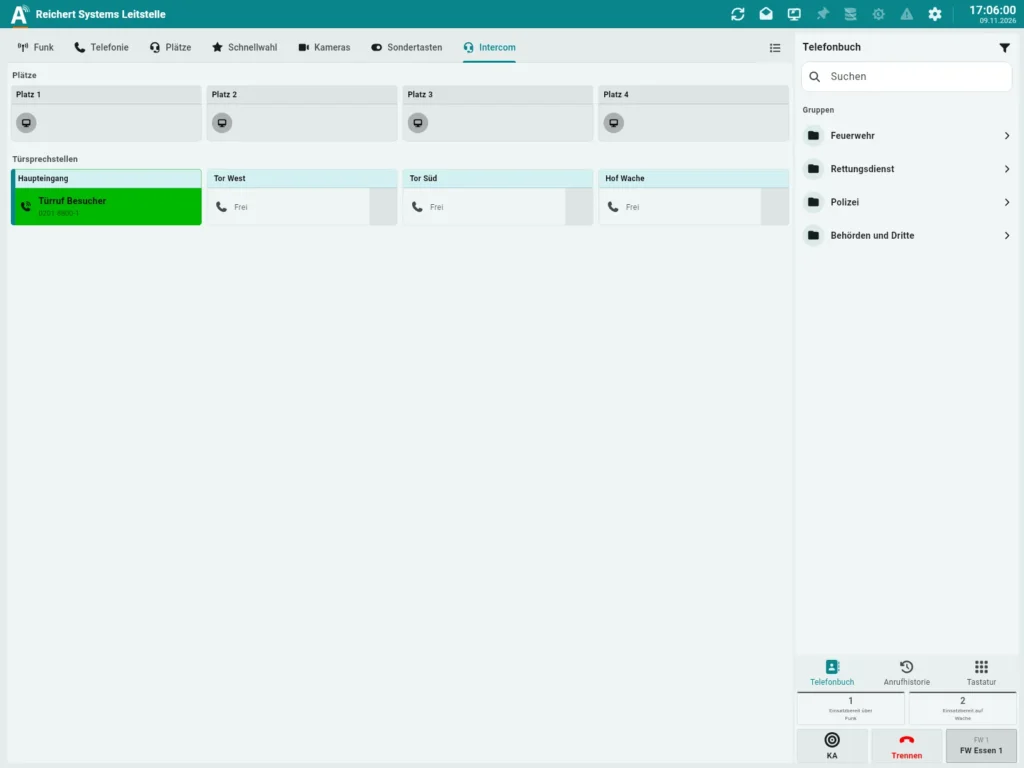
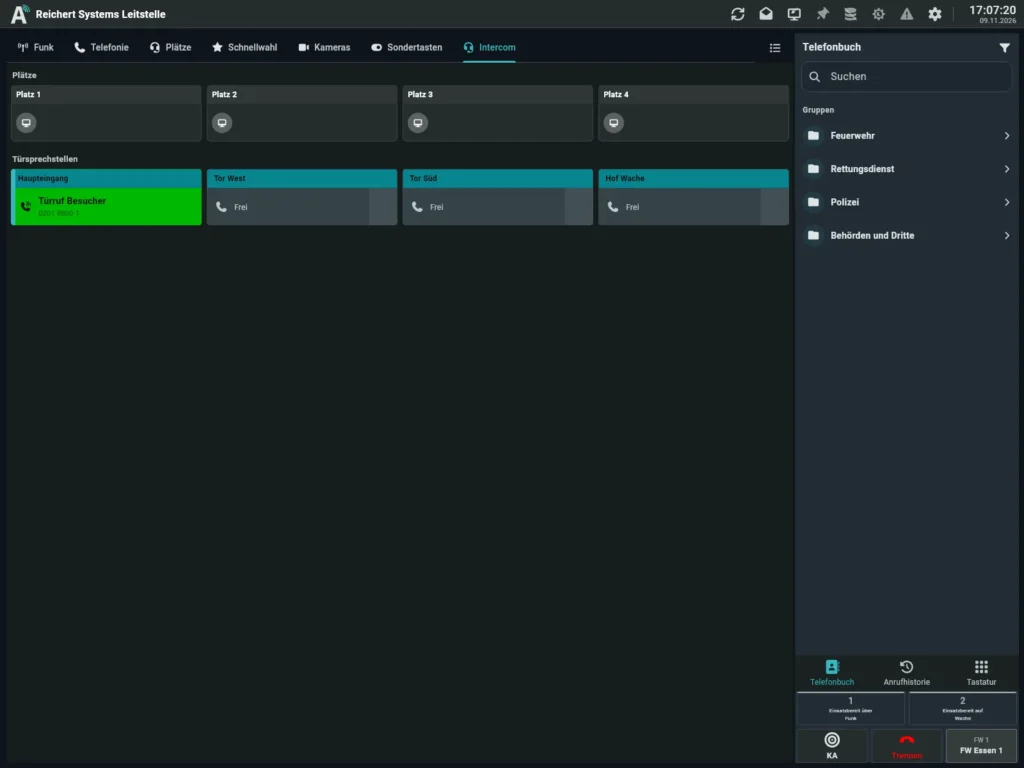
Door stations and desks in one place, here with an active door callDoor stations and desks in one place, here with an active door call

Door stations and desks in one place, here with an active door call

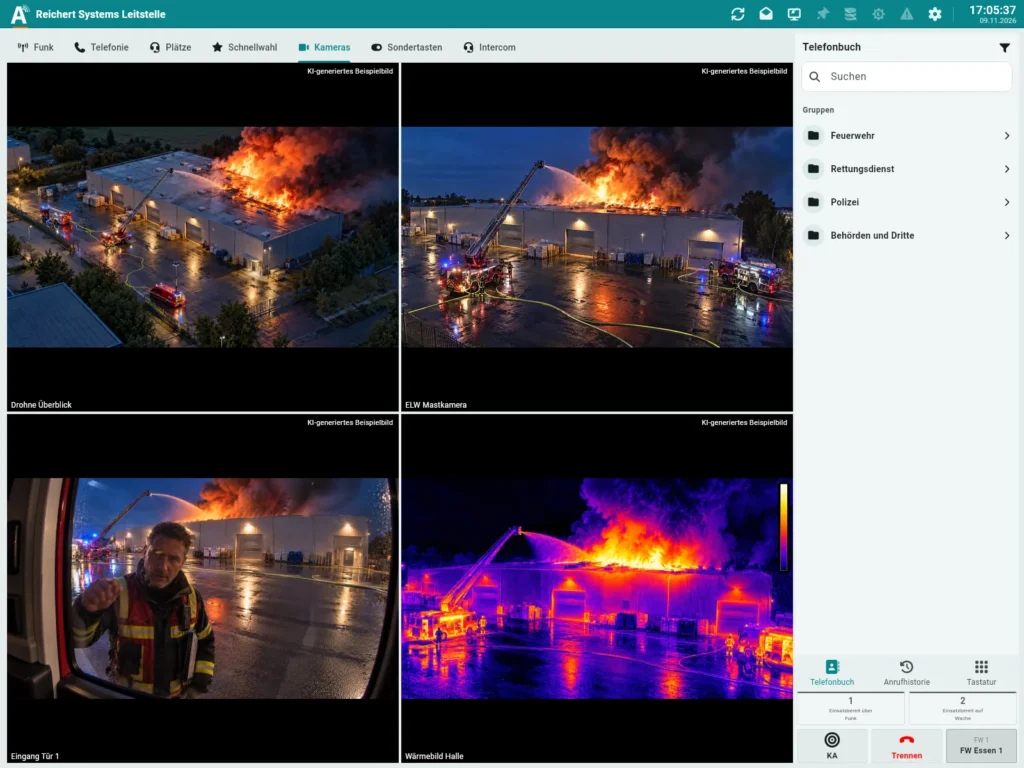
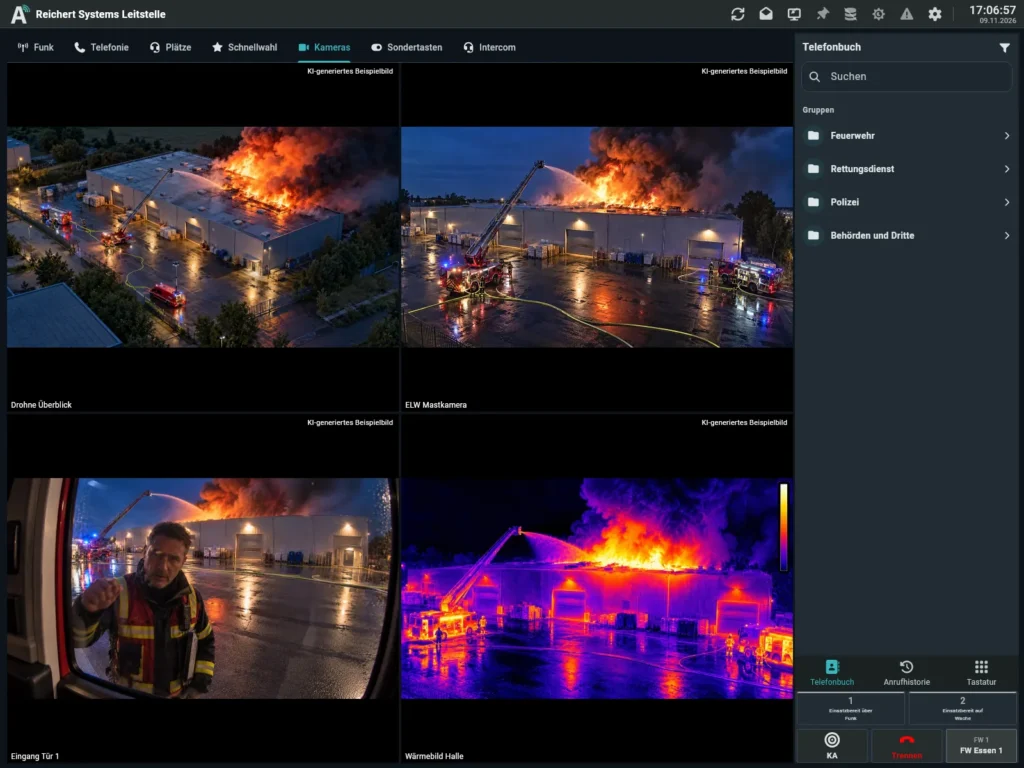
Camera images at the position, pan-tilt cameras controlled straight from AfVisCamera images at the position, pan-tilt cameras controlled straight from AfVis

Camera images at the position, pan-tilt cameras controlled straight from AfVis

Camera images come straight to the operator position, one camera large or several in a grid. Pan-tilt cameras are controlled from the interface: pan, tilt and zoom while you hold the key, store and recall presets. Position and presets are instantly the same at every position. The camera images shown are samples.

Key highlights

  • Multi-touch

    Or mouse, freely configurable

  • Several monitors

    Any size

  • Video

    Live image, pan, tilt, zoom

  • Documentation

    Extended voice recording

  • Centrally managed

    All workstations

  • In the browser

    Cross-platform

Combination

The desk unit stays. The big screen comes on top.

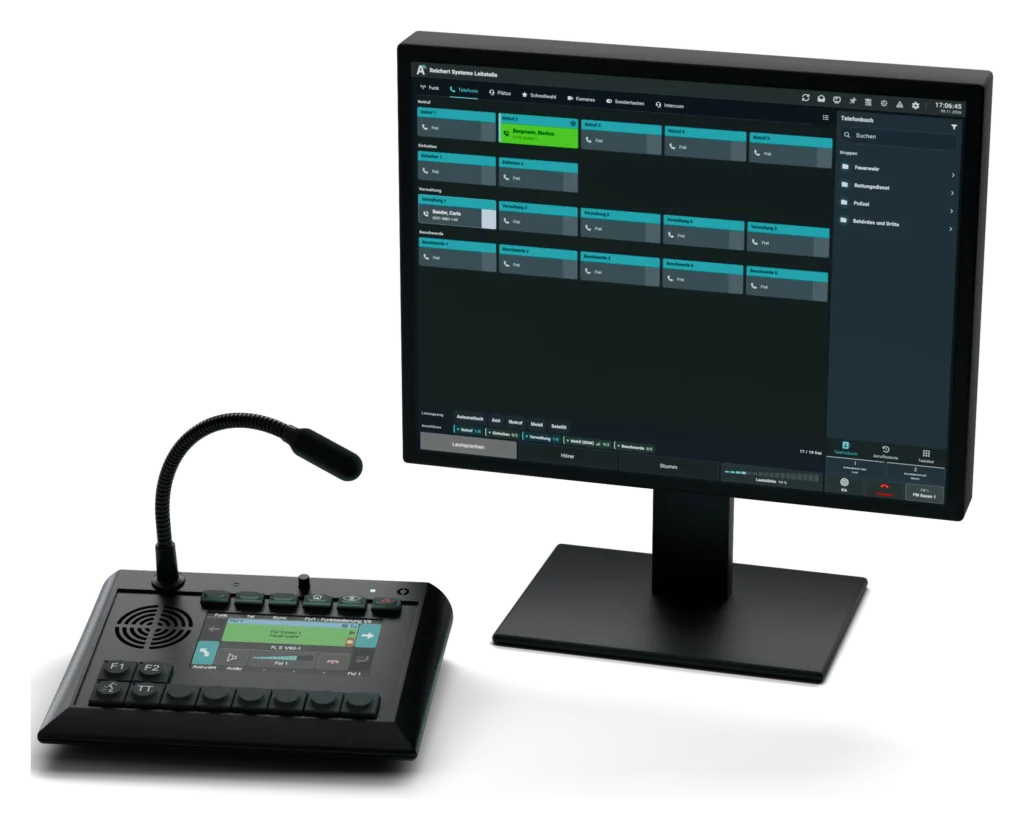
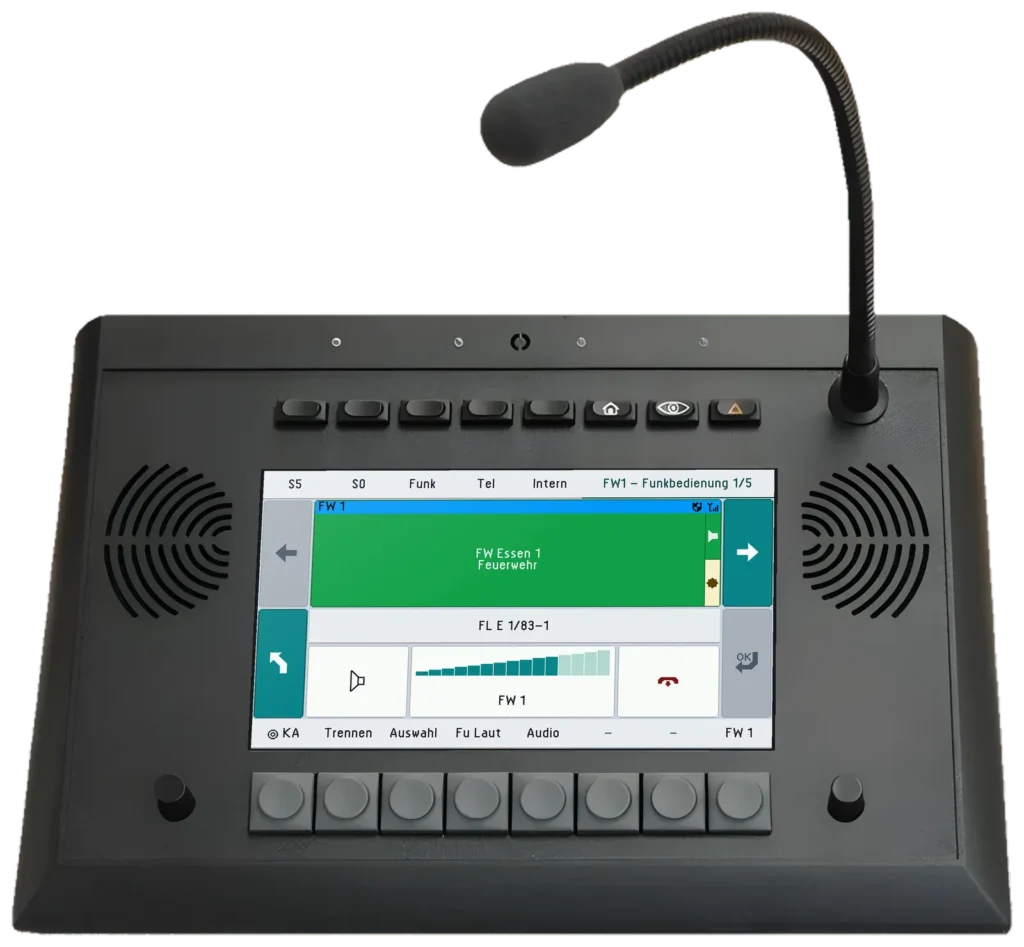
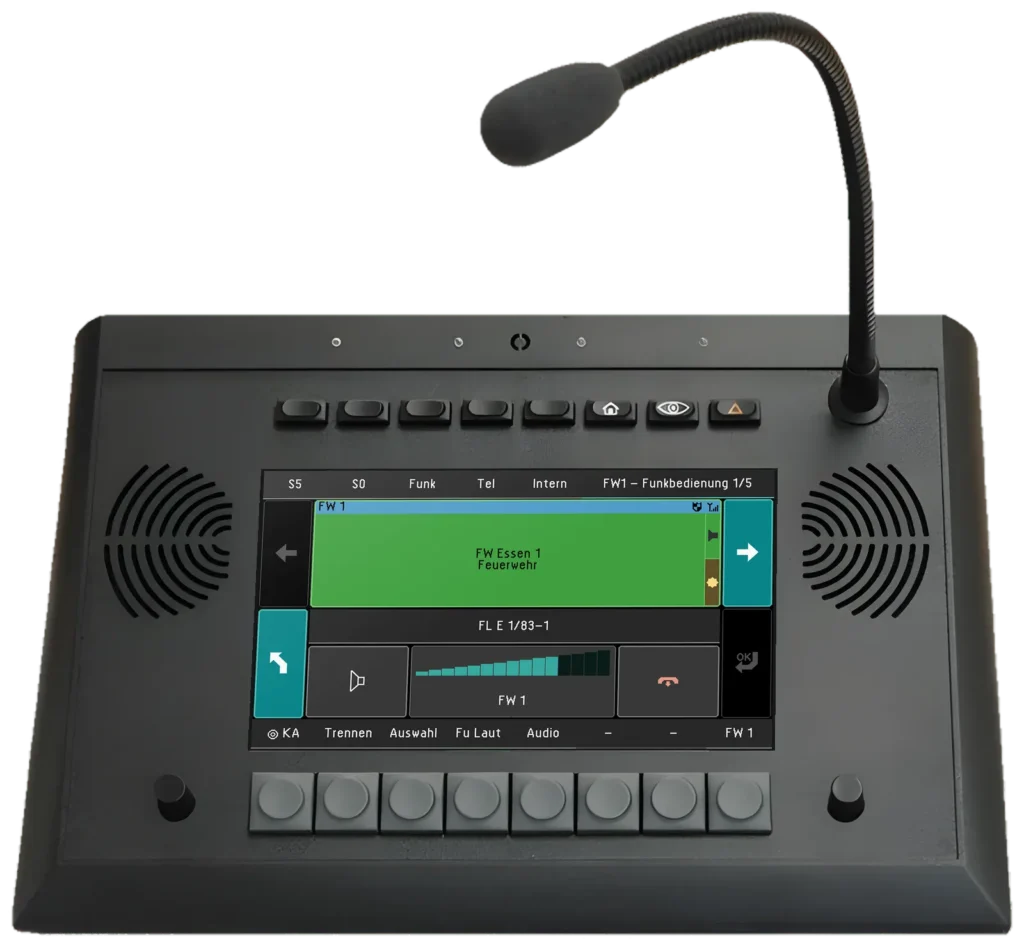
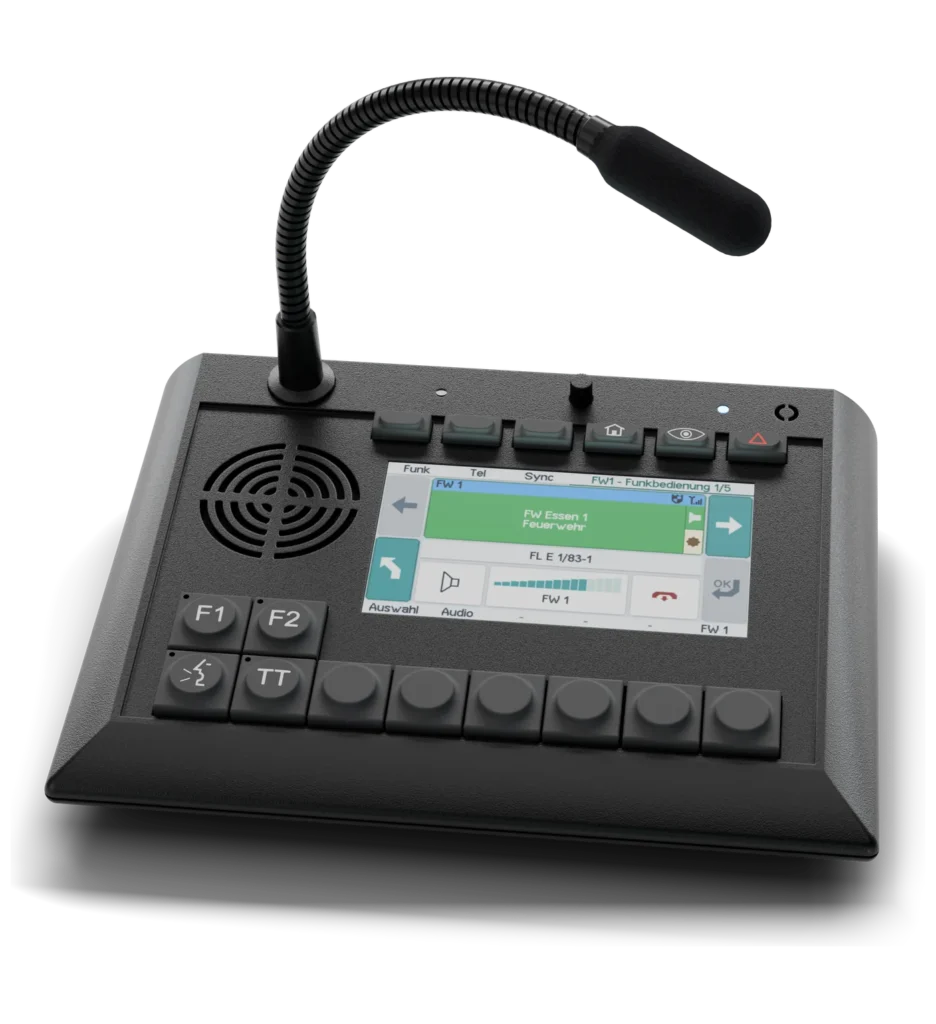
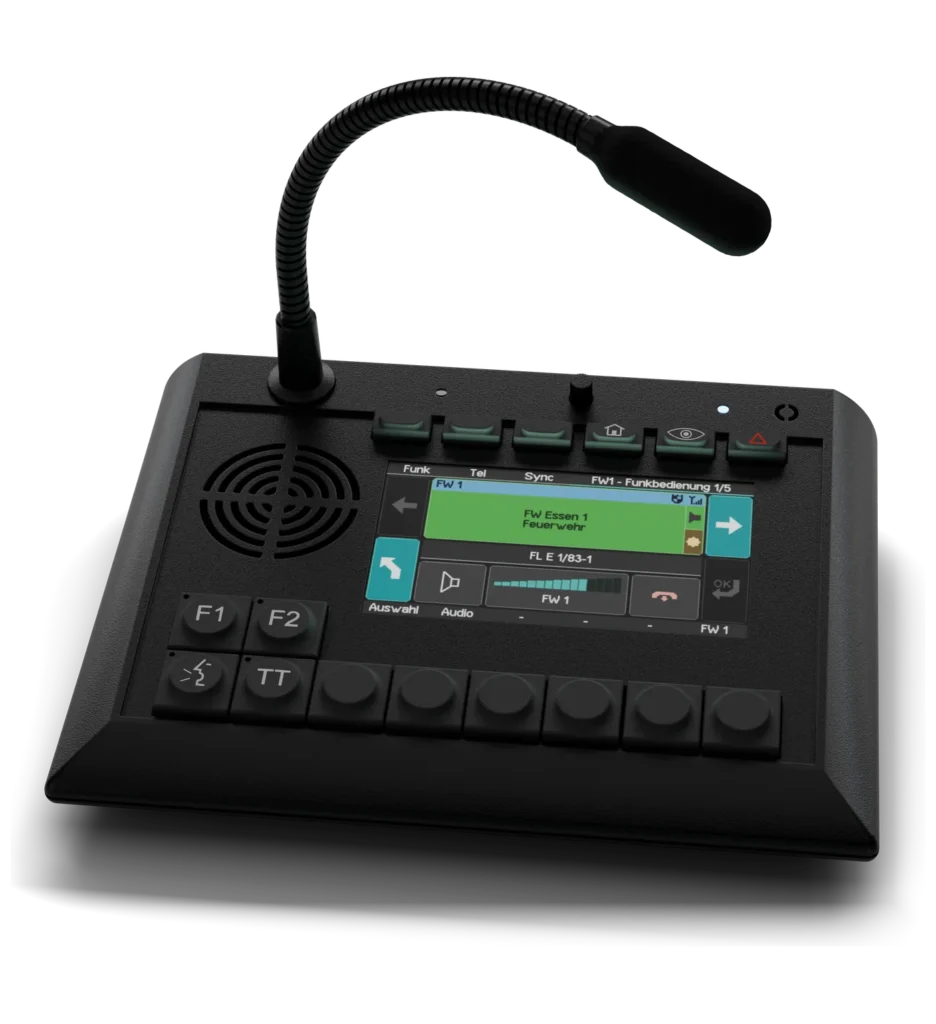
AfVis extends the UniKey desk units with additional functions on a monitor of any size. You keep operating radio, PTT and volume on the device – AfVis makes room for everything the display has no space for.

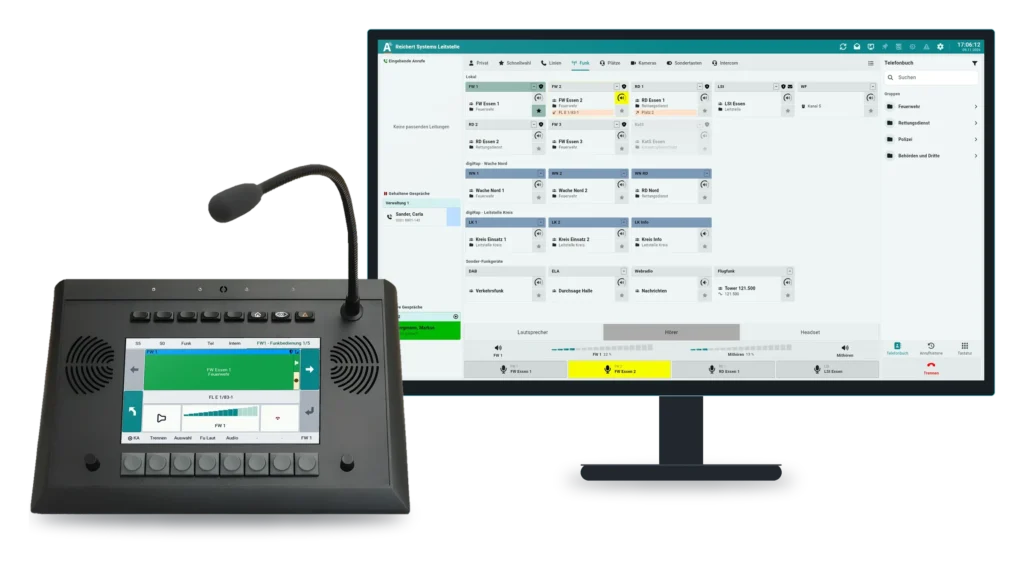
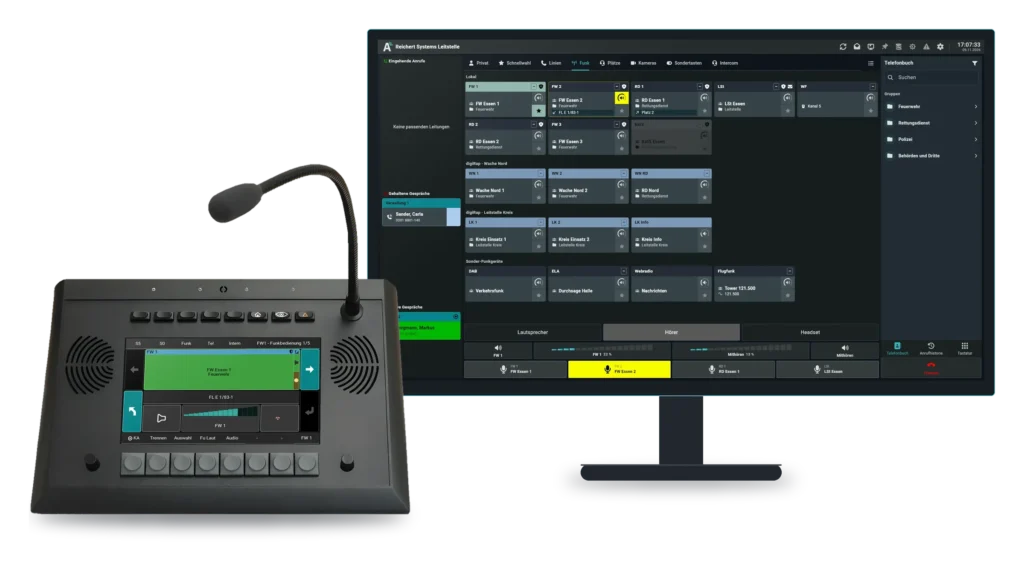
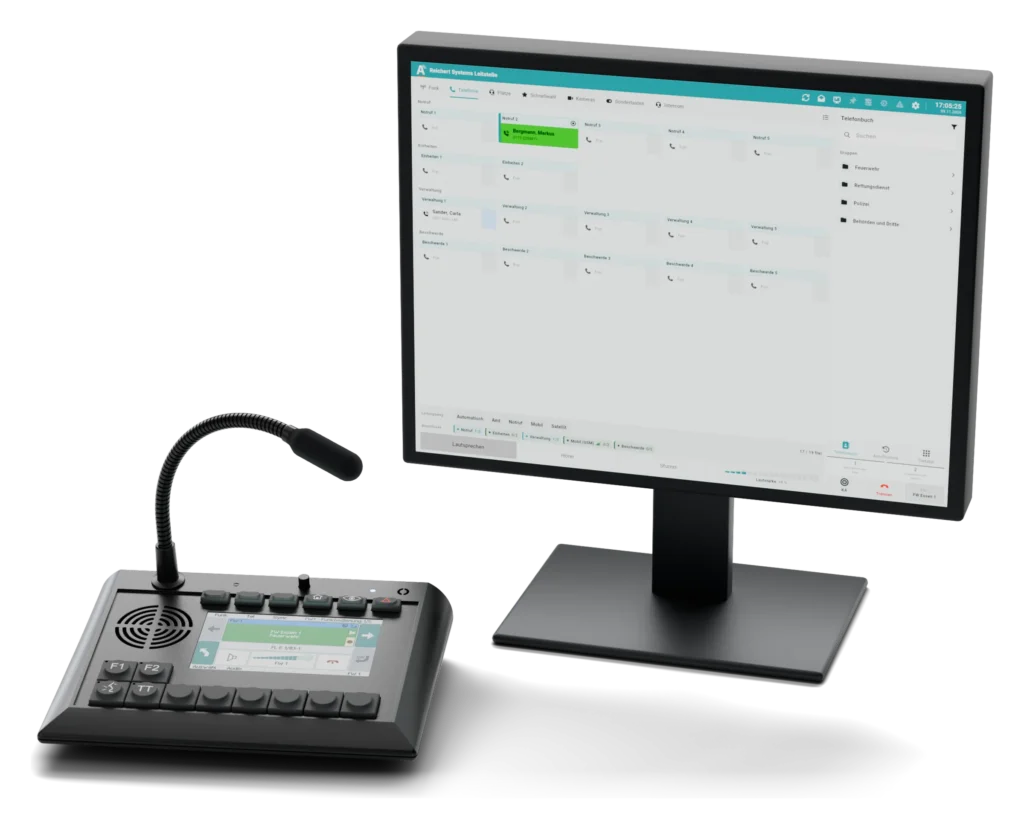
UniKey-TS3 + AfVis in 16:9UniKey-TS3 + AfVis in 16:9

UniKey-TS3 + AfVis in 16:9

On the large monitor AfVis shows every radio line at a glance: your own radios, systems connected via digiRap and special radios in separate areas.

More about UniKey-TS3
UniKey-TS2 + AfVis in 4:3UniKey-TS2 + AfVis in 4:3

UniKey-TS2 + AfVis in 4:3

Compact combination: the UniKey-TS2 remains the radio and key unit, AfVis shows telephony by line group.

More about UniKey-TS2

What the combination adds

  • More spaceAny monitor size
  • Phone bookGroups, contacts, company directory
  • Camera imagesVideo display and control
  • IntercomDoor stations and positions
  • Special keysSwitch gates and lights
  • Familiar operationKeys and knobs on the device
Combination

The handset in your hand. Module and monitor on top.

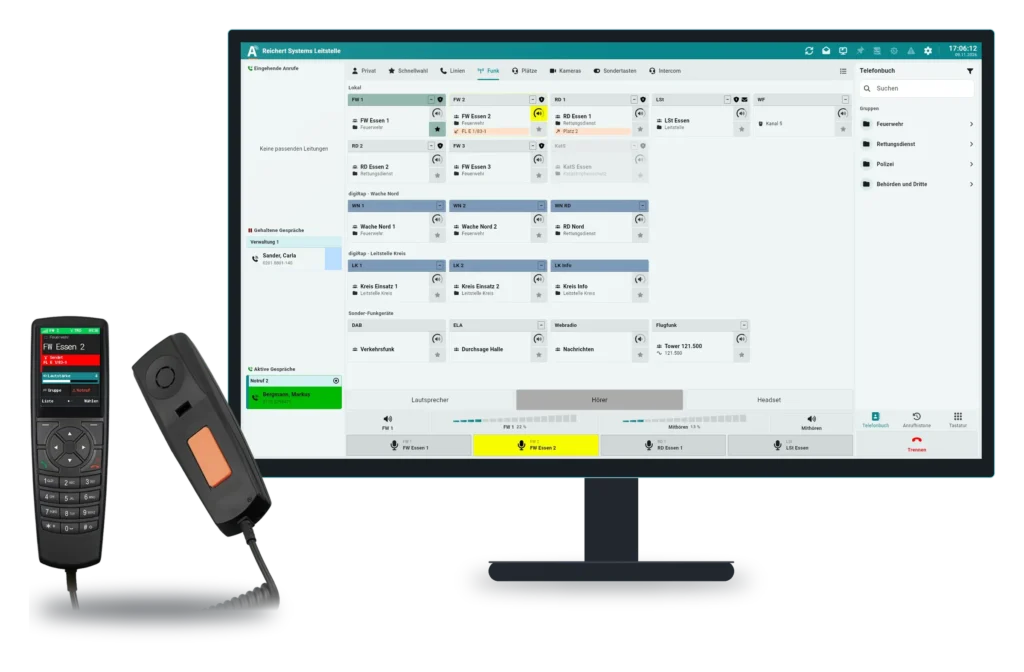
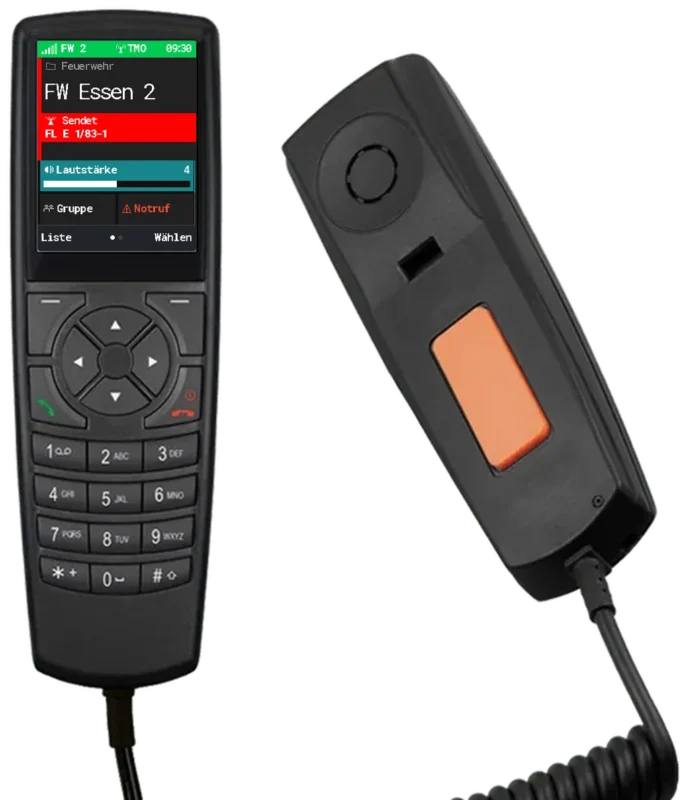
The TALKpit Advanced plugs into the ATL-IP module and works at the position with all radio and telephone lines of the system. Together with AfVis it becomes a dispatcher position with the handset in your hand and the overview on the monitor.

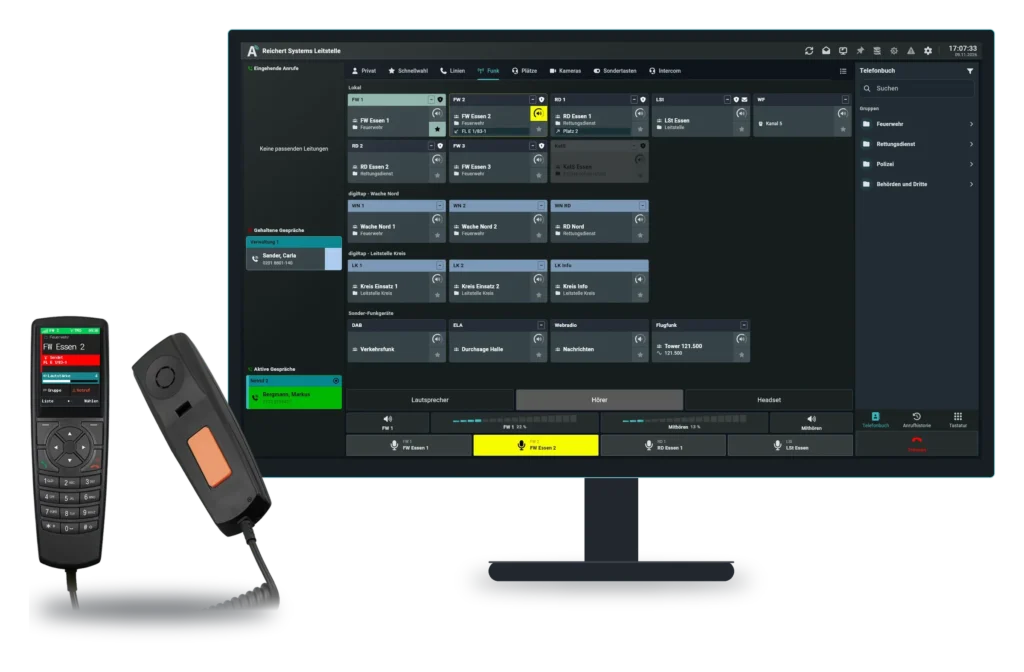
TALKpit Advanced + AfVis: handset in hand, overview on the monitorTALKpit Advanced + AfVis: handset in hand, overview on the monitor

TALKpit Advanced + AfVis: handset in hand, overview on the monitor

The handset shows the same line as AfVis on the monitor: FW 2 “FW Essen 2” with speaker FL E 1/83-1. Talking, switching group, sending status and answering calls is done on the handset; phone book, cameras, intercom and every line are on the large monitor.

More about TALKpit Advanced

What the combination adds

  • Talk on the handsetPTT key, group, status
  • On the moduleDirectly on the ATL-IP module
  • Colour displayThe same lines as AfVis
  • Configured centrallyAll in one place

Workstation

The workstation can be supplied with or without a PC, so an existing PC can be used. Any monitor size and several monitors per workstation are supported.

SoftClient, software workstation, screen extension

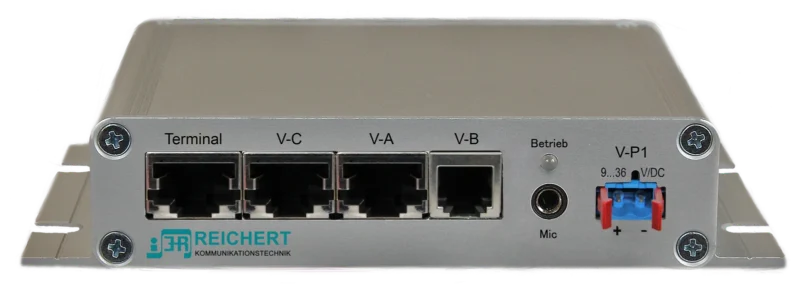
AfVis comes in three forms. As SoftClient, AfVis is the software on the PC, with audio through the PC or external USB sound devices. In the software workstation the ATL-IP module provides the audio – handset, headset, loudspeaker, foot switch or TALKpit handset – and AfVis is used for operation. In the screen extension AfVis is added to a UniKey desk unit: radio, PTT and volume stay on the device, AfVis shows on the monitor what has no room on the display.

Functions

These include extended voice recording, camera images and camera control, cell call with custody log and connection to your phone book. All workstations are managed centrally. Together with the light-call technology, floor views and camera images can be integrated.

Video and cameras

AfVis shows camera images singly or in a grid. Pan-tilt cameras are controlled straight from the interface: pan, tilt and zoom by key, store, name and recall positions at the push of a button. Changes appear instantly at every position. On the floor plan the cameras are drawn with their field of view. We will work out with you which cameras fit.

With the TALKpit handset

AfVis can be combined with the TALKpit handsets: the handset sits in your hand and handles radio, PTT and calls, while AfVis shows lines, phone book, cameras and intercom on the monitor. The handset connects to the ATL-IP module, the audio unit of the software workstation. The combination is pictured further down this page; the handsets themselves are described under TALKpit Advanced and TALKpit Xtreme.

System requirements

Runs on Windows, macOS and other systems, on PC, notebook or tablet. For video and the SoftClient we are happy to advise you on suitable cameras and sound devices.
At a glance

Features

  • Extended voice recording
  • Camera images and camera control
  • Cell call and custody log
  • Connection to your phone book
  • Central management of all workstations
  • Simple operation in the web browser
  • Multi-touch support
  • Several monitors per workstation

Applications

  • Control rooms
  • Command vehicles
  • Stations
  • Custody

Frequently asked questions

Can I use an existing PC?

Yes, the workstation can be supplied with or without a PC.

How many monitors are supported?

Any monitor size and several monitors per workstation are supported.

Documents

Documents for this product

All downloads

See for yourself. Live in our showroom.

We advise you in person, tailor the solution to your operating environment and show you the product in live operation.

Your inquiry list

Put together products and example configurations and send us the list with a message. We will get back to you with a quotation or an appointment for a consultation.

    Your contact details

    The list is only stored in your browser until you send it.