UniKey-TS3 + busylight
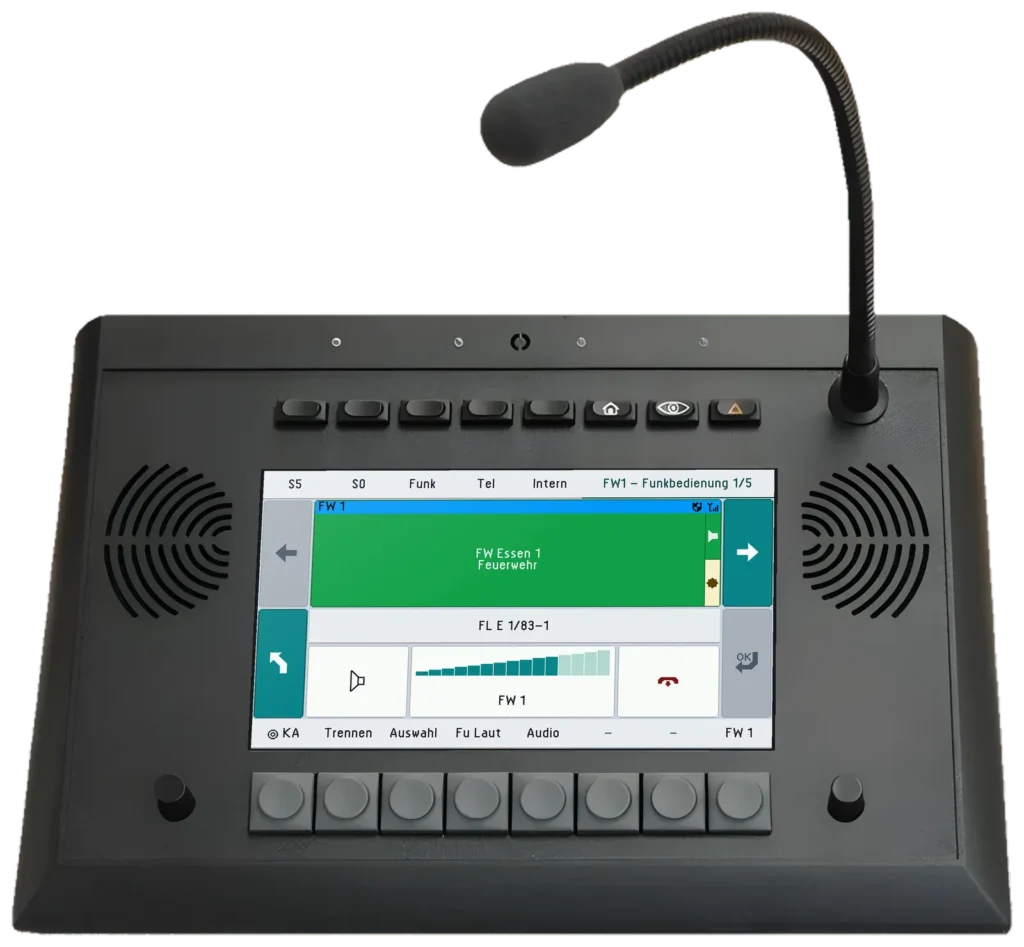
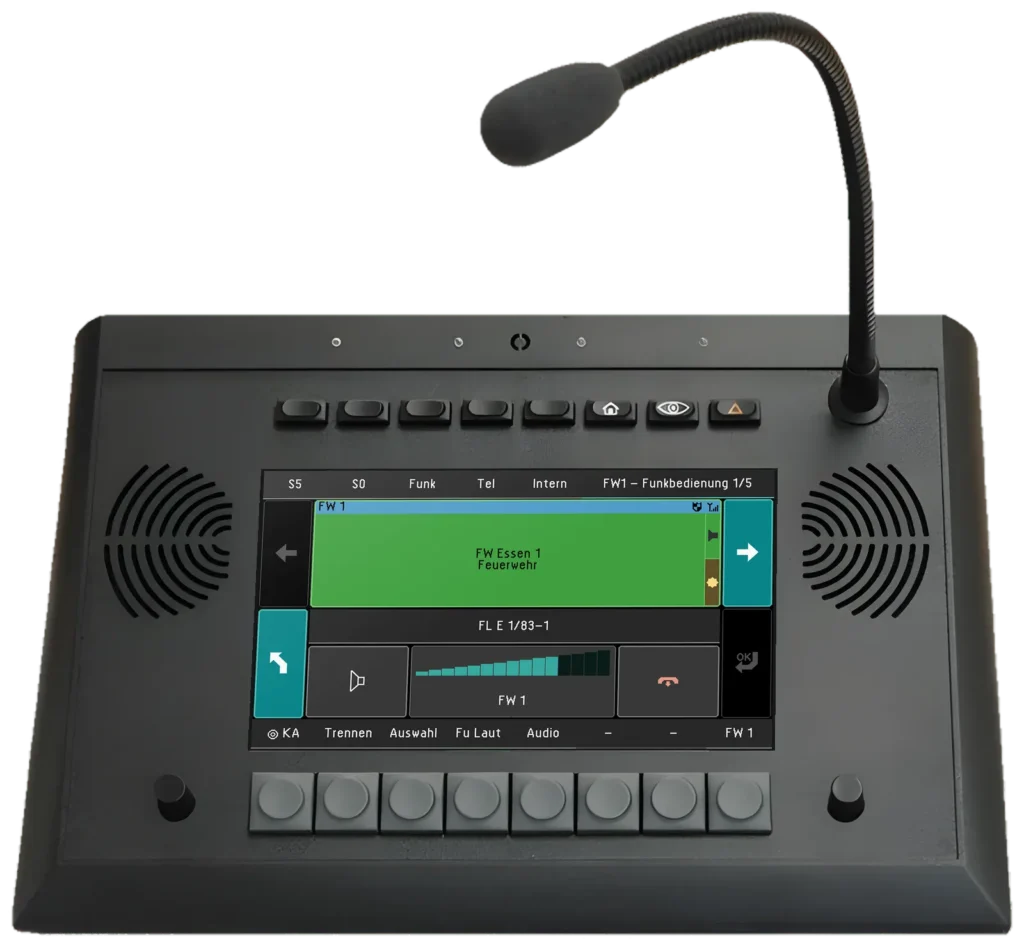
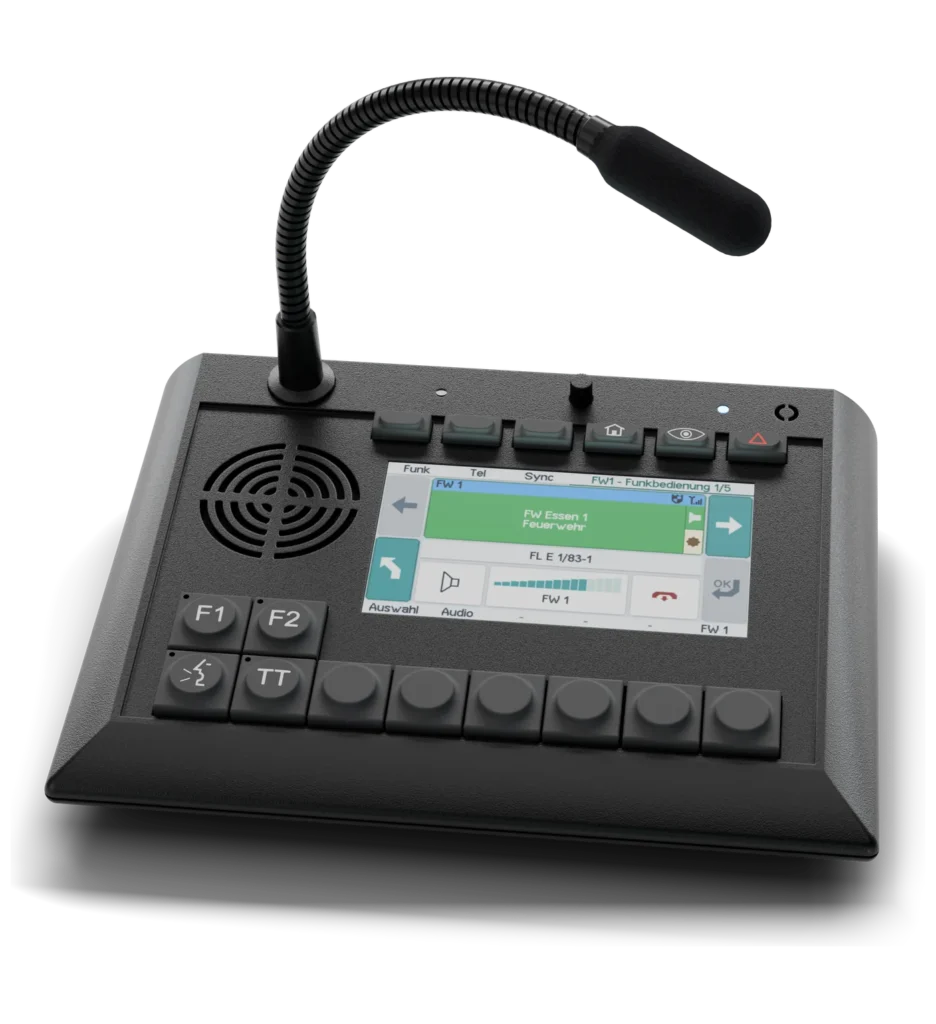
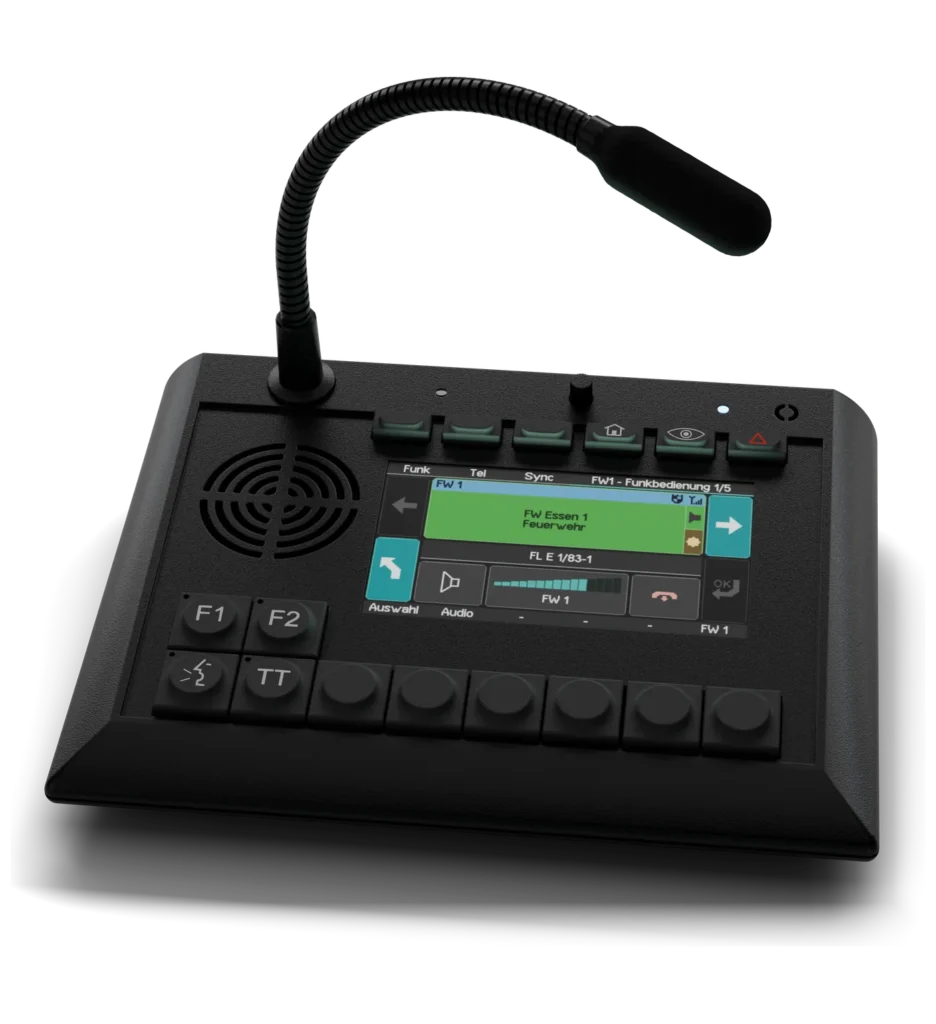
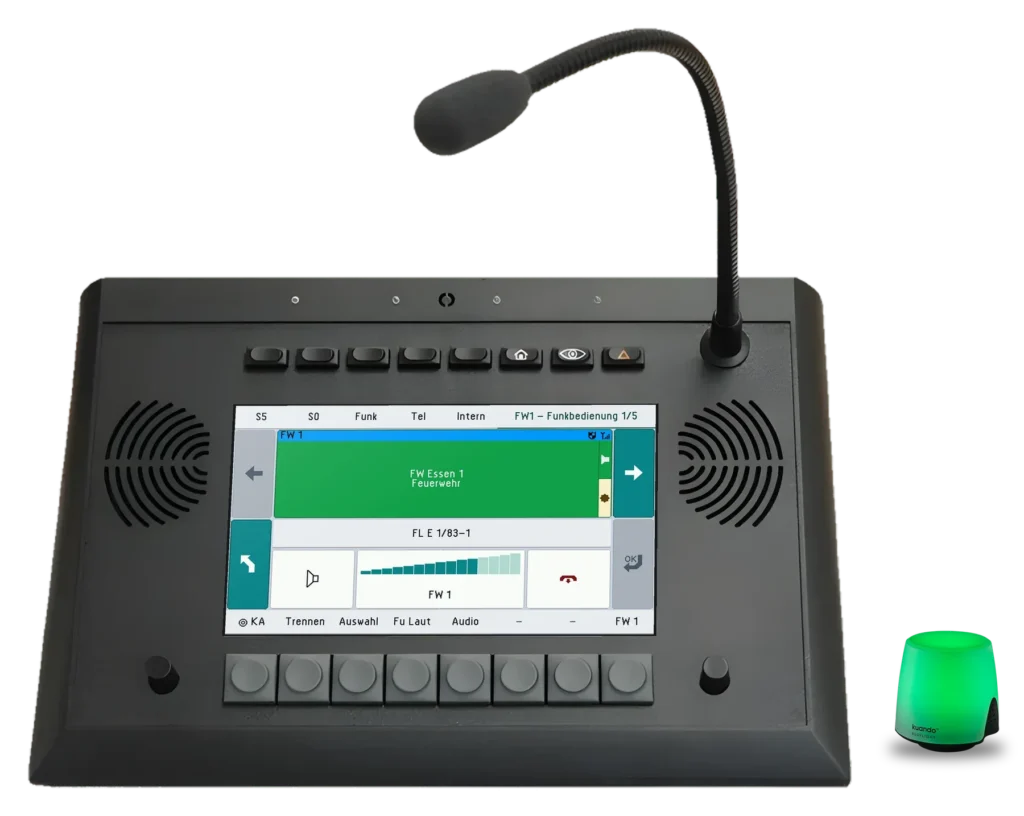
The light stands beside the desk unit or on the monitor and plugs into the USB port of the TS3. It sets itself up automatically when plugged in.
More about UniKey-TS3Who is on a call, the whole room can see.
In control rooms and radio rooms, several positions sit side by side, often with headsets. Whether a colleague is on a call or has a call ringing is hard to tell from outside. The busylight shows it at a glance: nobody talks into a running call, and an unanswered call stands out even in a noisy room.
Combination with UniKey-TS3, UniKey-TS2
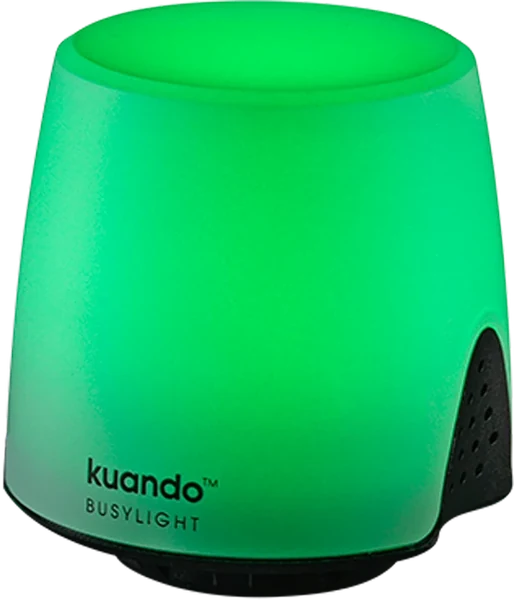
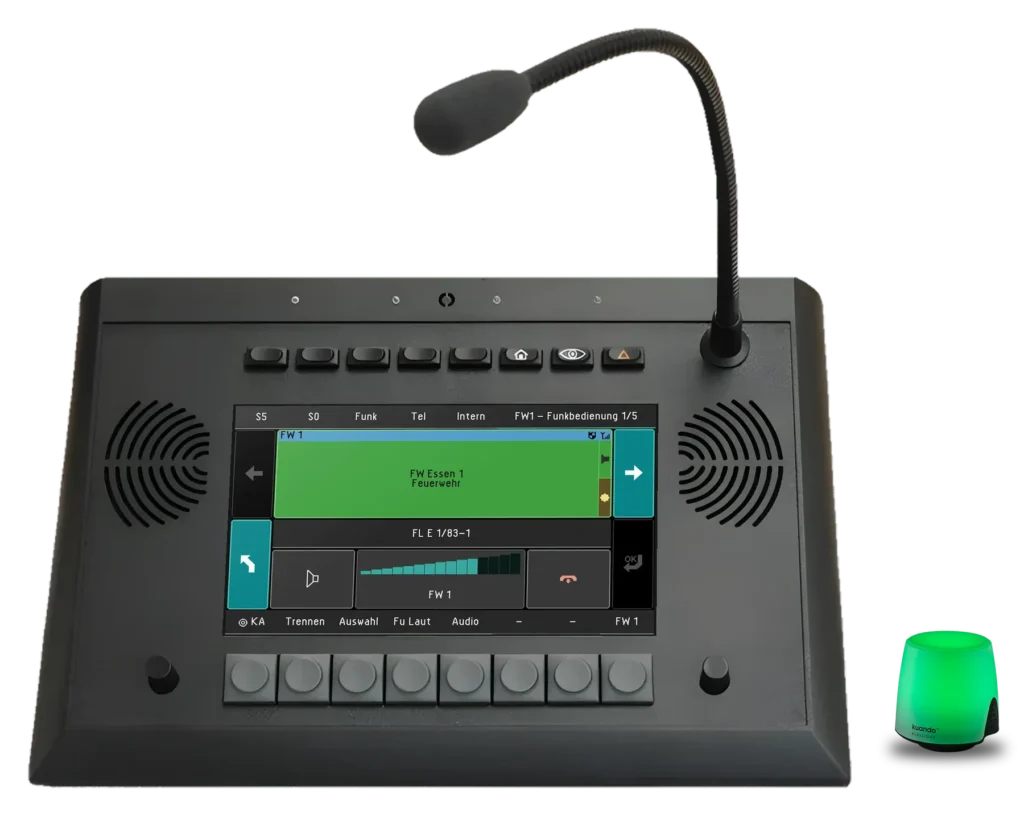
The busylight stands beside the UniKey-TS2 or UniKey-TS3 and lights up in the colour of the position: red for a ringing call or a call in progress, yellow when the position is locked or away, green when it is free. So nobody talks into a running call. Activate, plug in over USB, done: setup is automatic.
The light stands beside the desk unit or on the monitor and plugs into the USB port of the TS3. It sets itself up automatically when plugged in.
More about UniKey-TS3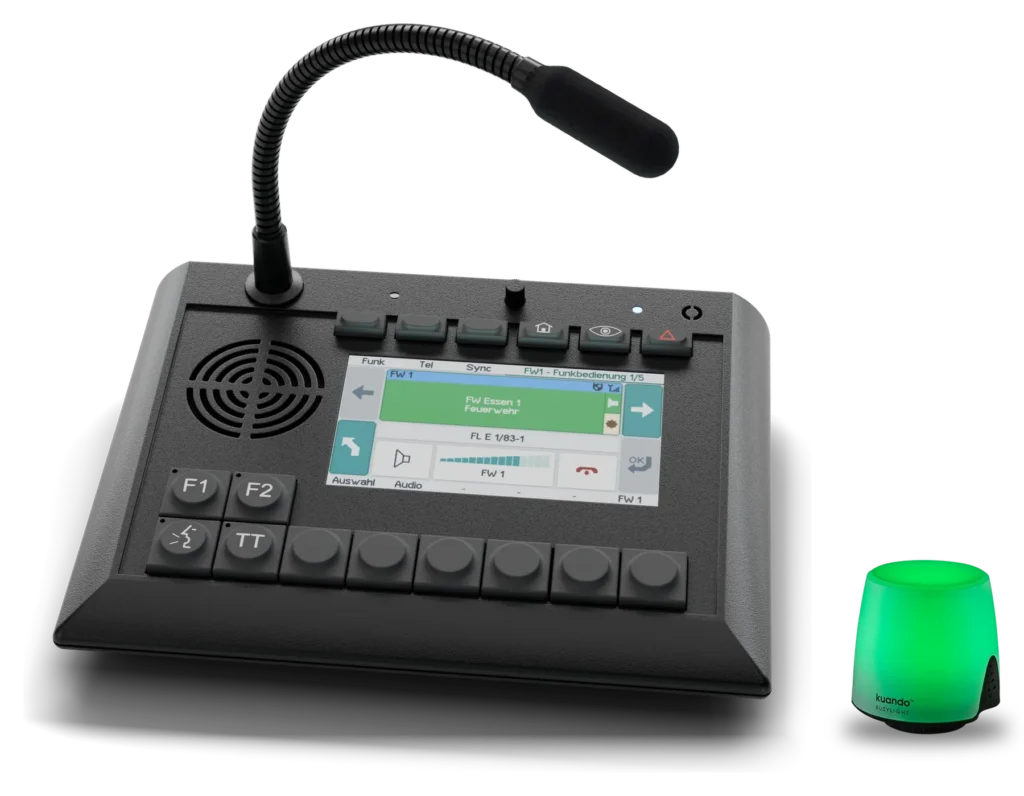
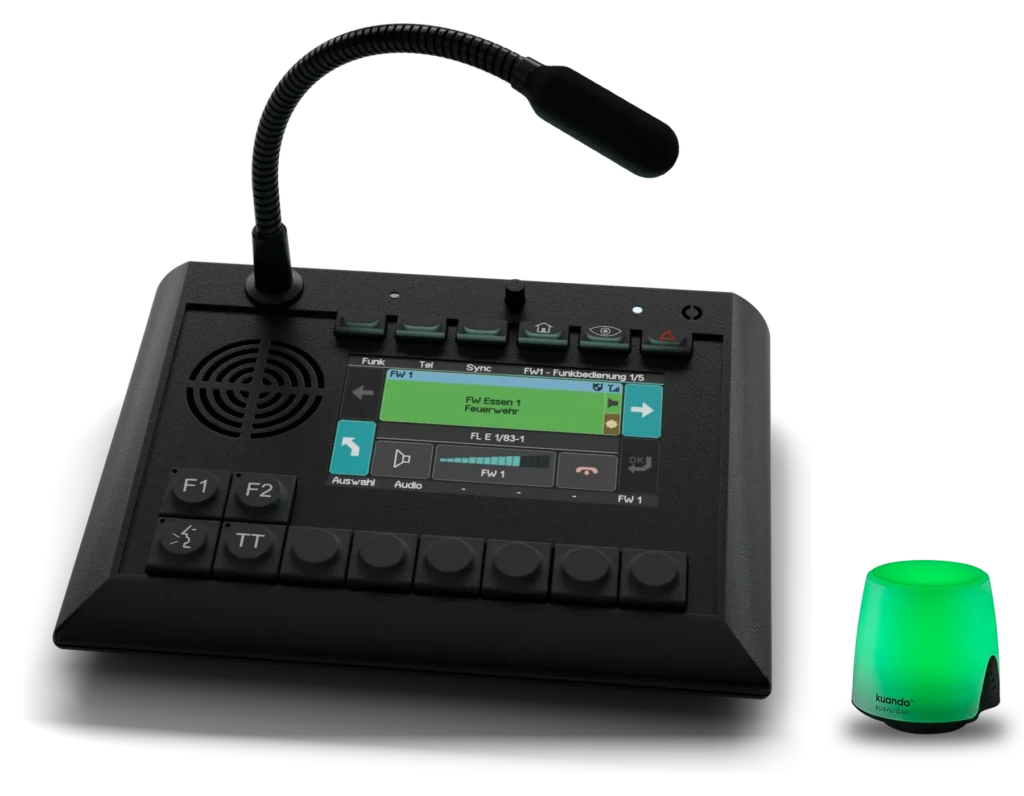
On the compact TS2, too, the light plugs into the USB port. It shows the same states as the desk unit: ringing, on a call, locked, free.
More about UniKey-TS2The REICHERT ZBE knows the state of every position and passes it to the light as a colour. If several states coincide, the most important wins: a ringing call overrides everything, followed by locked, busy and away. When the position is free, it lights green; when nobody is logged in, it stays off.
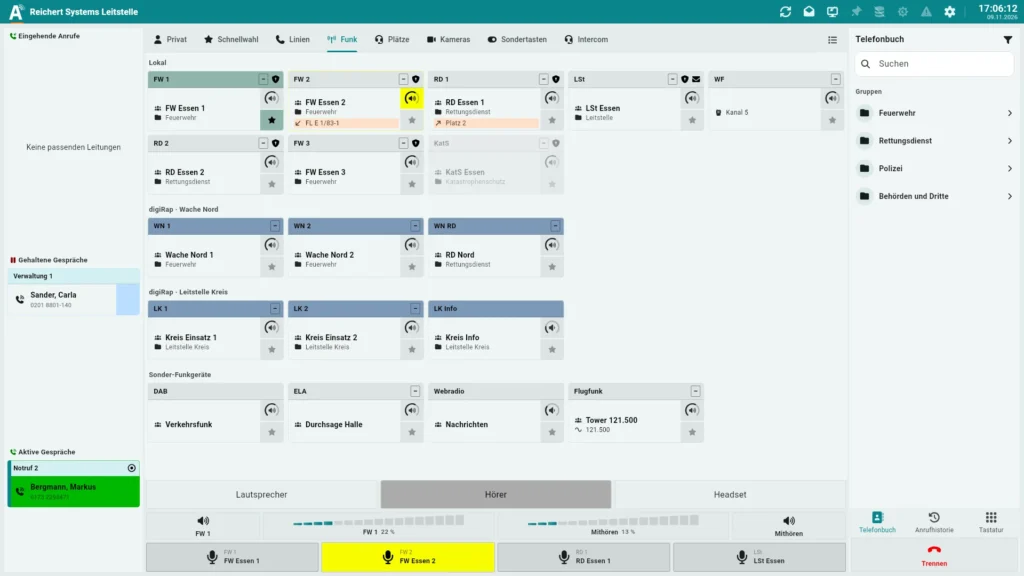
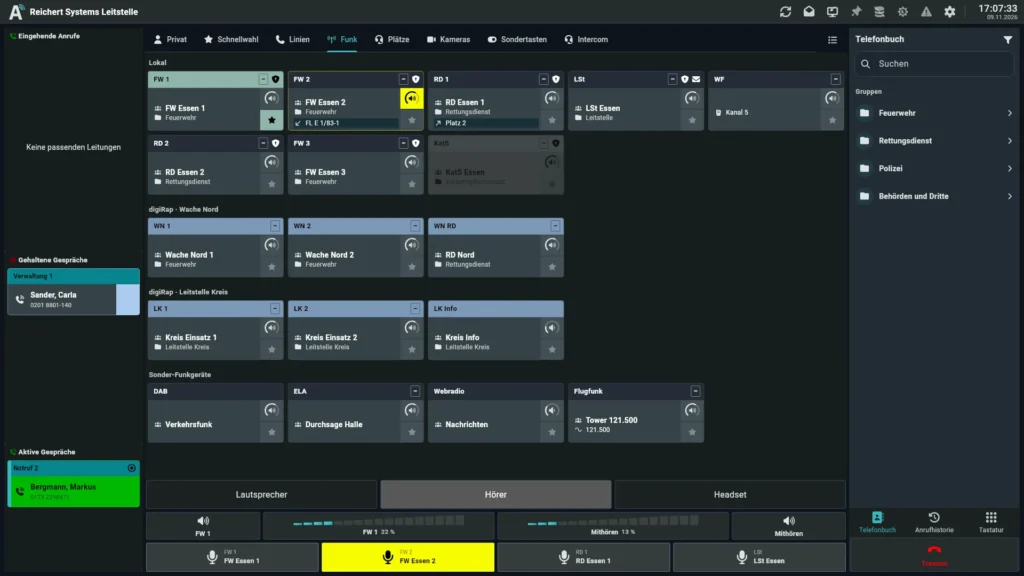
The busylight is activated on the system. The light then connects over USB to the UniKey-TS2 or UniKey-TS3 or to the PC of the AfVis workstation and sets itself up automatically when plugged in. There is no software of its own and nothing to operate at the position. At night it dims with the night view of the position so it does not dazzle in a darkened room. Brightness for day and night and switching off for all positions are set centrally by the administrator.
No. Once the busylight is activated on the system, the light is detected when plugged in, set up automatically and shows the state of the position straight away. Brightness and switching off are set centrally by the administrator for all positions.
No, it only indicates. The ringtone comes from the call station or the headset as usual.
Red flashing. A ringing call always takes priority so that it is not missed.
We advise you in person, tailor the solution to your operating environment and show you the product in live operation.