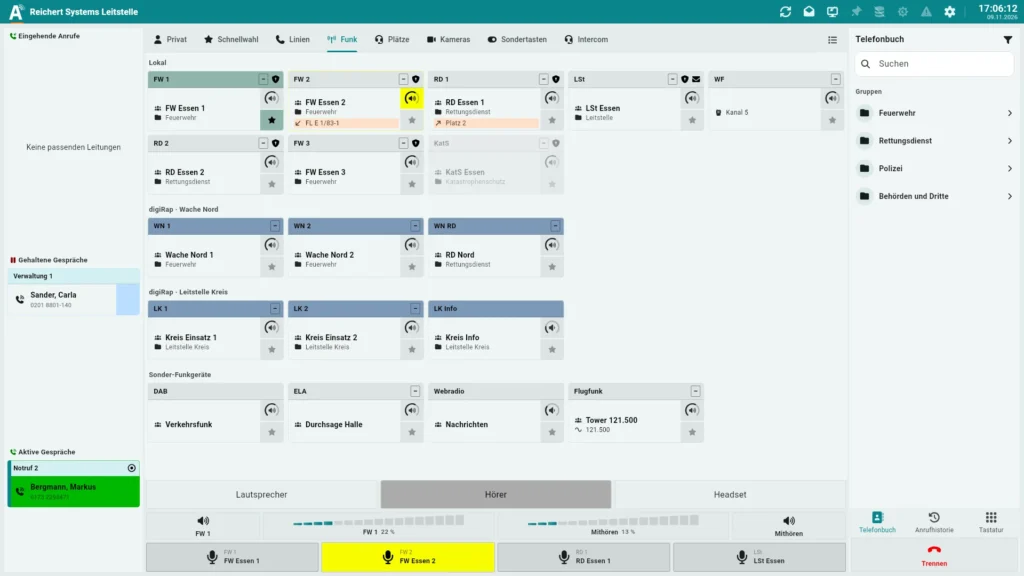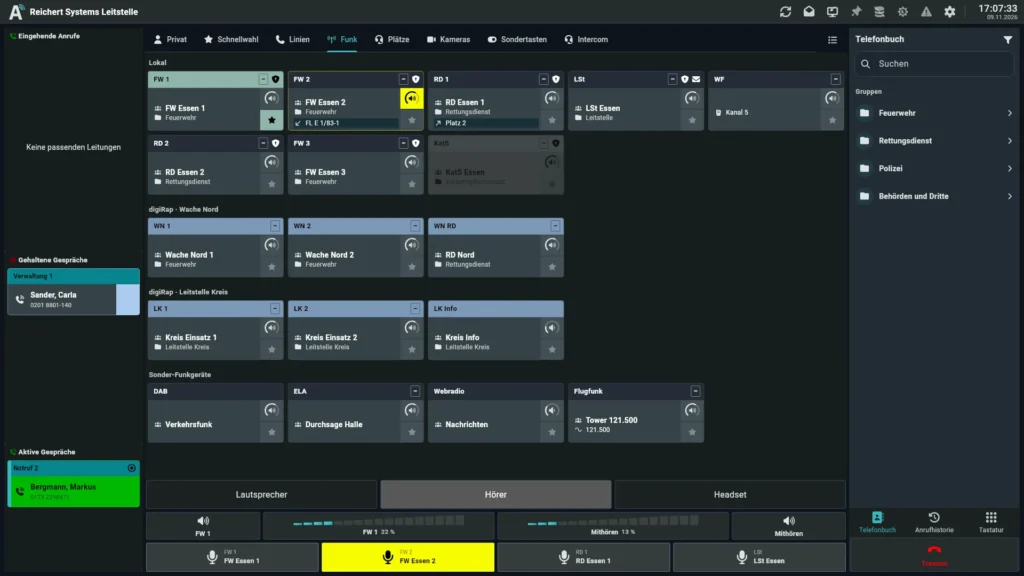
UniKey-TS3 + AfVis in 16:9
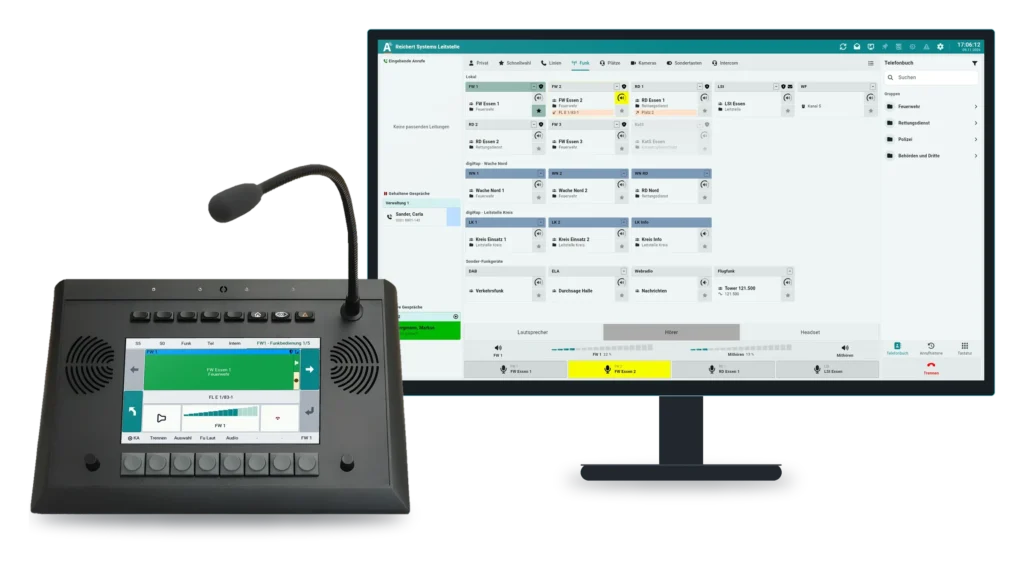
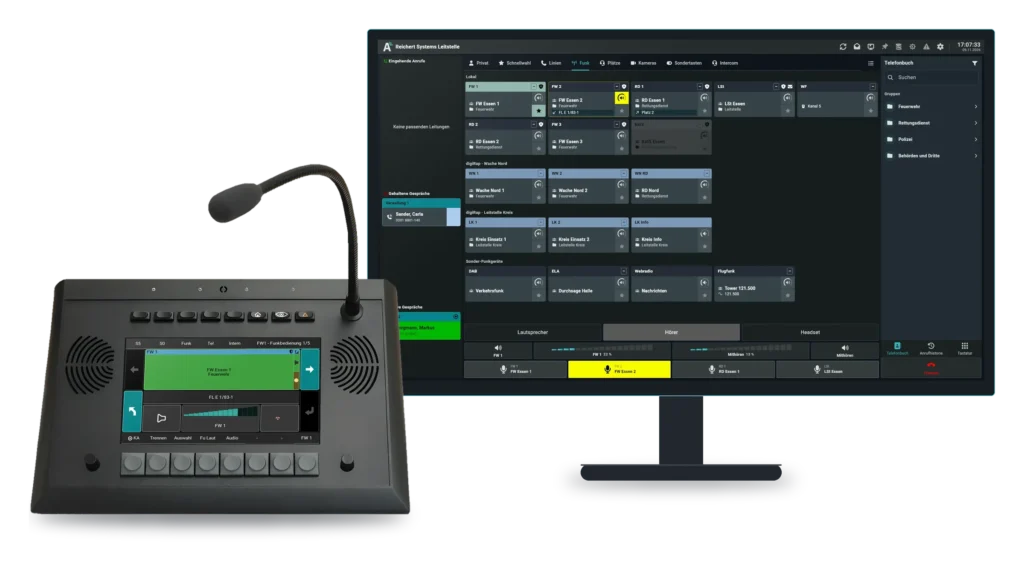
On the large monitor AfVis shows every radio line at a glance: your own radios, systems connected via digiRap and special radios in separate areas.
More about AfVisEvery radio circuit at once. From one desk unit.
The UniKey-TS3 is the REICHERT ZBE desk unit built for radio operation at the workstation: several radio circuits run in parallel, loudspeaker and headset work at the same time, and a foot switch keeps both hands free while you talk. Thirteen freely assignable keys and a 7″ colour touch display bring radio, telephony and intercom together in one device.
Combination with AfVis
See it live PMR Expo 2026 · Hall 8 · Stand D030 / E031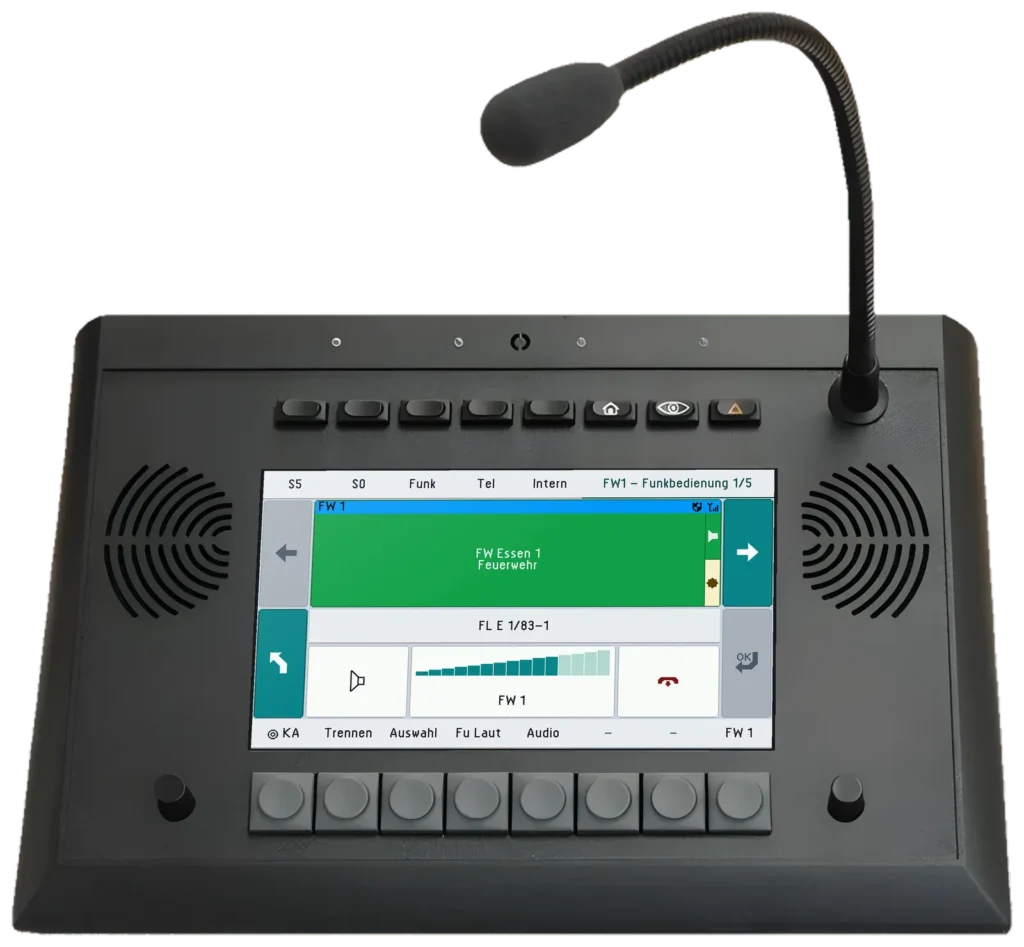
Several radio circuits at once, set separately
Both in use at the same time
13 assignable, 3 fixed
Every page is laid out the same
Talk with your hands free
Radio, telephony and intercom
AfVis extends the UniKey desk units with additional functions on a monitor of any size. You keep operating radio, PTT and volume on the device – AfVis makes room for everything the display has no space for.
On the large monitor AfVis shows every radio line at a glance: your own radios, systems connected via digiRap and special radios in separate areas.
More about AfVis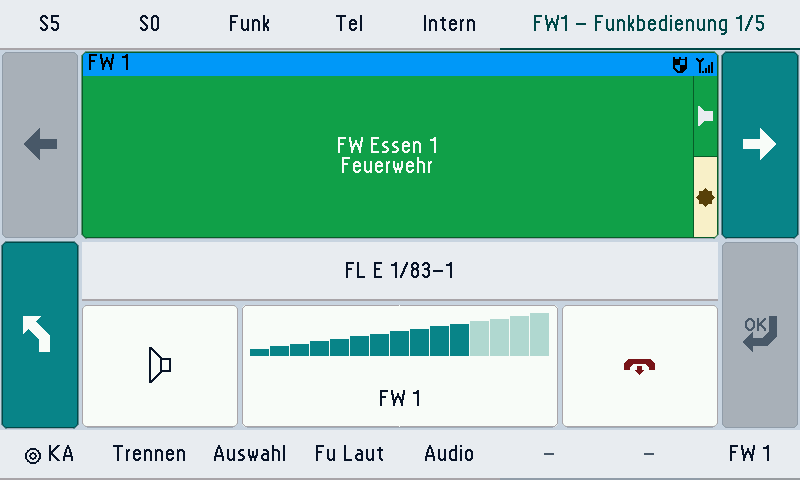
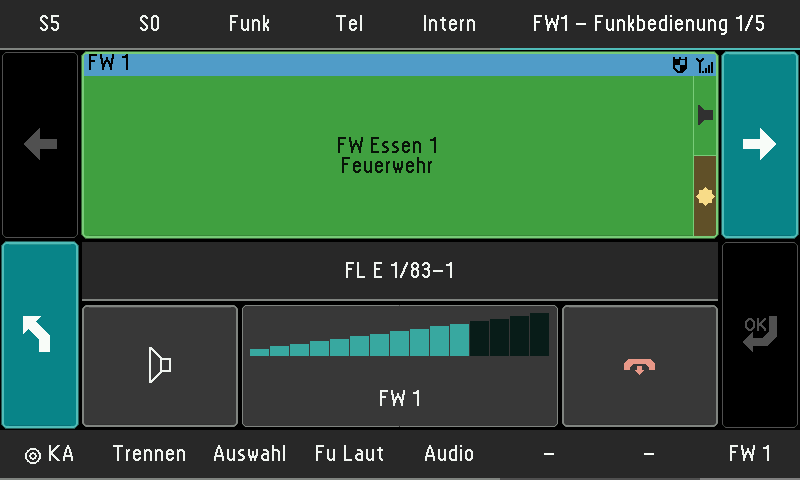
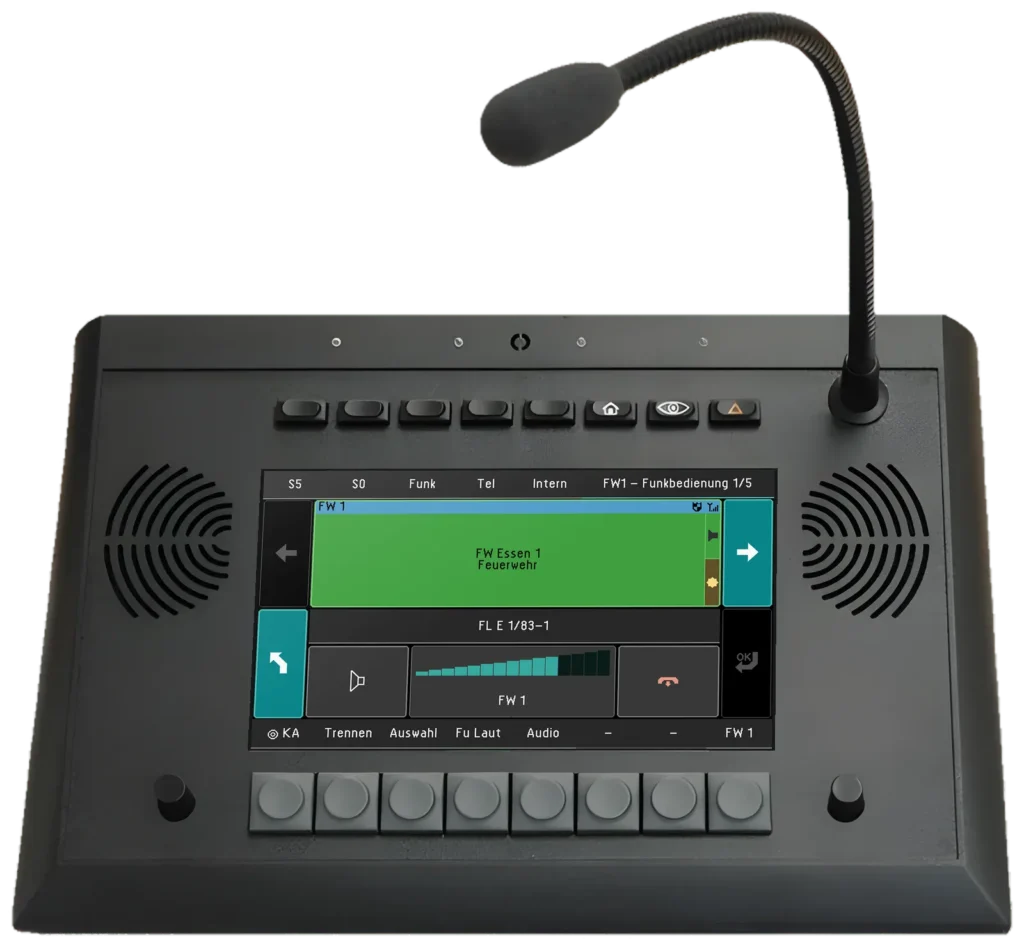
Radio operation on the UniKey-TS3 shows the active TETRA line as one large tile: talkgroup, folder, encryption and reception at a glance, with the identity of the remote station below. With one tap you mute the line, set the volume or release the connection. The most important function keys stay within direct reach in the footer.
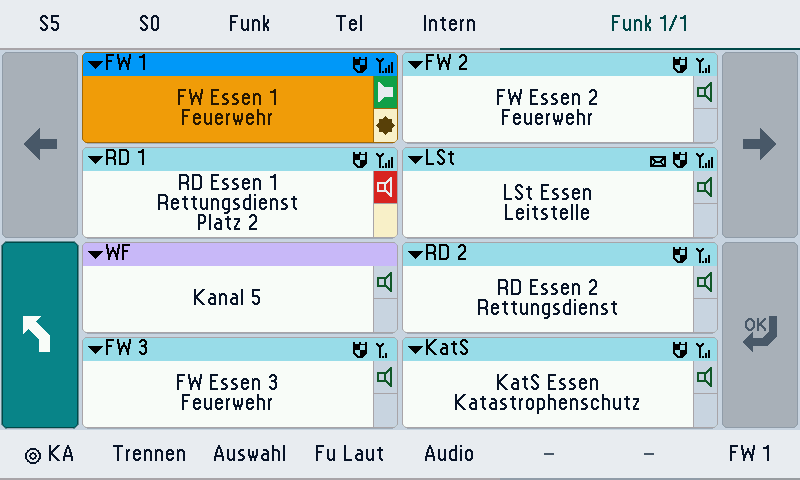
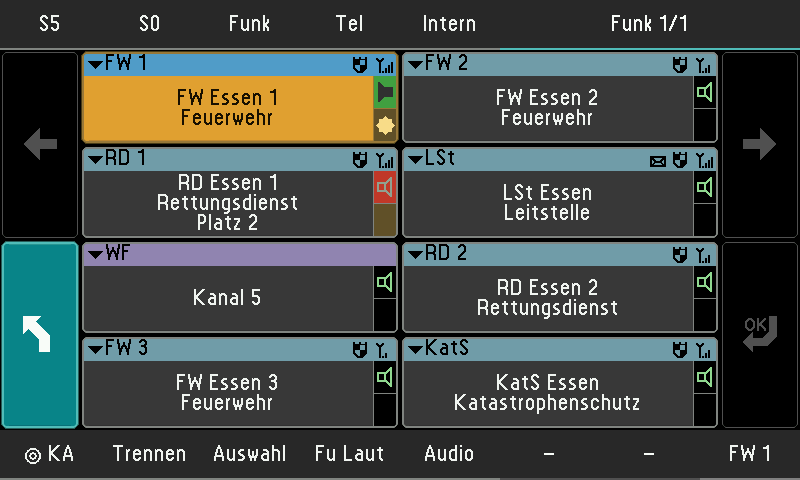
The “Funk” page on the UniKey-TS3 shows every radio line as a tile: TETRA lines with talkgroup, encryption and reception as well as a DMR channel for works radio. Symbols show the selected line, unread messages and lines on which another position is currently talking. The operator keeps every radio circuit in view and switches to the wanted line with one tap.
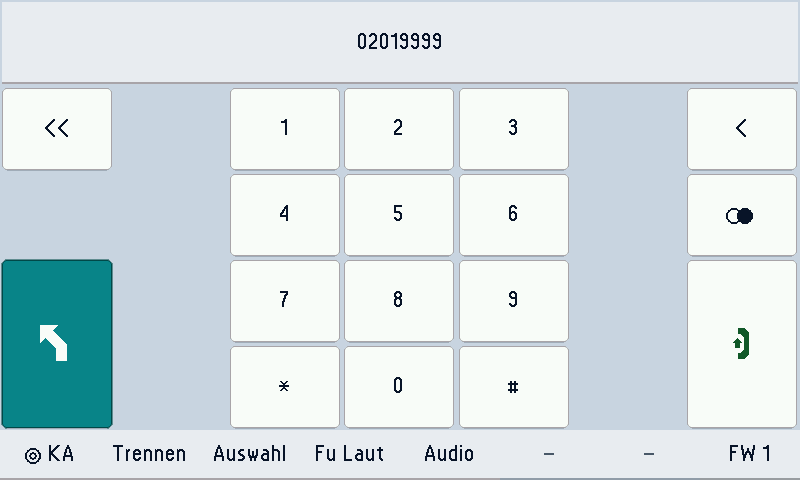
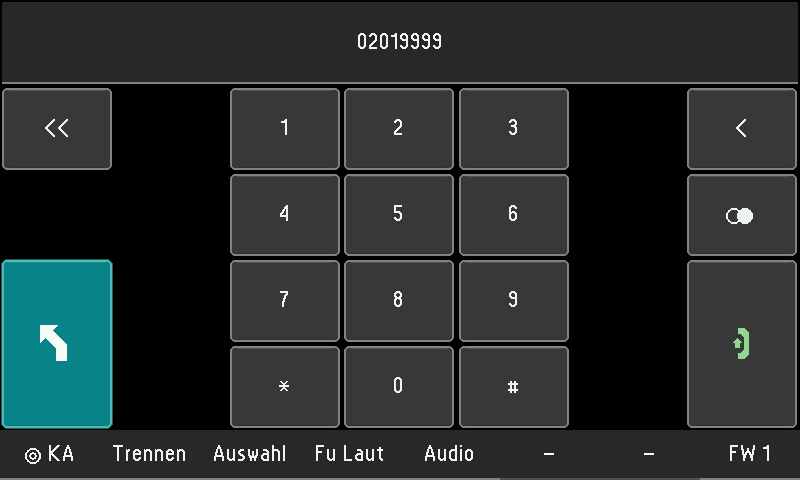
The dial menu of the UniKey-TS3 shows the dialled number in the display line at the top, with the digits 0 to 9 plus * and # below it. Use the delete keys to correct your entry and the green handset to dial; redial is on this page too. Radio circuits keep running in the meantime.
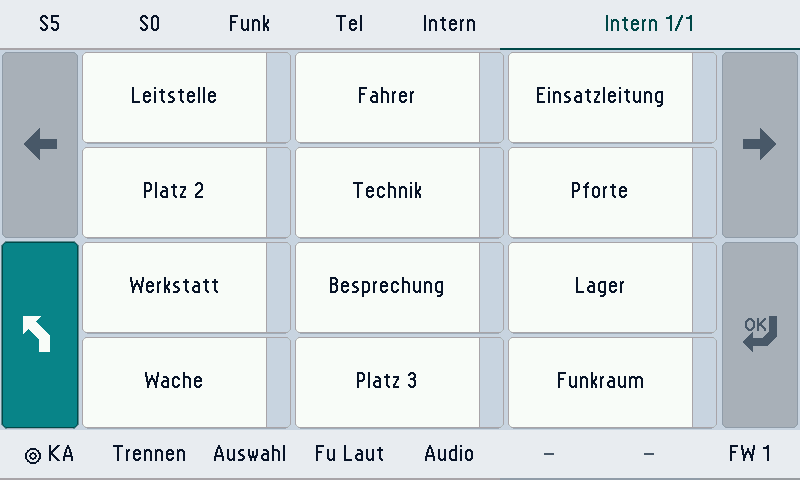
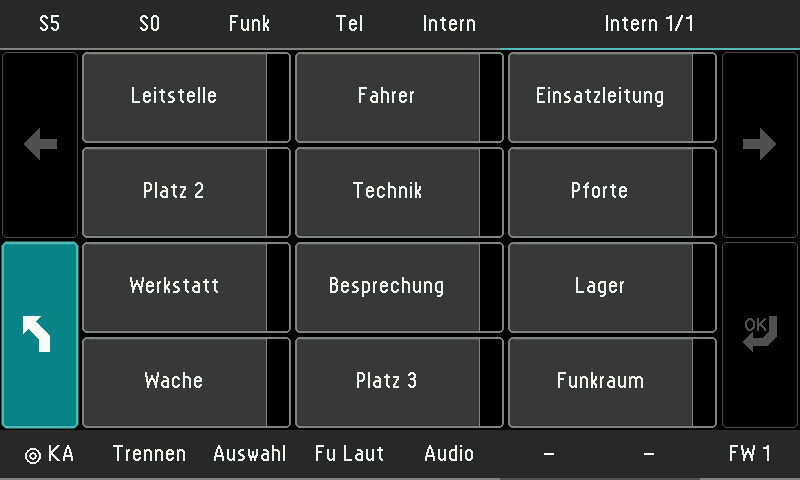
On the UniKey-TS3, the “Intern” page shows voice connections and intercom lines to other positions. Operators call the other position directly from this page while the radio circuits keep running.
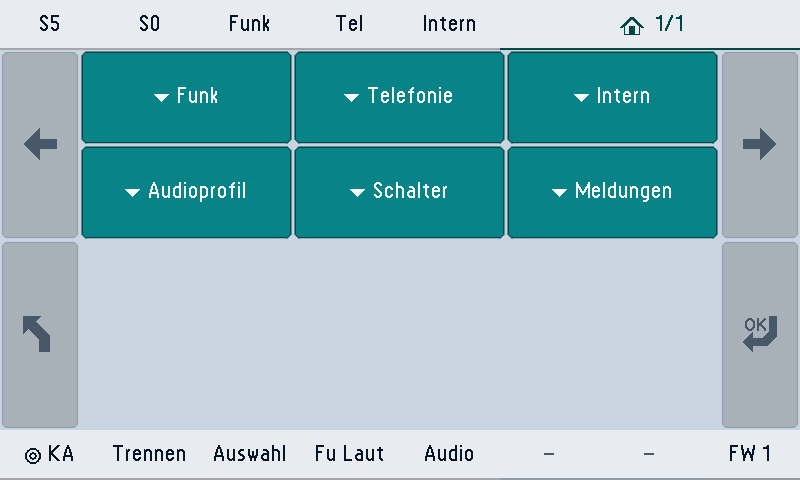
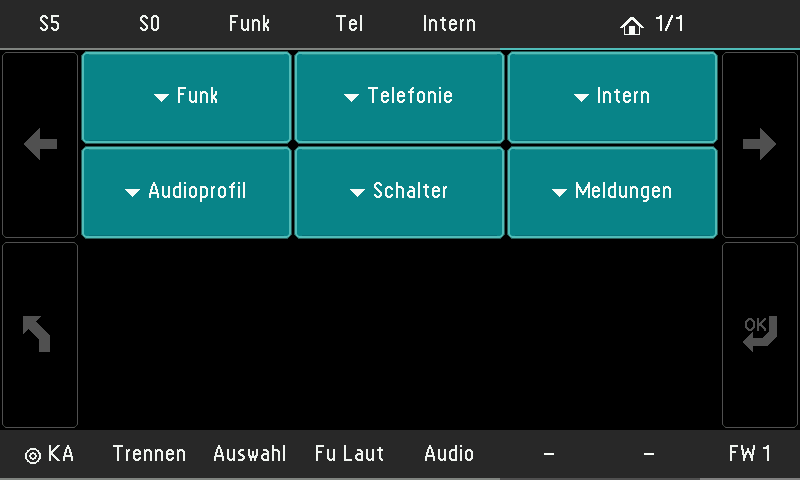
The main menu of the UniKey-TS3 leads to Funk, Telefonie, Intern, Audioprofil, Schalter and Meldungen. Operators reach it from any page with the home key and choose where to continue working.
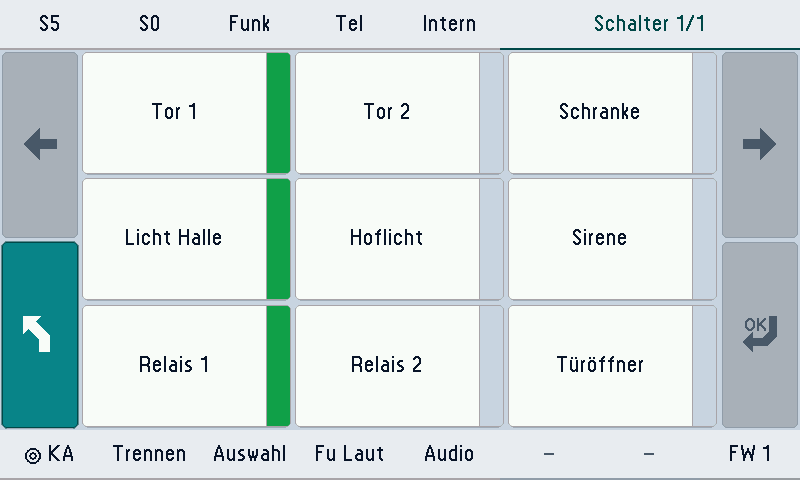
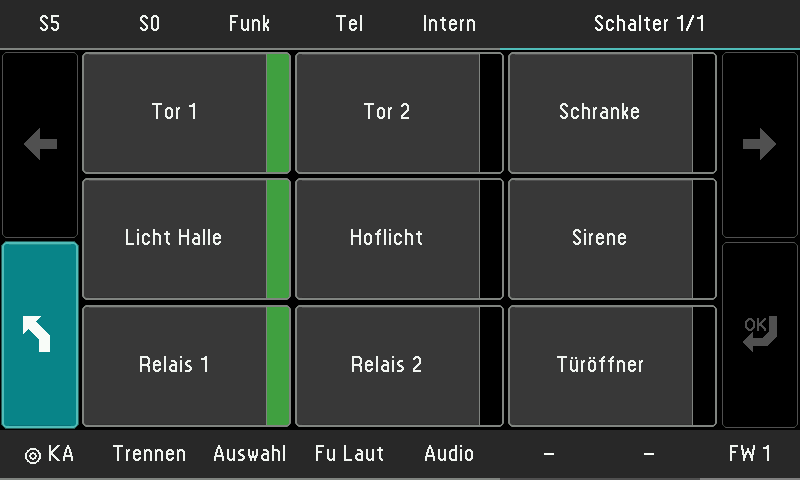
The “Schalter” page on the UniKey-TS3 holds the special keys for gates, barrier, lights, siren, relays and door opener. Switch them with one tap; the green lamp in the key shows you what is currently on.
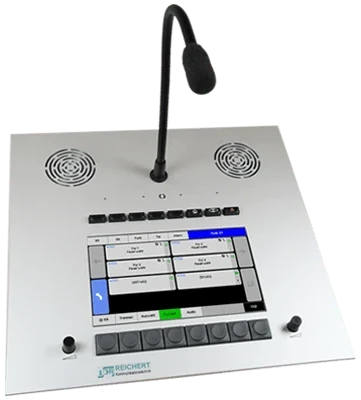
In its built-in version, the UniKey-TS3 sits in an aluminium front panel, for example in a command vehicle. Operation and menus are the same as on the desk unit.
On the UniKey-TS3 you monitor several radio circuits at the same time and set separate volumes for them while a phone call or intercom conversation is in progress. Loudspeaker and headset can be used together: one circuit stays on the loudspeaker while the conversation runs in the headset. Across a REICHERT ZBE system, up to 12 audio sources can be adjusted separately and played back simultaneously.
The two rotary knobs next to the display set the operating and monitoring volume separately. Pressing a knob mutes it.
The UniKey-TS3 has 13 freely assignable keys: 8 below the display and 5 above it. Assign them as you need, for example as the push-to-talk key for a specific radio circuit. Three fixed keys for home, display and warning work the same at every position.
Every UniKey-TS3 menu is laid out the same way: areas and page title at the top, the most important function keys at the bottom, page keys on the left and right. Anyone who can operate one page is immediately at home on all the others – from radio operation to the main menu.
The menu pattern is the default, not the limit. In the REICHERT Core editor you adapt the interface for each position: pages, tiles, keys and labels. A preview shows the display exactly as the desk unit renders it, in light and dark. Proven settings are easily transferred to other positions, and a check reports gaps before the change goes live.
The UniKey-TS3 offers several ways to talk on the radio. A foot switch triggers push-to-talk (PTT) and keeps both hands free. Handsets with their own PTT key, headsets for one or both ears, the optional gooseneck microphone and the built-in hands-free microphone are also available.
The UniKey-TS3 operates analogue and digital radios, including TETRA and Dimetra, along with telephony, emergency calls, intercom and messages. It is set up centrally in REICHERT Core on the REICHERT ZBE. The interface responds without delay and does not depend on the update cycles of large operating-system vendors. The display has a day and a night design, and two built-in speakers provide clear speech and distinct signal tones.
Two network ports with a built-in switch; power via plug-in power supply or PoE. There are also connections for two speaker columns, four switching inputs, for example for the foot switch, USB for keyboard, busylight, key expansion and audio, and expansion modules such as the UniKey-LRM3 volume control module.
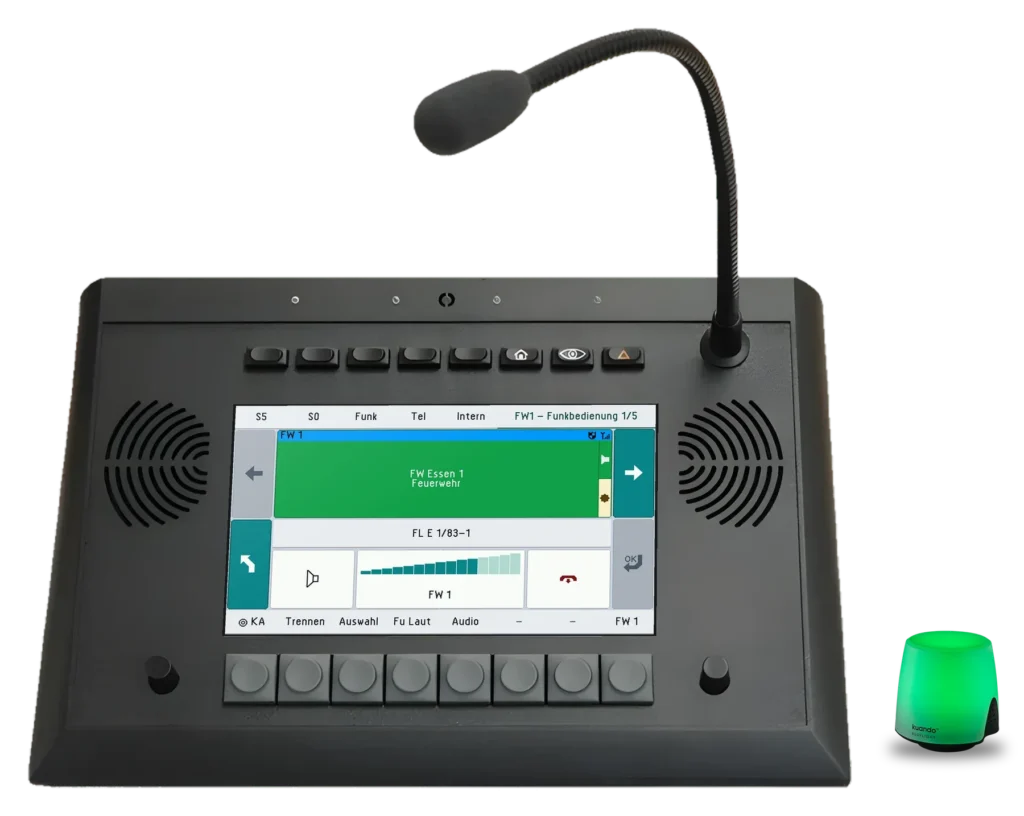
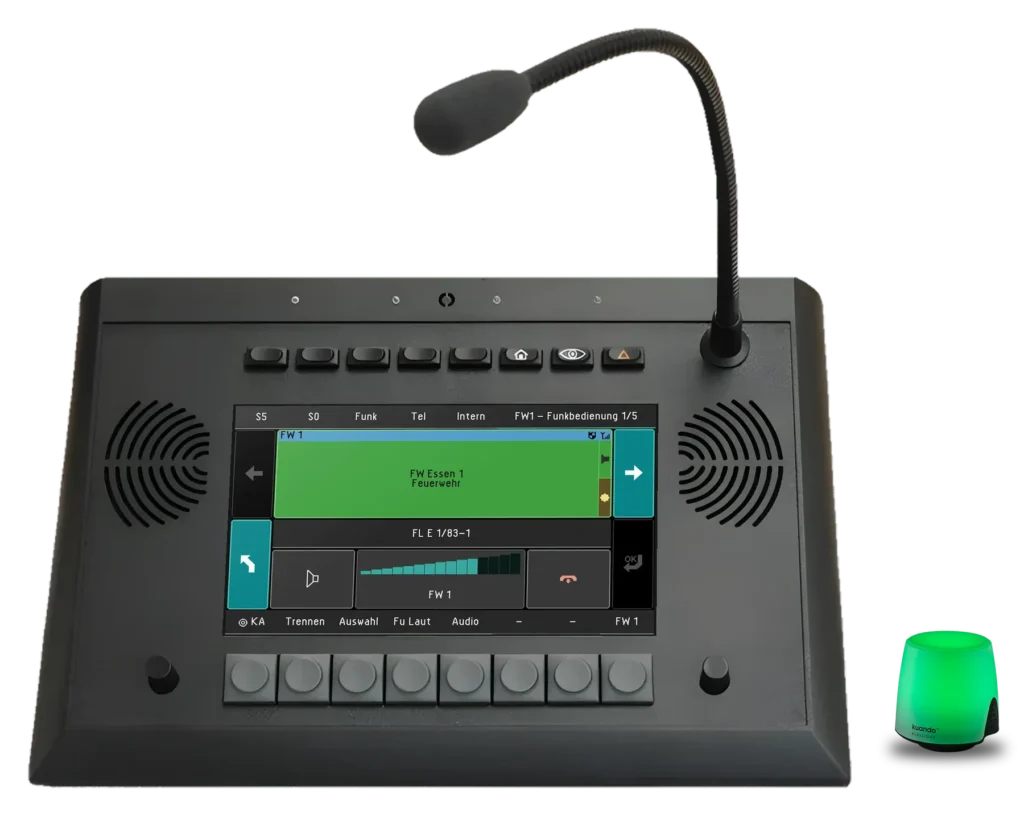
The light stands beside the desk unit or on the monitor and plugs into the USB port of the TS3. It sets itself up automatically when plugged in.
More about BusylightThe UniKey-TS3 is a REICHERT ZBE desk unit for radio operation at the workstation. It combines radio, telephony and intercom in one device with a 7″ colour touch display, 13 freely assignable keys and 3 fixed keys.
Yes. The UniKey-TS3 plays several radio circuits in parallel with separate volumes. Across a REICHERT ZBE system, up to 12 audio sources can be adjusted separately and played back simultaneously.
Yes. On the UniKey-TS3, for example, a radio circuit can stay on the loudspeaker while you hold a conversation in the headset.
Yes. On the UniKey-TS3, a foot switch triggers push-to-talk (PTT), so both hands stay free. The matching accessory has a three-metre cable and is also available as a USB version.
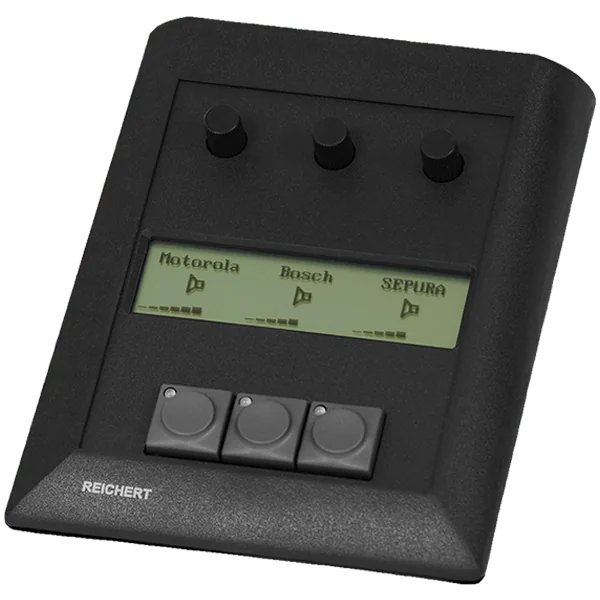
Volume control for UniKey desk units
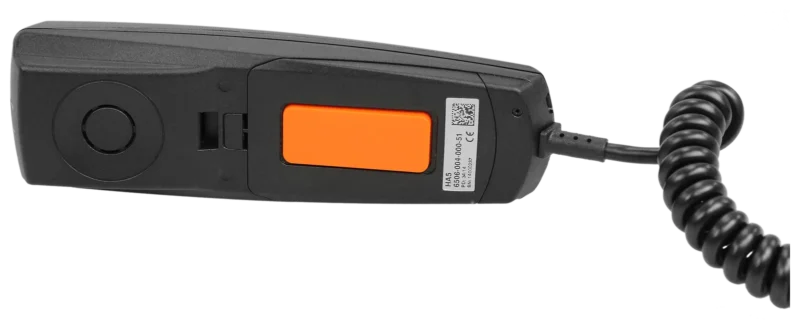
Handset with PTT key and clip
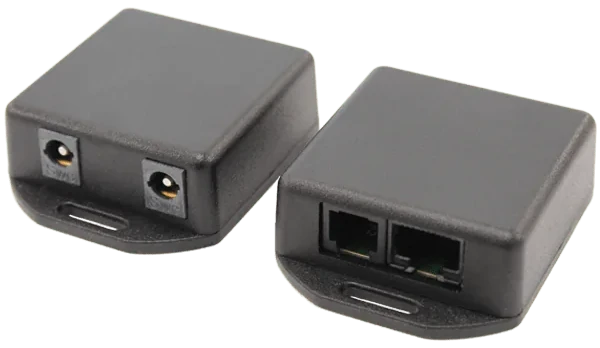
Connection modules for UniKey accessories
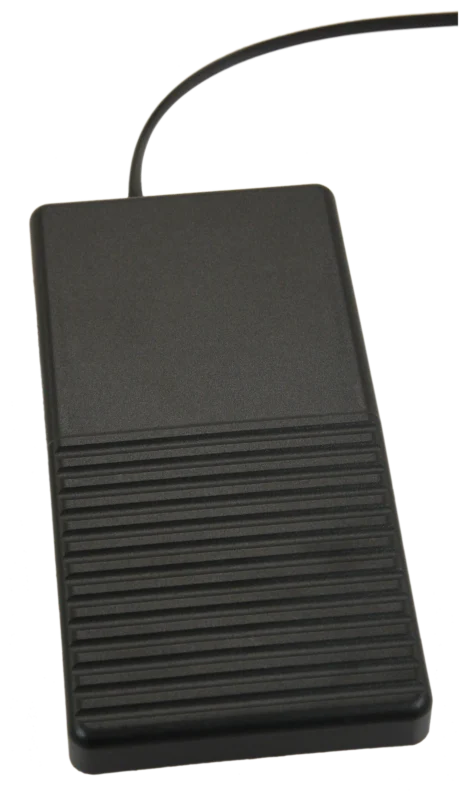
Foot-operated PTT switch
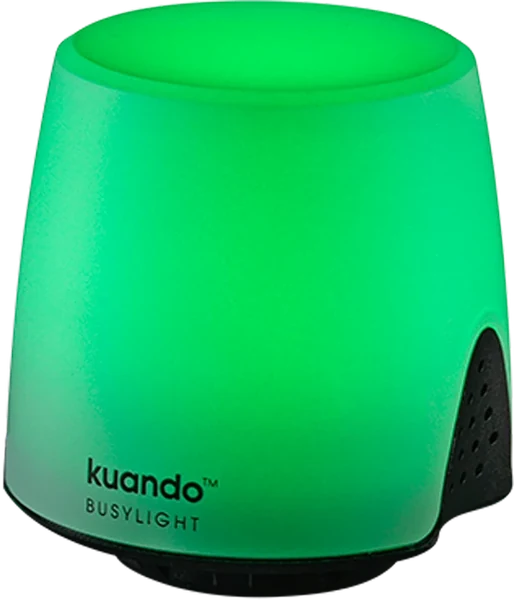
Status light for the workstation
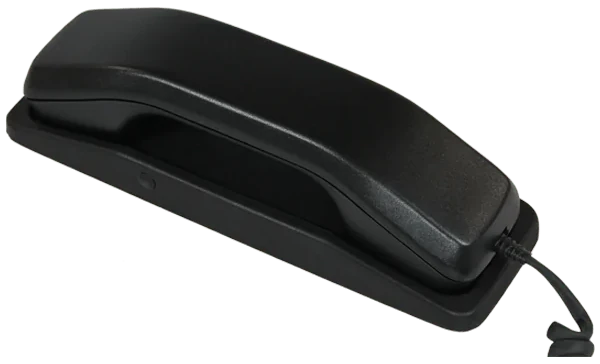
Handset with cradle and PTT key
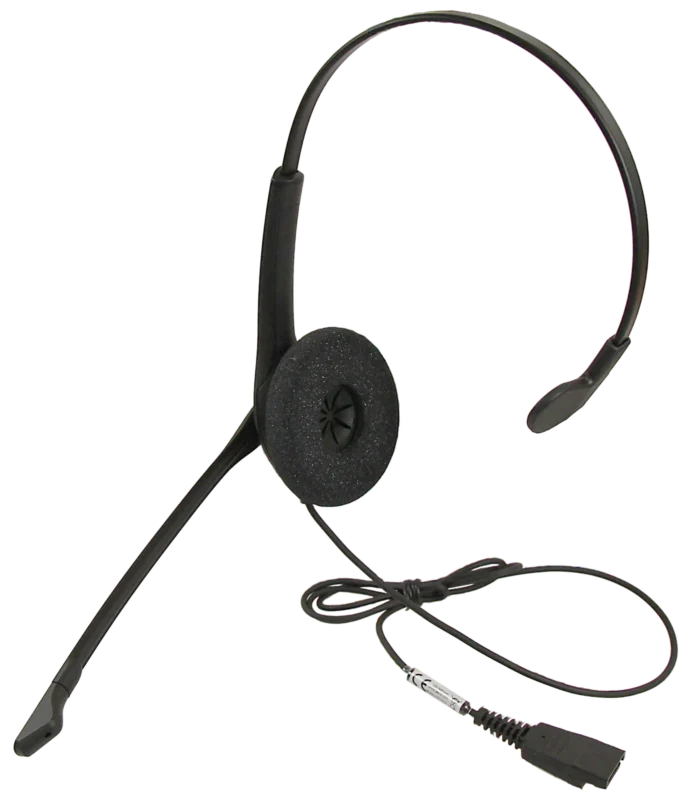
Single-ear headset with quick connect
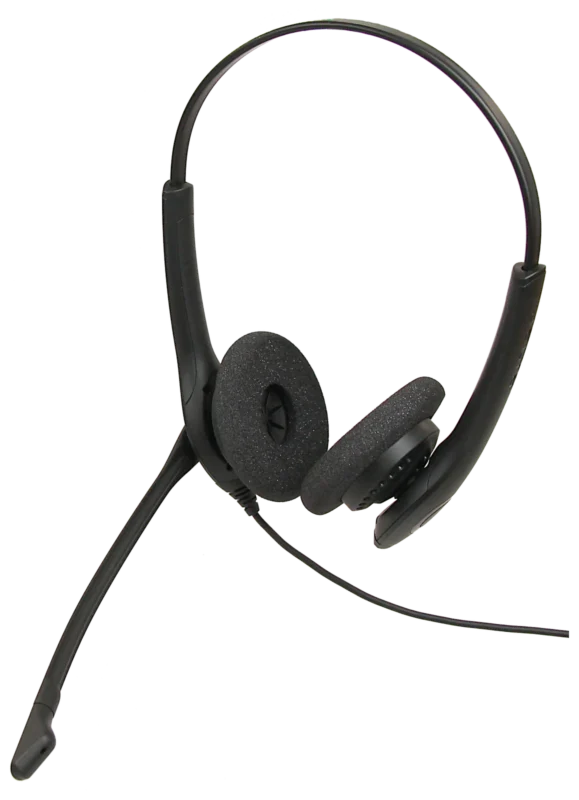
Dual-ear headset with quick connect
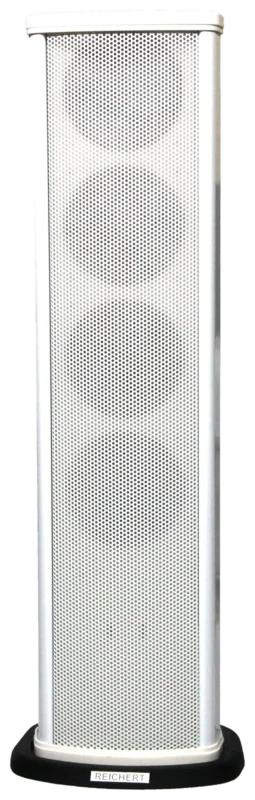
White column with four speakers
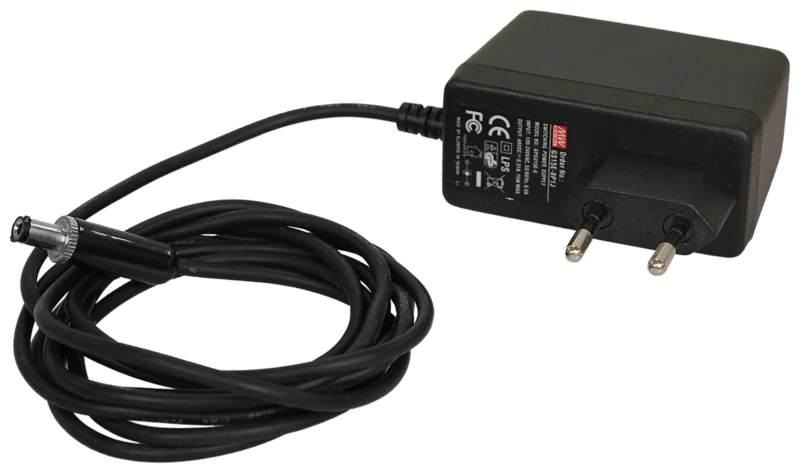
Power supply for workstations without PoE
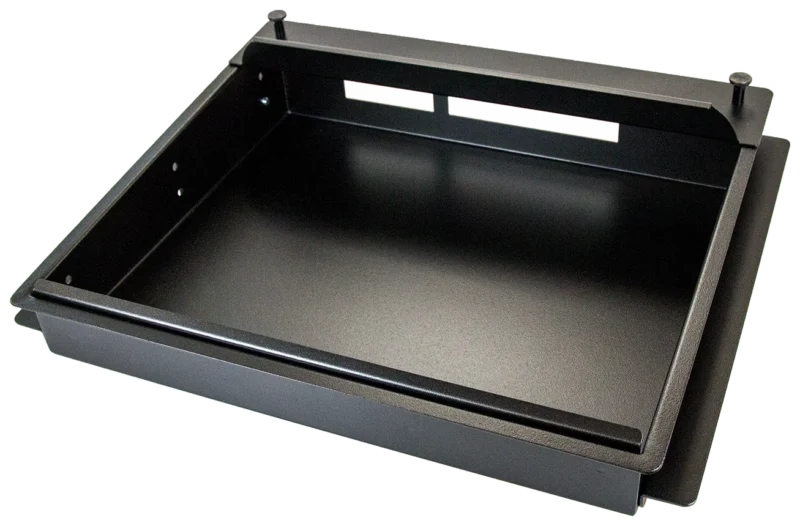
Flush mounting of the UniKey-TS3 in a panel
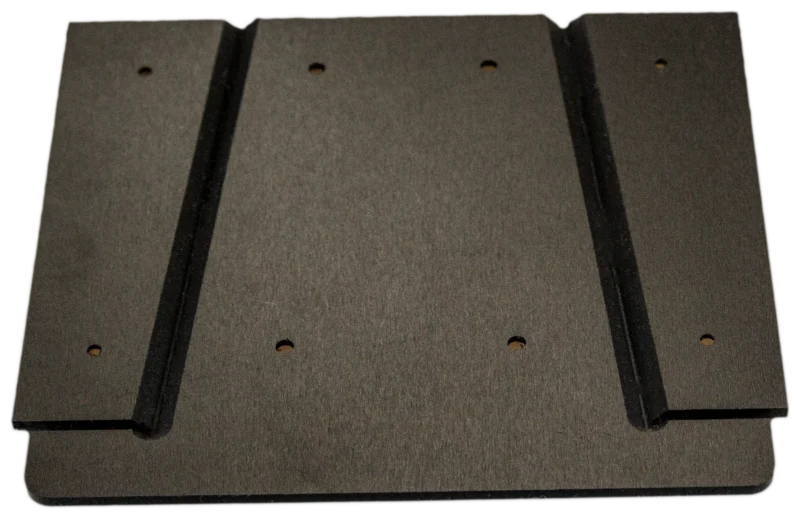
Secure mounting of UniKey-TS2 and -TS3
7″ touch desk unit for radio, telephony and intercom with 13 freely assignable keys and foot switch operation.
We advise you in person, tailor the solution to your operating environment and show you the product in live operation.