Configuration in the browser
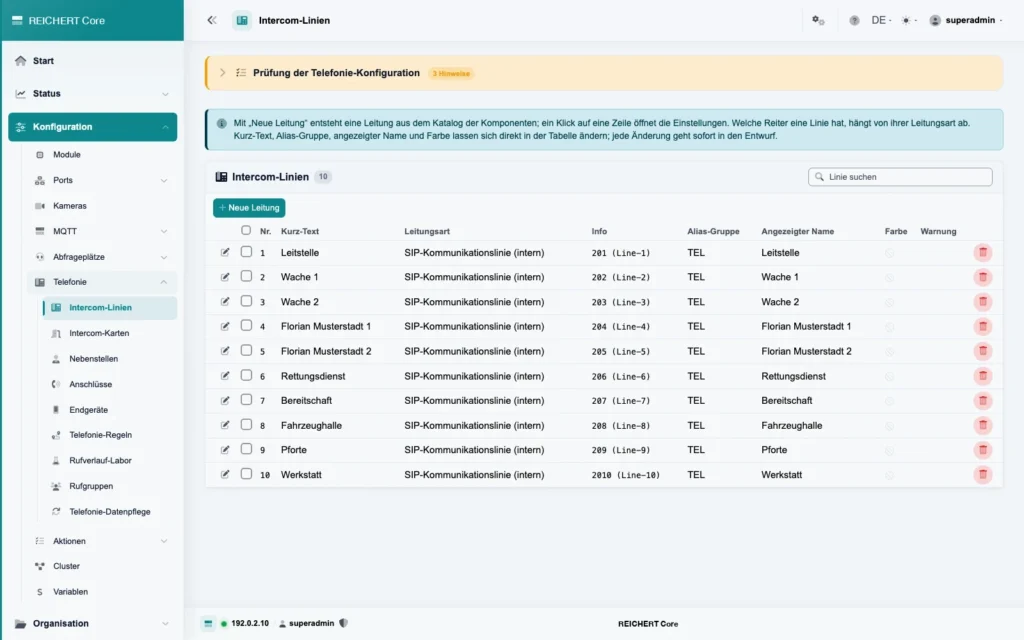
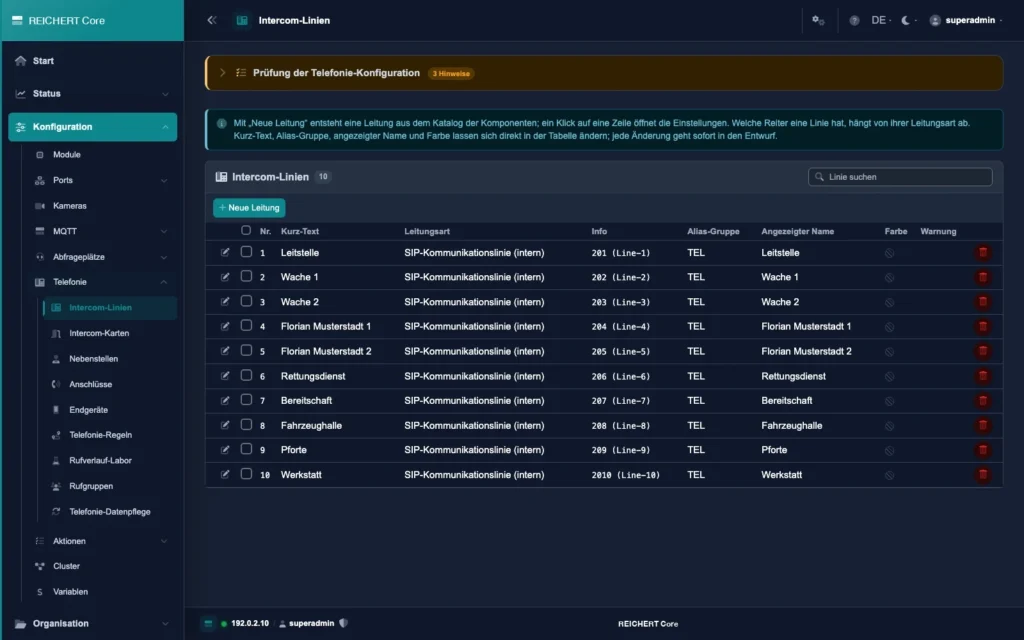
Set up lines, extensions, positions and modules in the web interface. Short text, display name and colour can be edited directly in the table; a check points out inconsistencies.
One core software. Radio, telephony and intercom.
REICHERT Core is the core software of our communication systems. It connects radio, telephony, intercom and audio and makes everything available on UniKey desk units, in AfVis and on phones. All further software modules such as REICHERT Recording, Contact Center or GeSa work together with it.
Combination with REICHERT ZBE
One software for every platform. Functions and operation are the same everywhere.
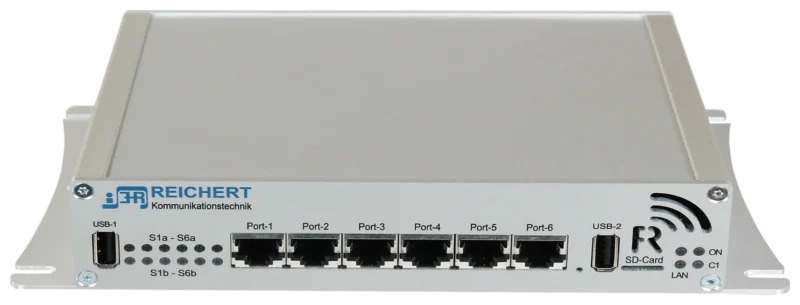
REICHERT Core runs on the controller of the system, from the vehicle to the station.
 REICHERT ZBEView product
For large installations REICHERT Core runs on a dedicated x64 server under Linux.
REICHERT Core also runs as a virtual machine, for example under Proxmox VE.
Two systems as active and standby, in any combination: system, x64 server or virtual machine. On failure the standby takes over.
For servers and virtual machines we supply an ISO image for easy installation.
Set up lines, extensions, positions and modules in the web interface. Short text, display name and colour can be edited directly in the table; a check points out inconsistencies.
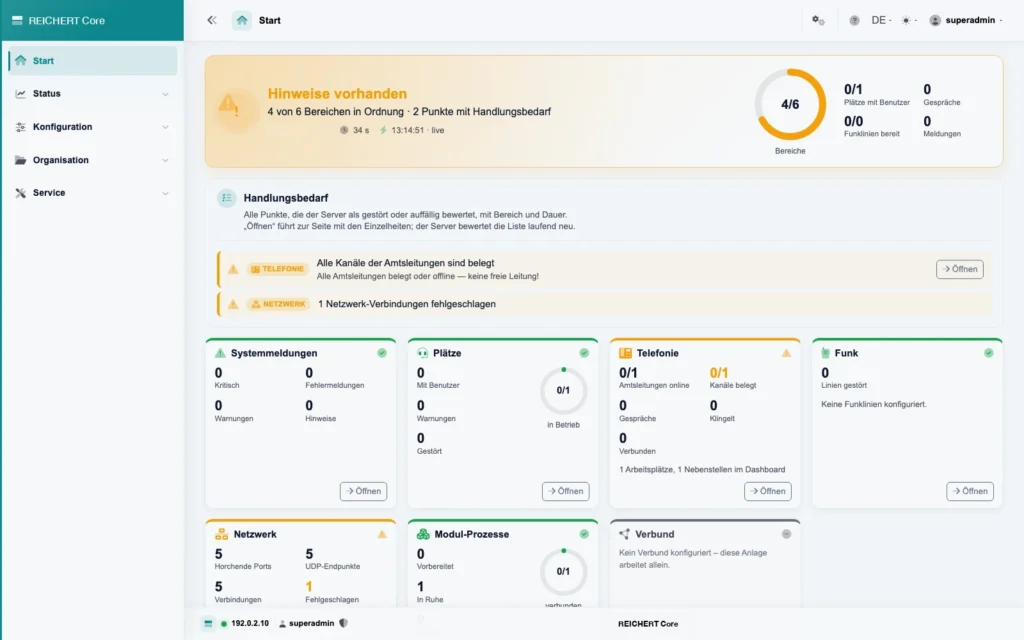
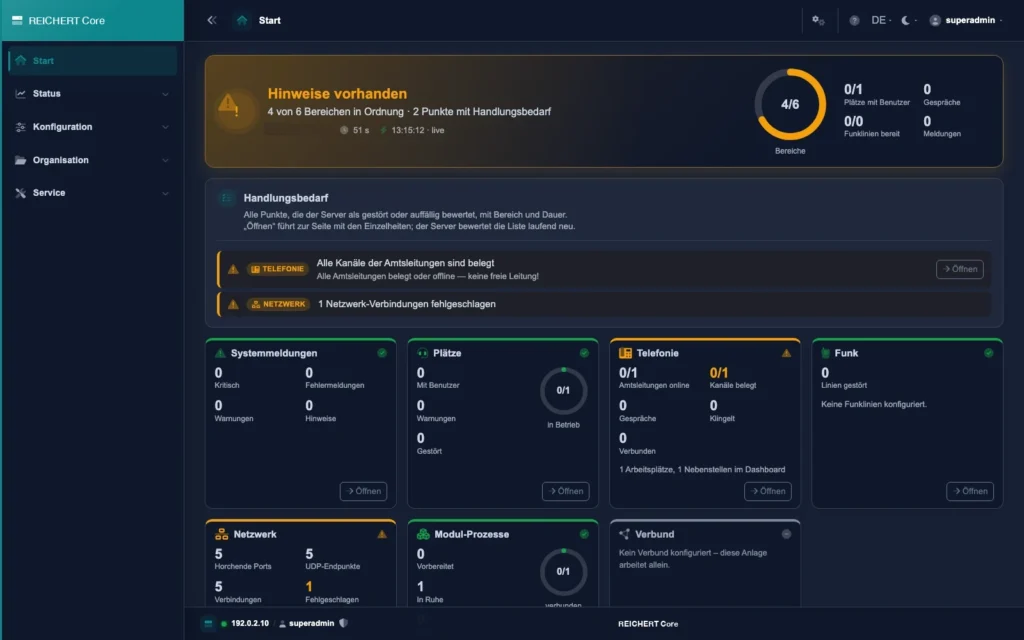
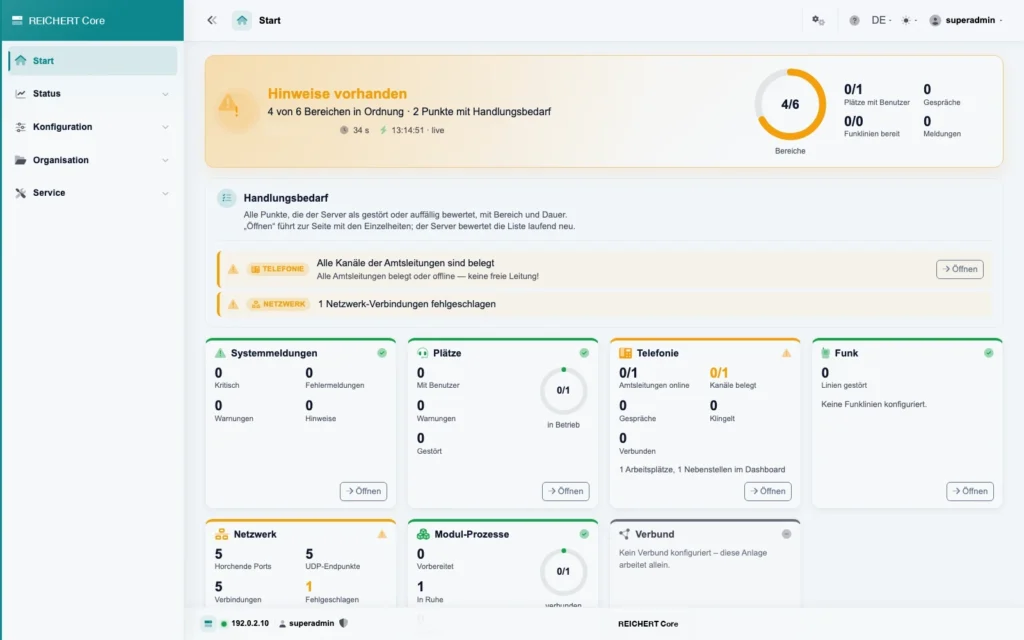
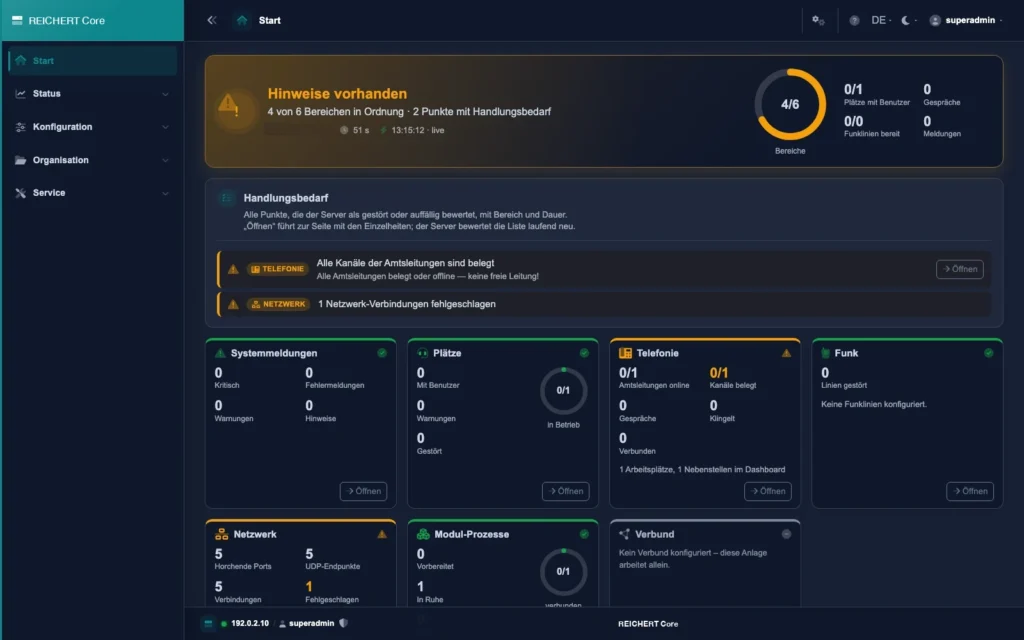
The start page continuously rates system messages, positions, telephony, radio, network and modules and shows where action is needed. One click leads to the page with the details.
Radio, telephony, intercom
Controller, server or VM
Analogue, TETRA, DMR, digiRap
Built-in phone system
Free seating
Active/standby cluster
REICHERT Core runs on the controller of every REICHERT ZBE (BOS-Compact). For larger installations the software runs on an x64 server or virtualised, for example under Proxmox VE. Functions and operation stay the same everywhere.
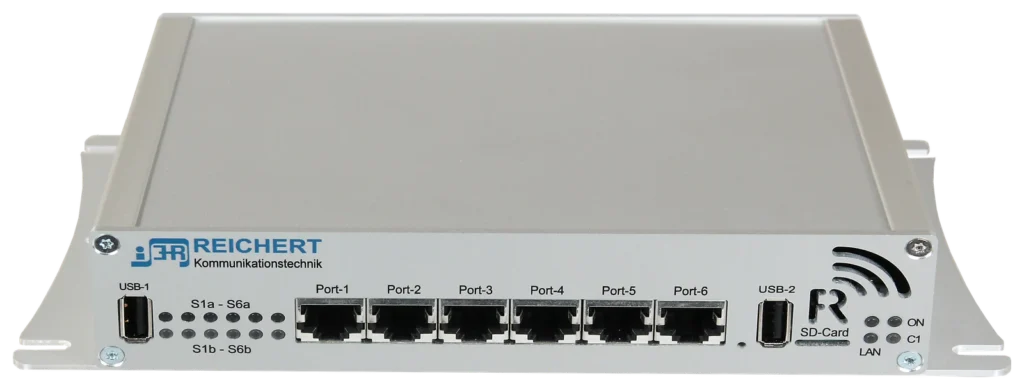
On the controller of the ZBE, REICHERT Core connects radio, telephony, emergency call, intercom and building services and provides them at every position. The same software and web interface, from the vehicle to the control room.
More about REICHERT ZBEREICHERT Core runs on the controller of the ZBE (BOS-Compact), on a server or virtualised, for example under Proxmox VE. For servers and virtual machines we supply an installation image; setup takes just a few steps. Functions and operation are the same everywhere.
Users sign in at a position and their profile with radios, menus and permissions follows them. With free seating, positions are assigned flexibly. You define centrally which position may listen to or talk on which radio circuit; changes take effect immediately.
Analogue and digital radio such as TETRA and DMR, plus digiRap for networking systems. Status, short messages, group calls and emergency calls are available at every authorised position; locations appear directly in the situation display.
The phone system is built in: hold, transfer, conferences, ring groups and a fallback route under heavy load. Callers are shown by name, and phones set themselves up automatically.
Announcements to loudspeaker zones, messages and alarms with acknowledgement, and special keys for gates, lights and airlocks – all directly from the user interface.
In a cluster, two systems work as active and standby, in any combination of system, server and virtual machine. If the active system fails, the standby takes over.
Configuration is done conveniently in the browser. Changes are checked in advance and applied without a restart. The start page shows the state of the system at a glance and leads to the cause with one click.
On the controller of the ZBE (BOS-Compact), on a server or virtualised, for example under Proxmox VE.
No. In the ZBE (BOS-Compact), REICHERT Core already runs on the controller. For larger installations the software can run on a server or a virtual machine.
In a cluster, two systems work as active and standby, in any combination of system, server and virtual machine. On failure the standby takes over.
AfVis, REICHERT Recording, Audio Gateway, Contact Center, GeSa and EMMA.
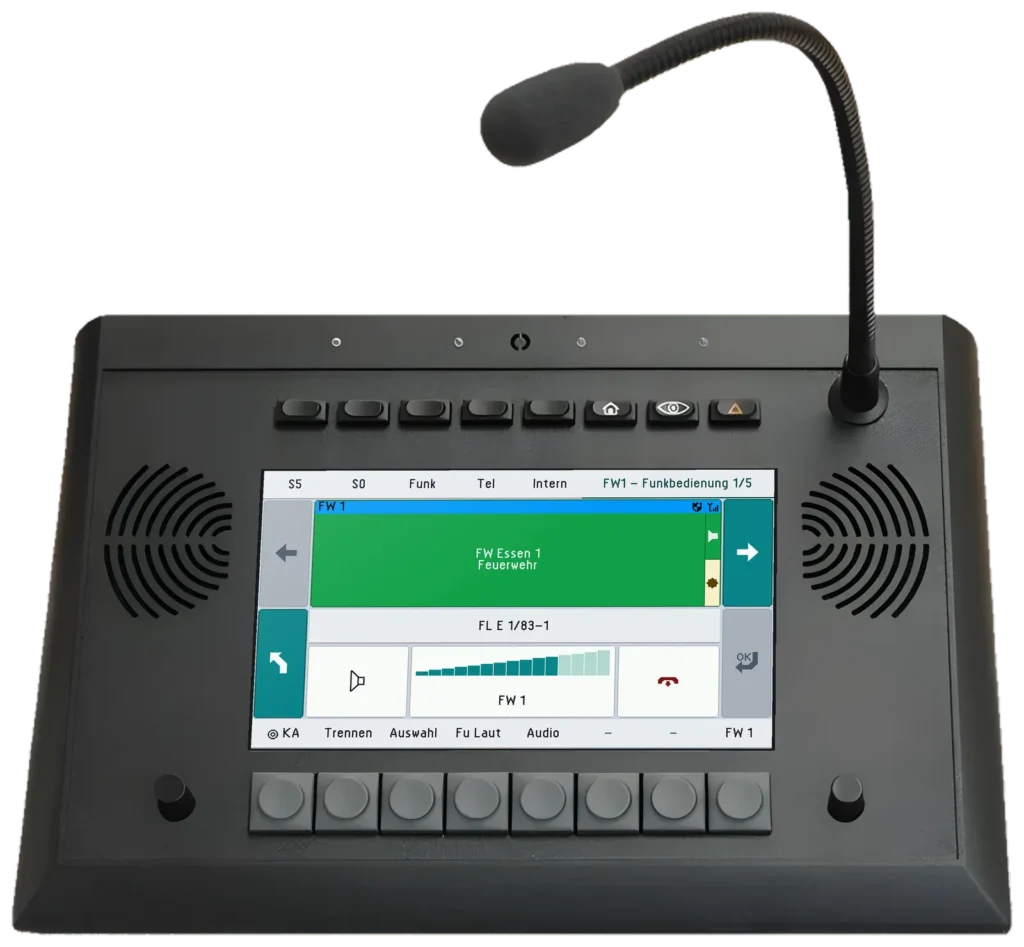
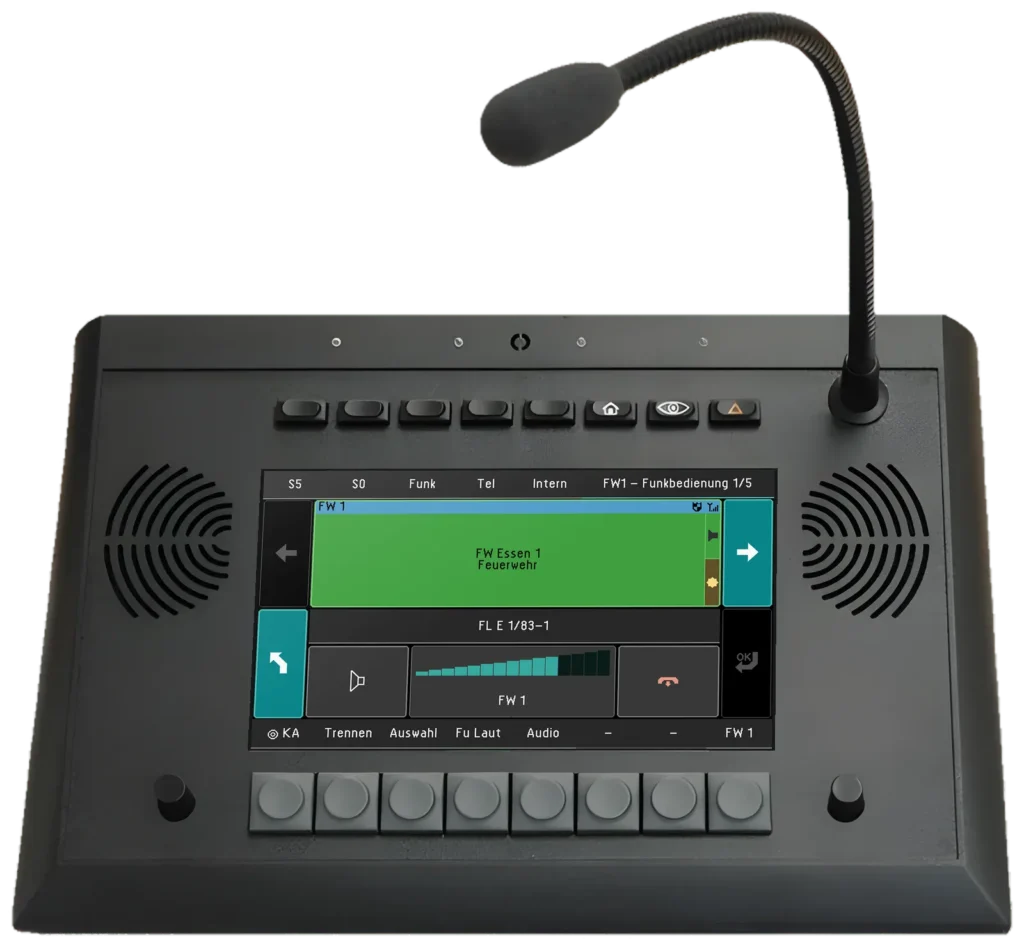
7″ touch desk unit for radio operation
Central operating unit for radio, telephony, emergency
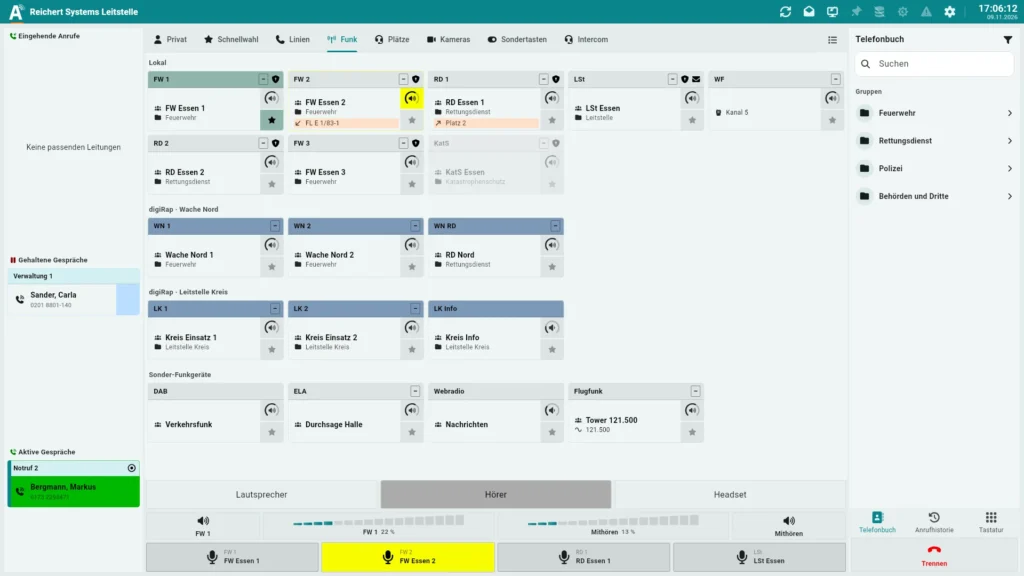
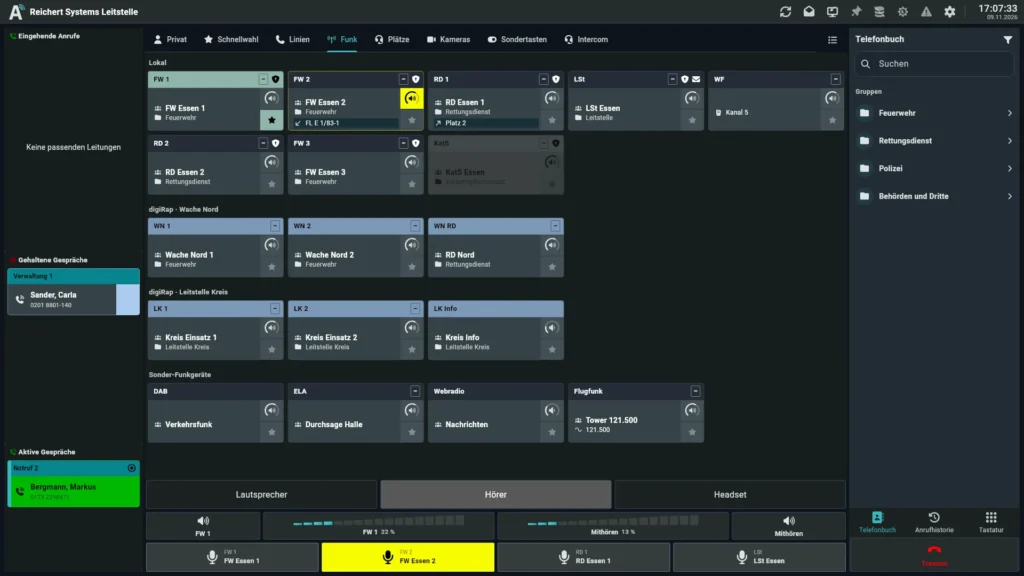
Operator software for radio, telephony and video – on the PC, at a software workstation or with UniKey
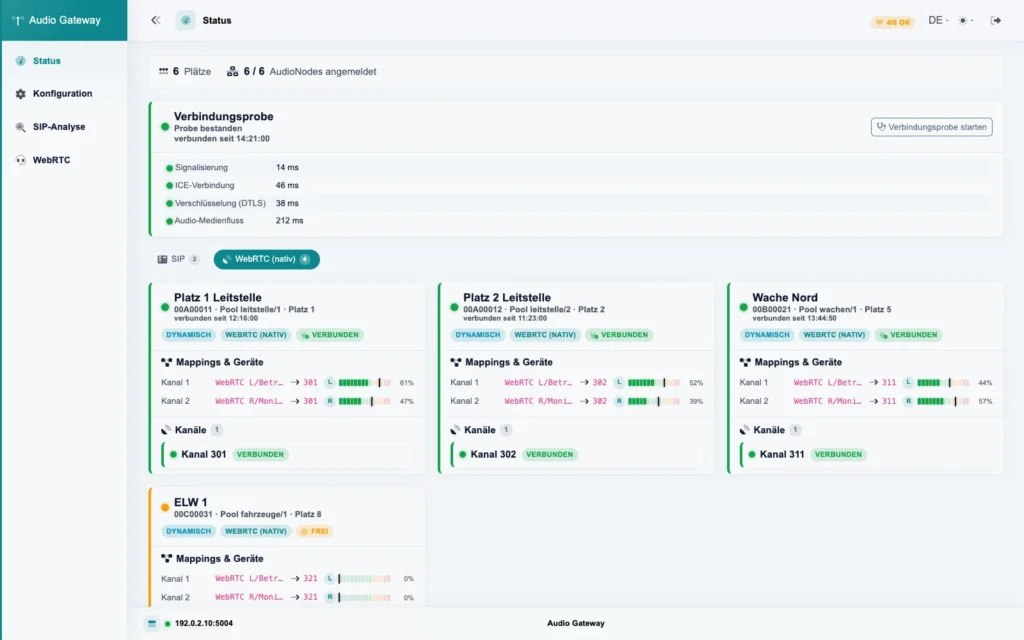
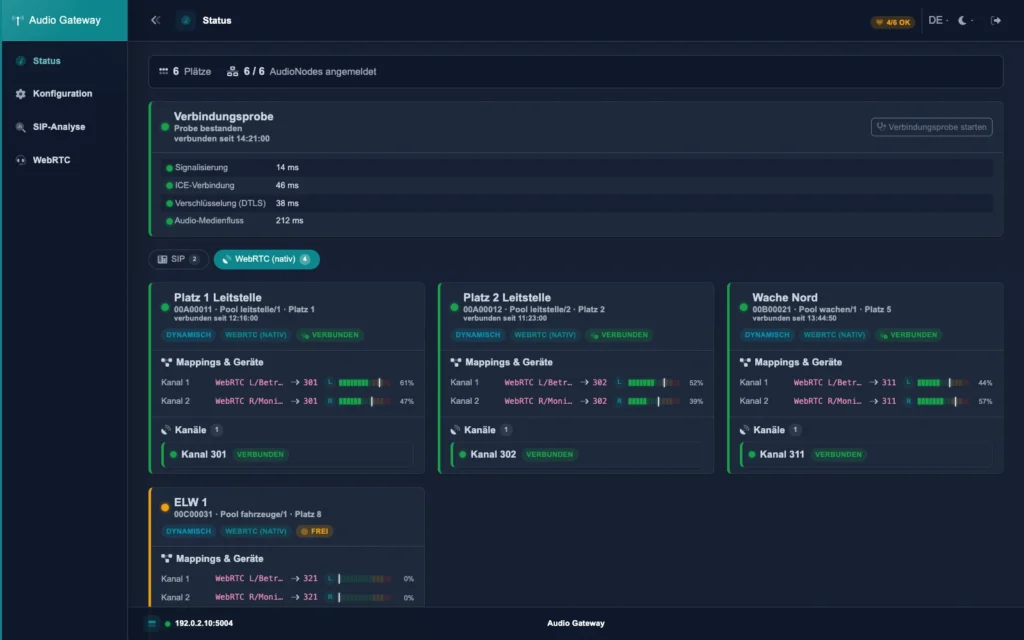
The virtual desk unit – radio, telephone and intercom in the browser and on the phone
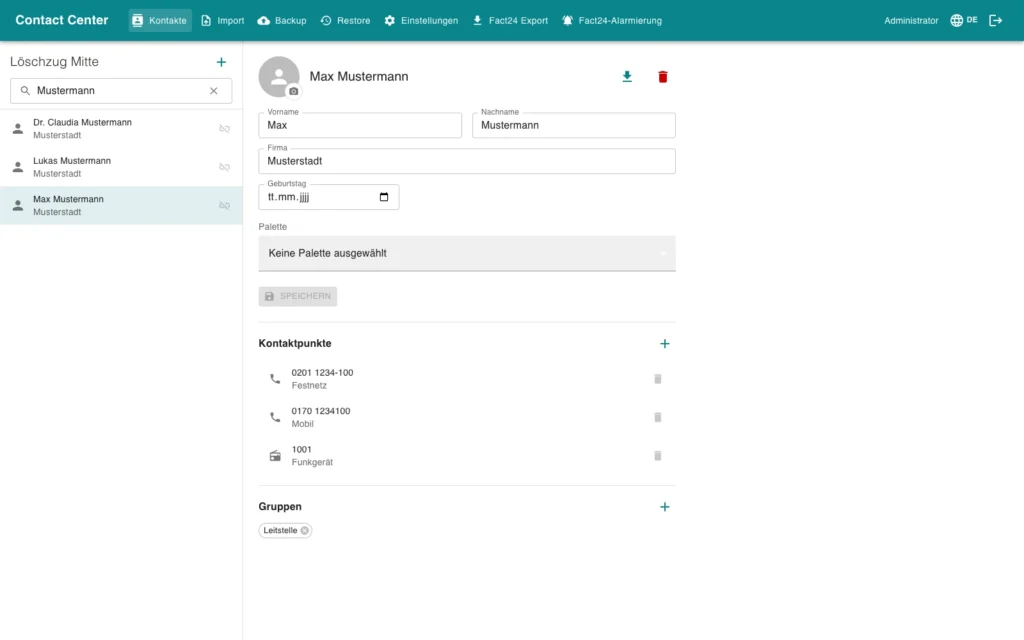
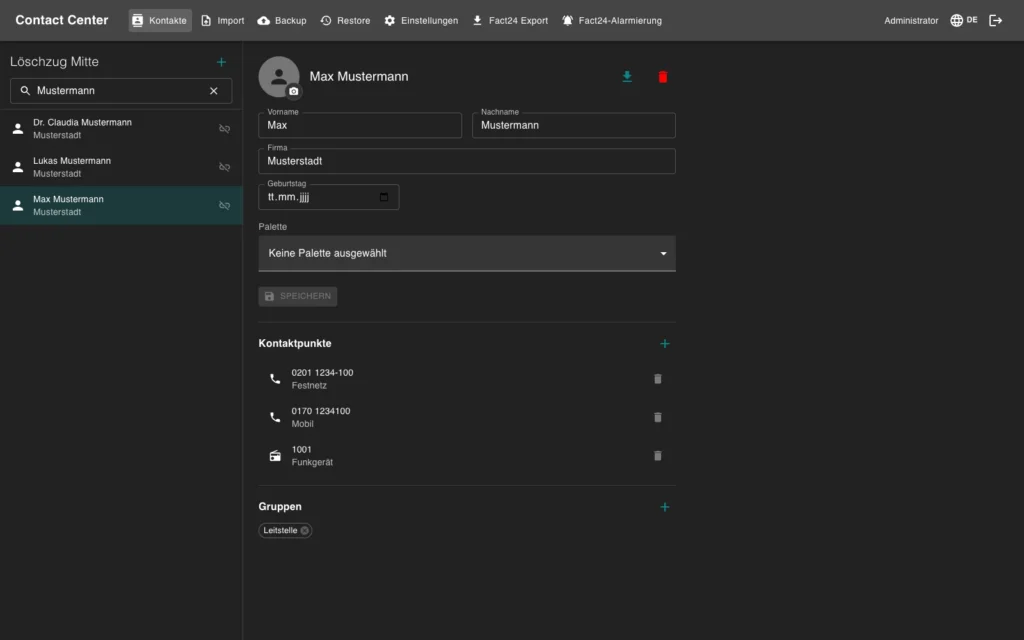
Central phone book with Active Directory and Microsoft 365
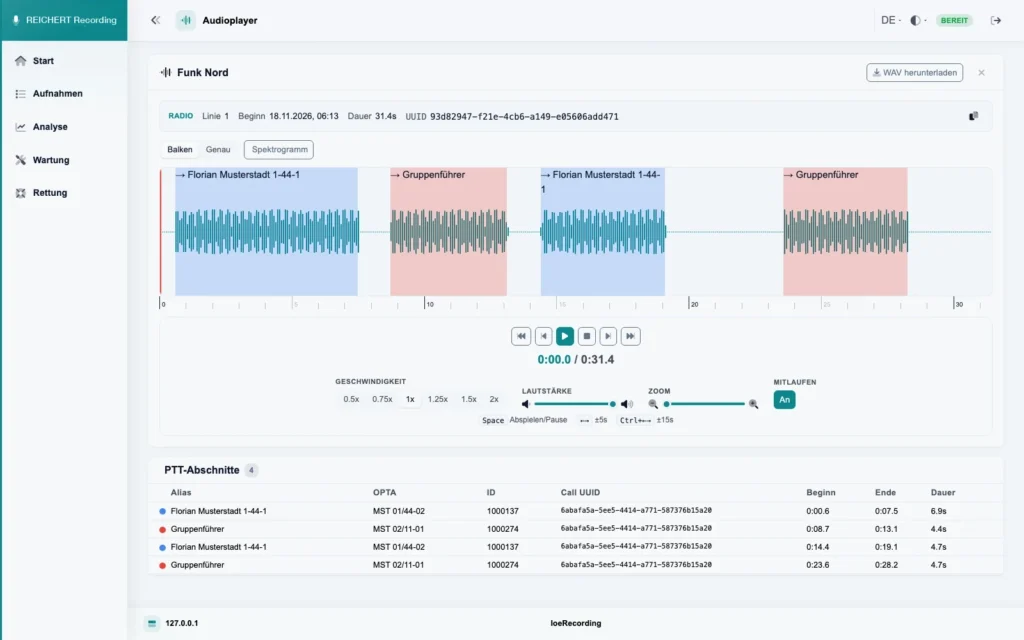
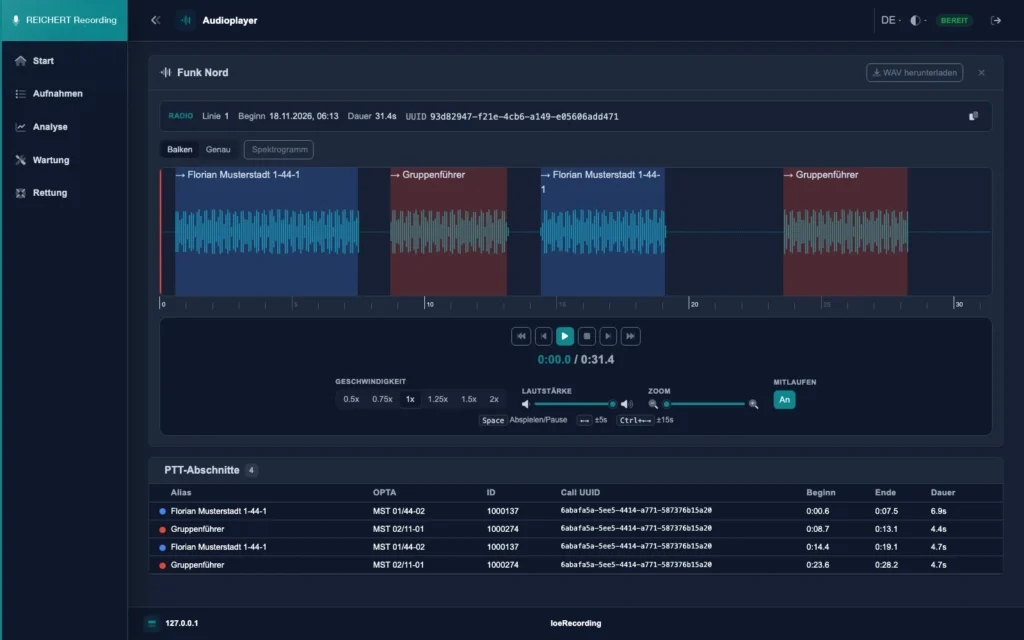
Voice recording for radio, intercom and telephone
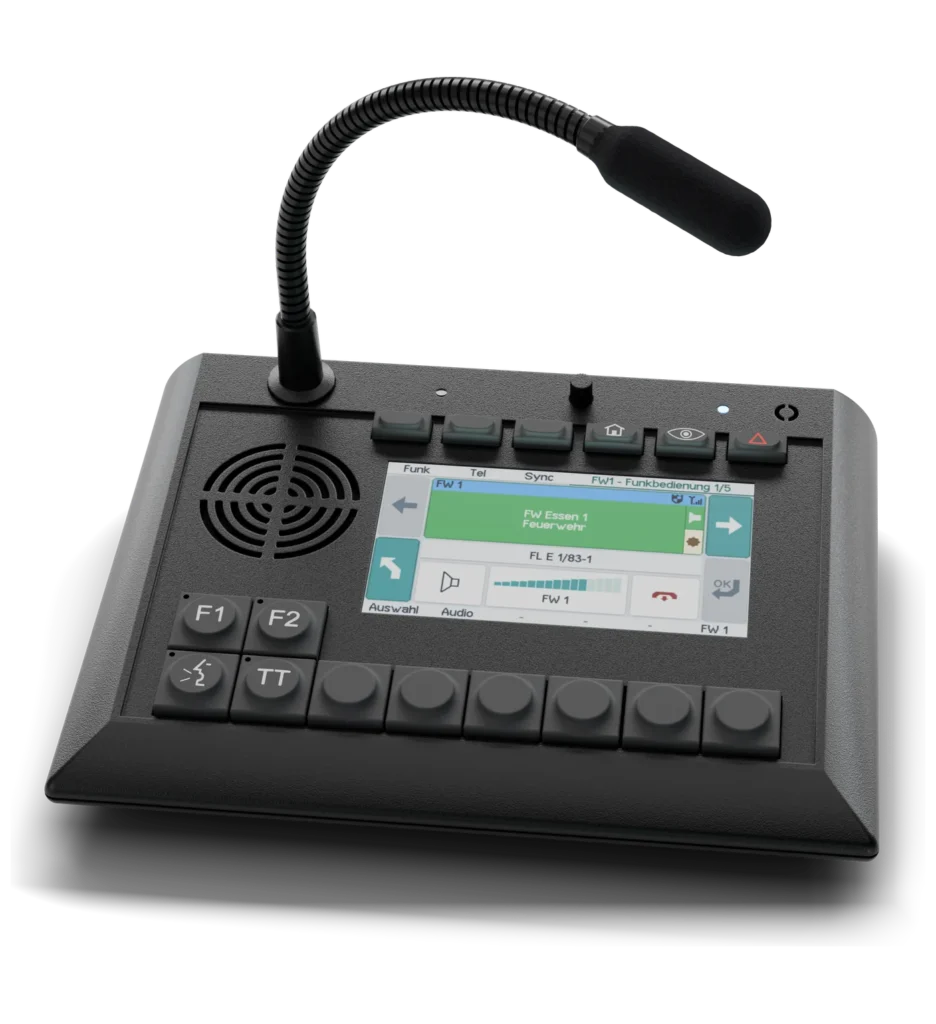
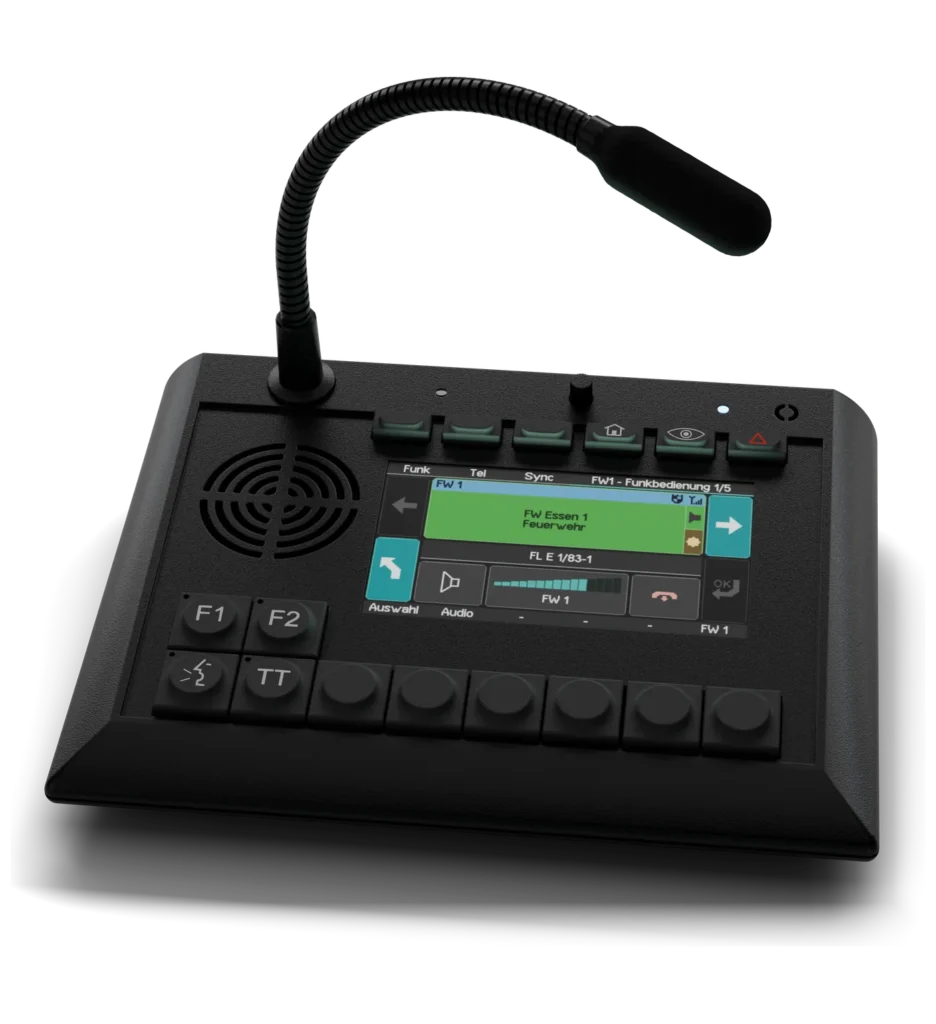
Compact 4.3″ desk unit for radio operation
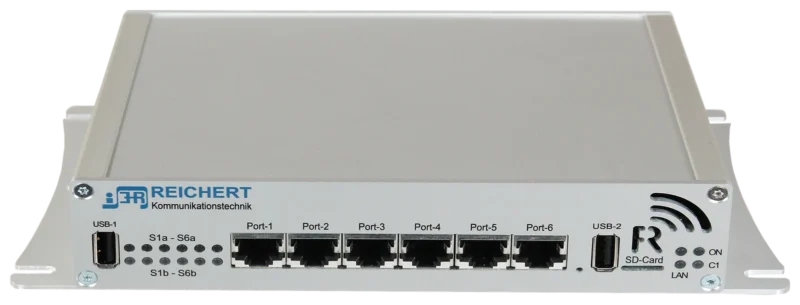
Controller for radio, recording and telephony
We advise you in person, tailor the solution to your operating environment and show you the product in live operation.