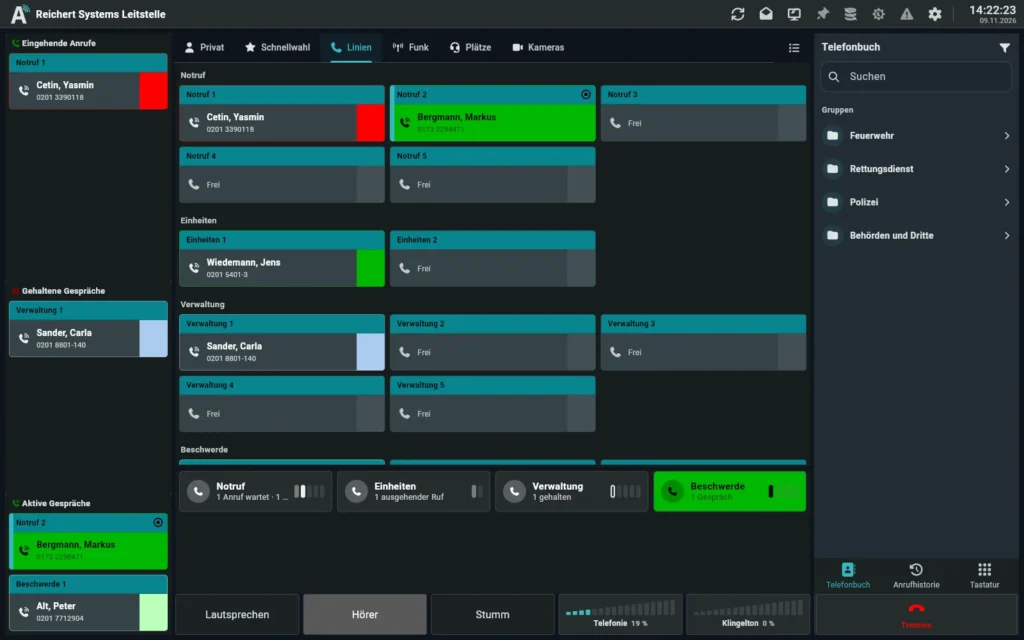
One client: AfVis in the browser
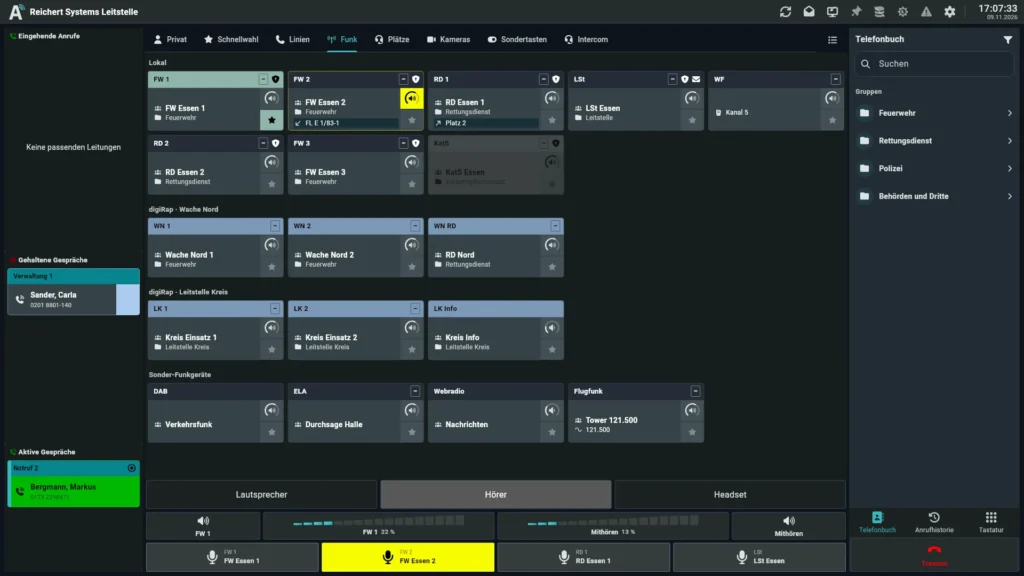
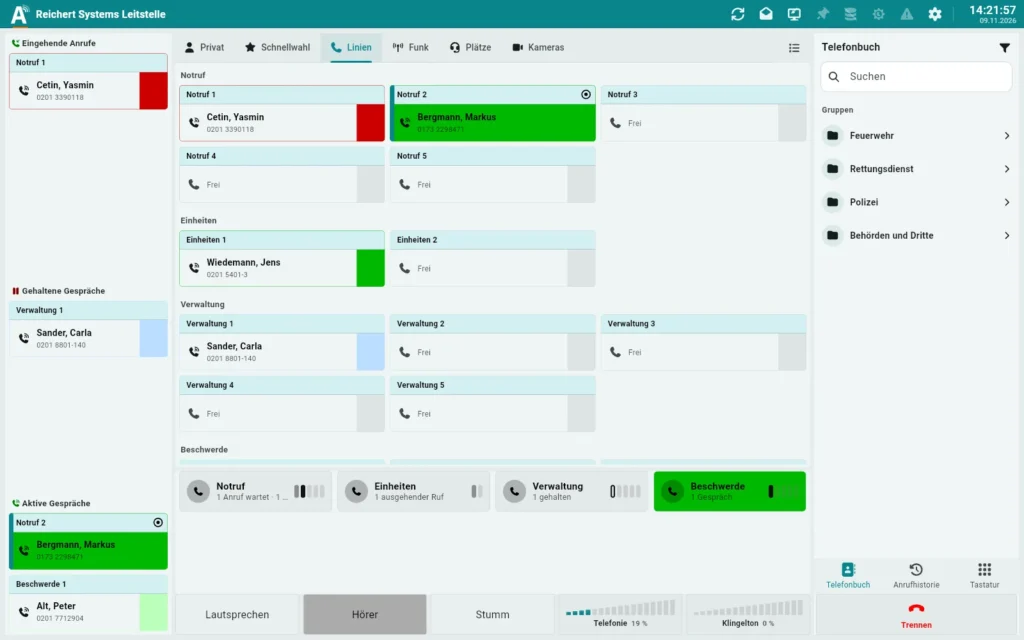
AfVis gets its audio through the Audio Gateway. Any PC with a current browser and a headset becomes a position for radio, telephony and intercom.
Like a UniKey. Only on the network.
The Audio Gateway works like a virtual UniKey desk unit. Radio, telephone and intercom lines are switched to it and mixed, just as at an operator position. Instead of a handset and loudspeaker, the audio then goes over the network: into the browser to AfVis, to phones and PBXs or to further systems.
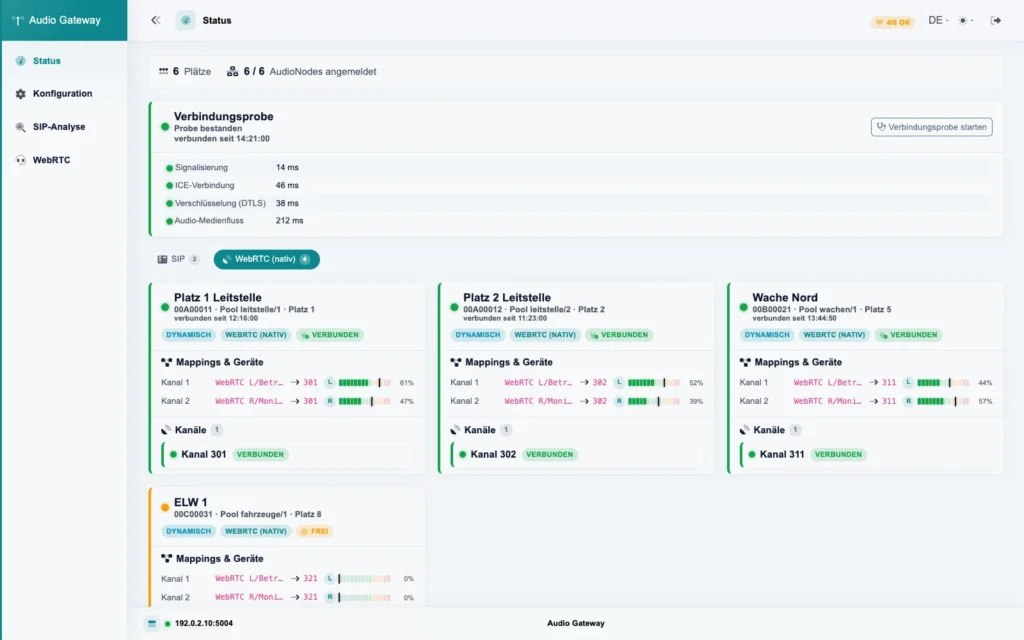
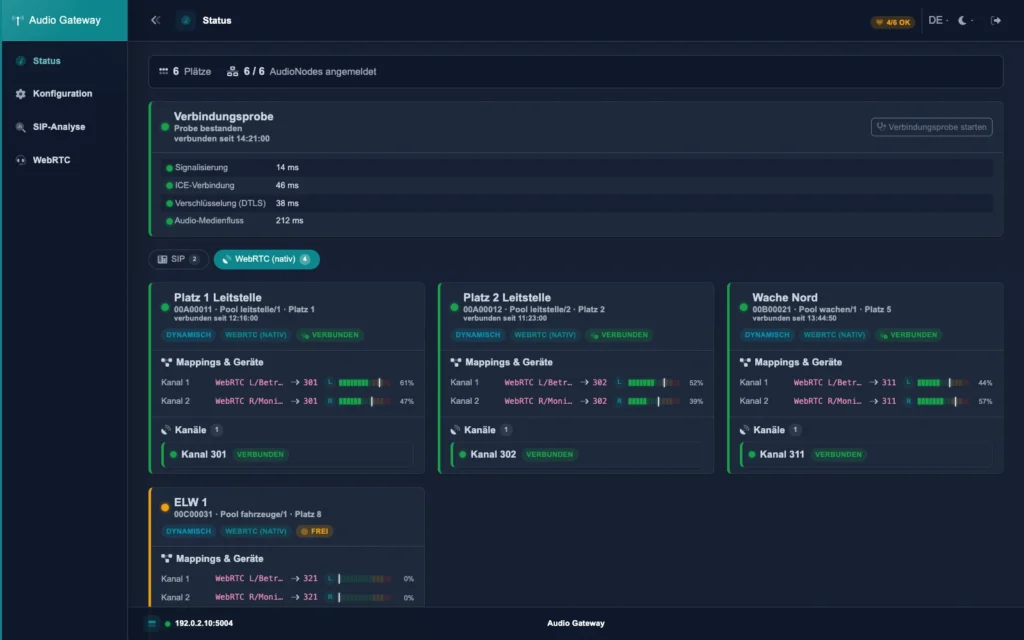
The core software of the system provides the lines: radio, telephony and intercom.
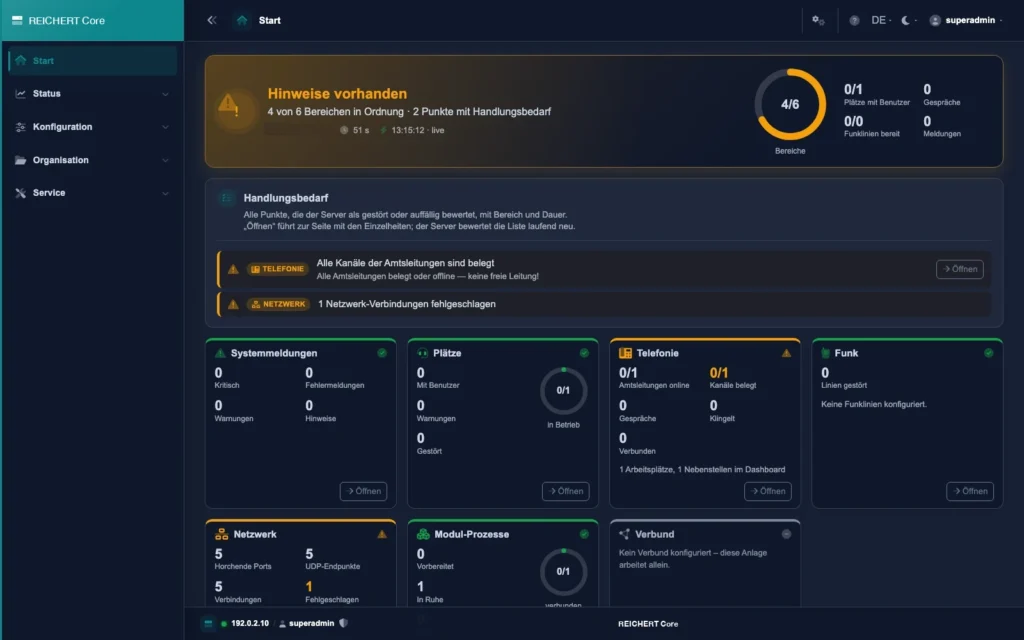
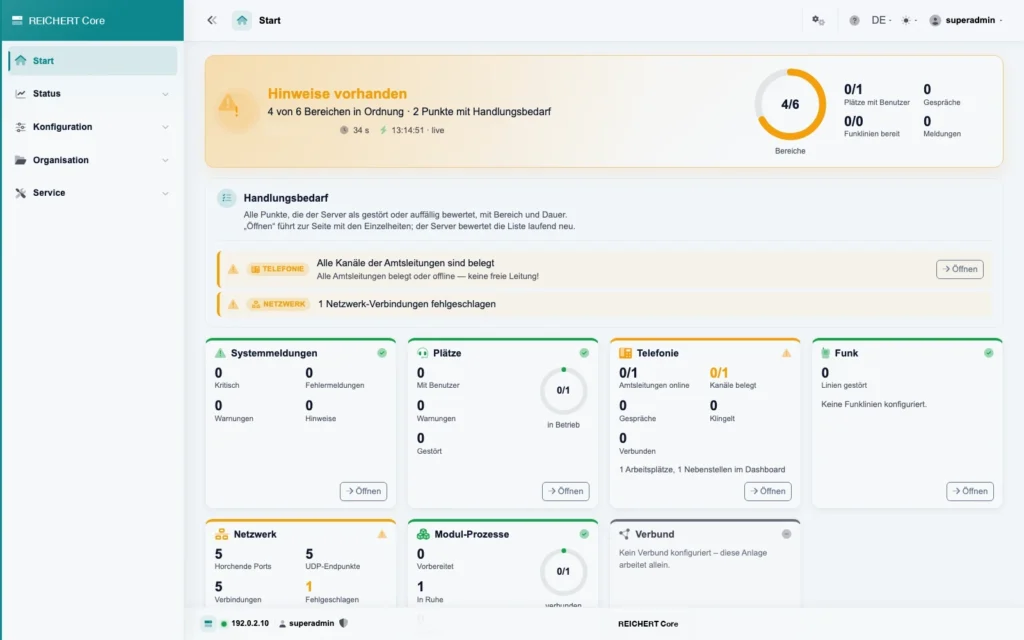 REICHERT CoreView product
Radio, telephone and intercom lines are switched to the gateway just like to a desk unit.
The gateway works like a UniKey desk unit without a housing: it takes the lines and mixes them.
The switched lines become one mixed signal; volume is levelled automatically.
The browser gets its audio directly from the gateway: encrypted and in HD Voice quality.
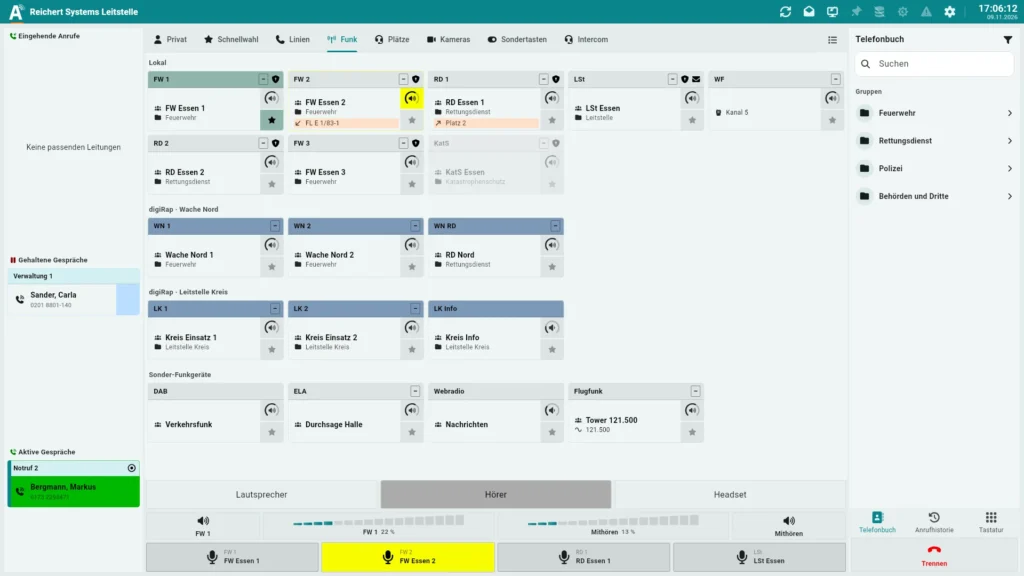 AfVisView product
Phones and PBXs connect via the SIP standard.
The mixed audio goes to further systems on the network.
AfVis gets its audio through the Audio Gateway. Any PC with a current browser and a headset becomes a position for radio, telephony and intercom.
A desk unit without a housing
Radio, telephone, intercom
AfVis without extra software
Phones and PBXs
Clear, intelligible speech
On your own network, no cloud
The gateway takes the lines of the system like a desk unit and mixes them. Volume is levelled automatically so that speech arrives even and clearly intelligible – even when network quality varies.
AfVis gets its audio directly in the browser, without extra software or plug-ins. Speech arrives in HD Voice quality and the connection is encrypted end to end. A PC with a current browser and a headset is all you need.
Phones and PBXs connect via the SIP standard. The gateway can also pass the mixed audio on to further systems on the network.
The gateway runs on your own network or via VPN, without cloud services, on REICHERT controllers or servers.
It works like a virtual UniKey desk unit: lines are switched to it and mixed, and the audio goes over the network into the browser, to phones or to further systems.
AfVis in the browser, phones and PBXs and further systems on the network.
Yes, communication with the browser is encrypted end to end.
A PC with a current browser and a headset. No extra software or plug-ins are needed.
We advise you in person, tailor the solution to your operating environment and show you the product in live operation.