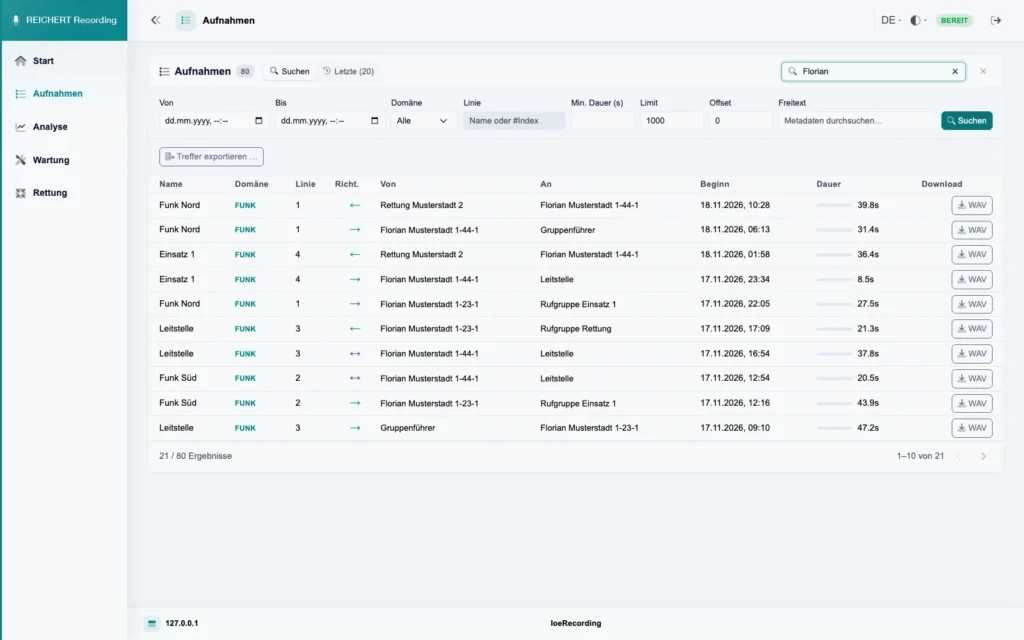
Search recordings
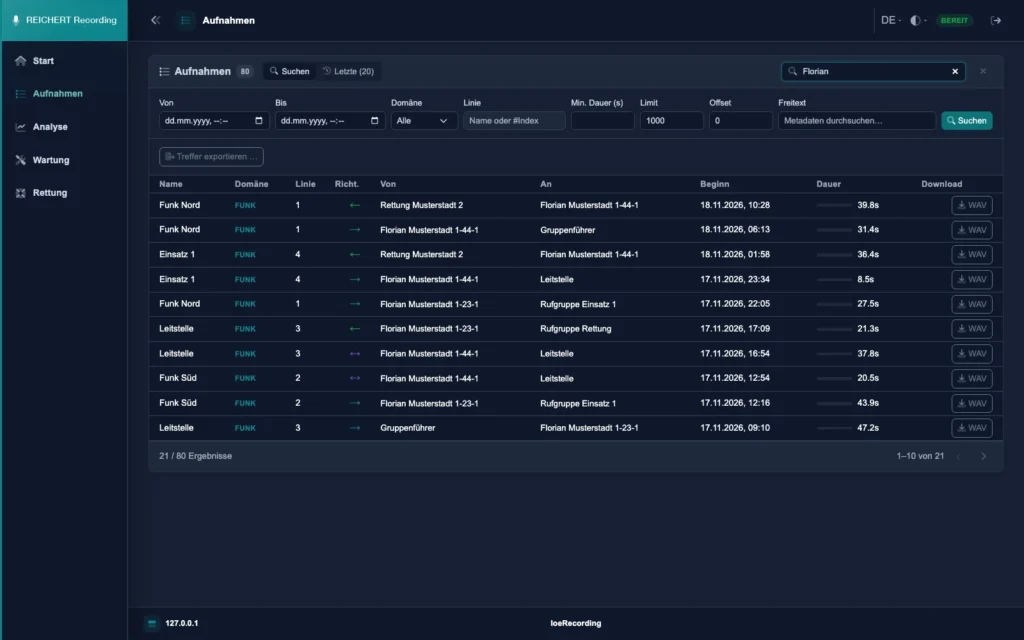
Every radio message as a row of its own with line, direction, sender, target, start and duration. Filter by time range, domain, line, minimum duration and free text; hits go straight into the export.
Every radio message. Stored and easy to find.
REICHERT Recording records the communication of your REICHERT system: every radio message on its own, plus intercom and telephone. REICHERT Core delivers audio and metadata directly, without additional taps on the radios.
Every radio message as a row of its own with line, direction, sender, target, start and duration. Filter by time range, domain, line, minimum duration and free text; hits go straight into the export.
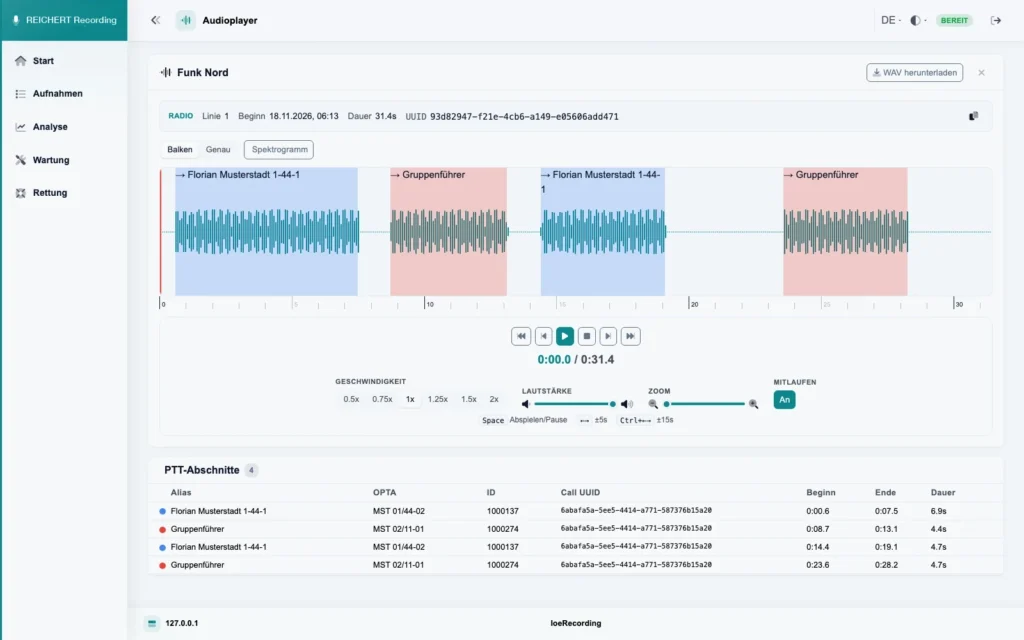
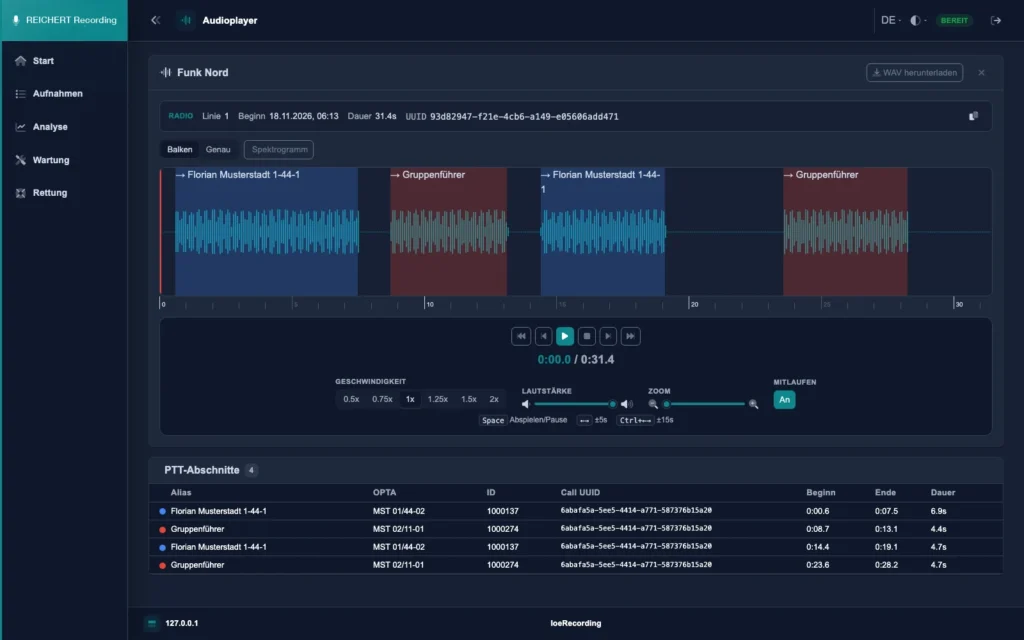
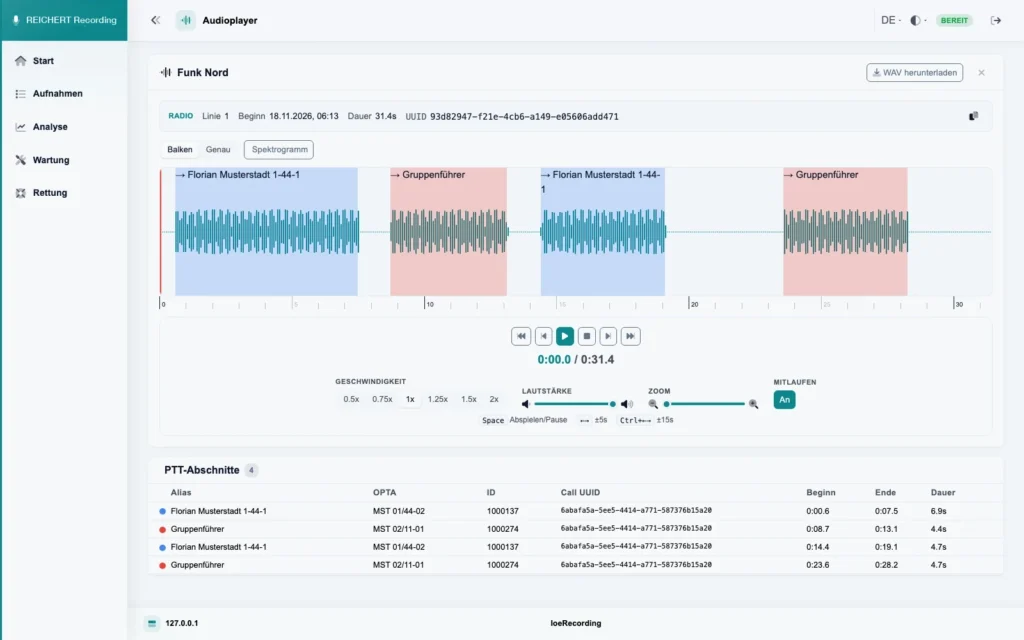
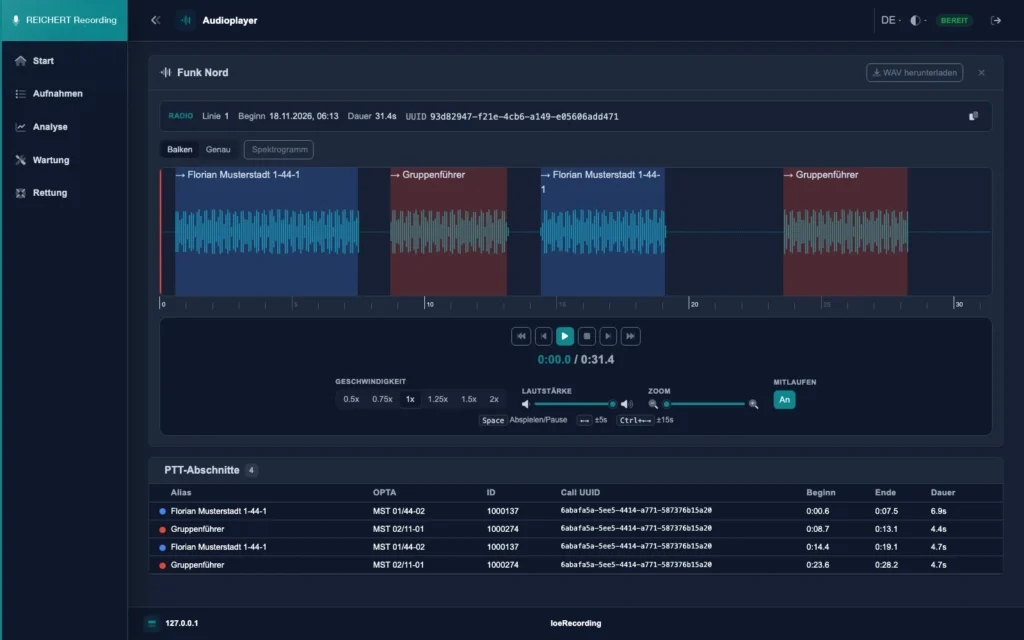
The waveform shows every talk segment in the colour of its speaker, with the segments, aliases and times below. Speed, volume and zoom are adjustable; the recording can be downloaded as WAV.
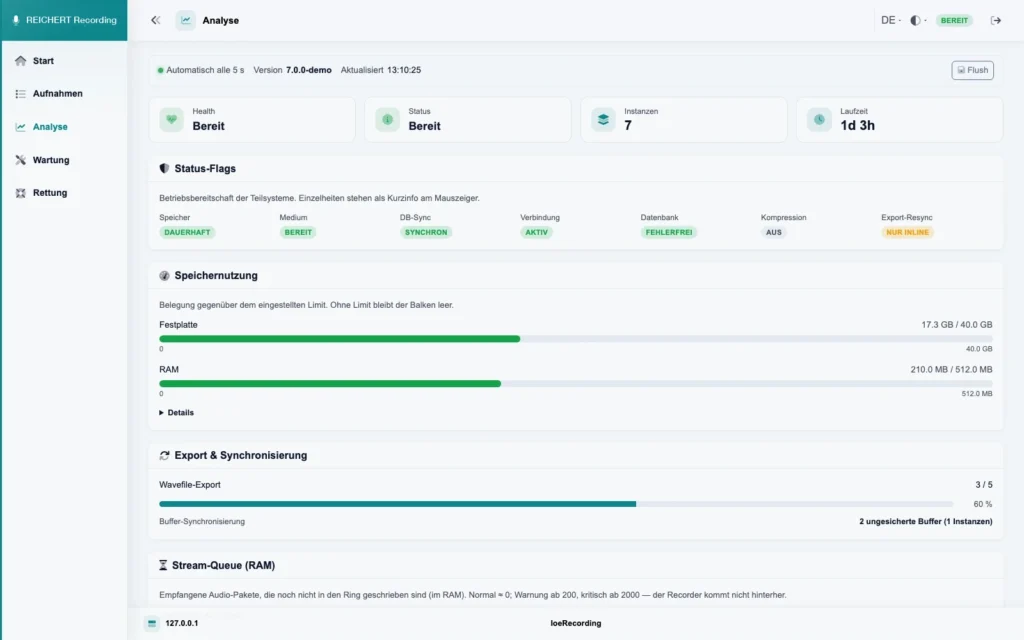
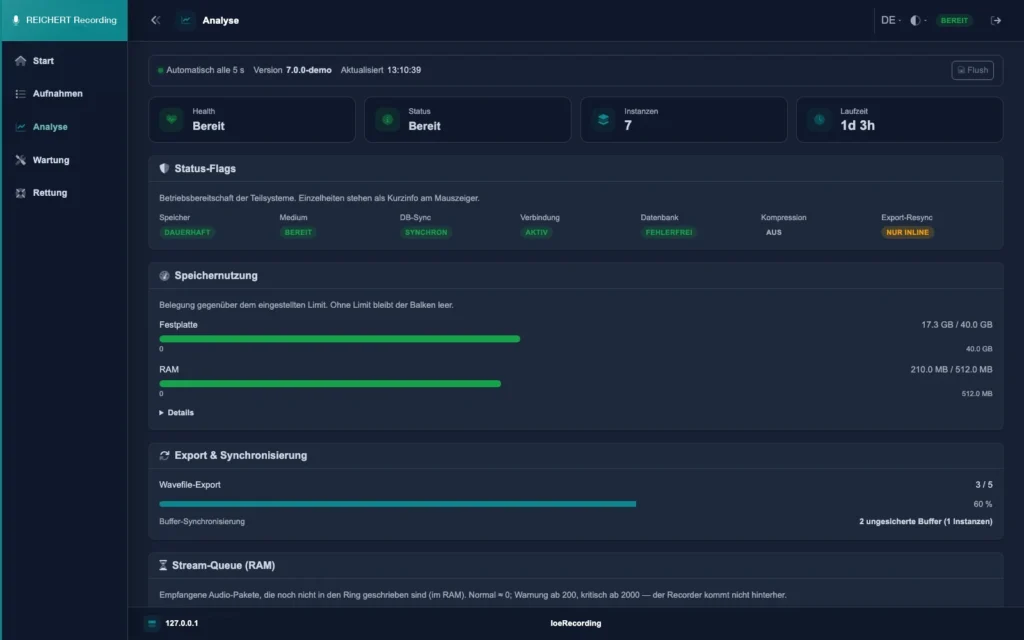
The analysis view shows status, storage usage and the progress of export and sync at a glance.
One by one with metadata
Time, line, free text
Waveform and speakers
Ring store, also on the network
With checksums
Roles and single sign-on
Recording follows the push-to-talk key: every radio message is an entry of its own with time, duration, line, direction, sender and target with alias, and talk group. If audio is missing, REICHERT Recording marks the call as incomplete.
In the web interface you search by time range, domain, line, minimum duration or free text in the metadata. The player shows the waveform with the individual talk segments and speaker colours; playback speed is adjustable.
REICHERT Recording writes each line into a ring store of its own: local, on USB or on a network share. You decide how long recordings are kept and how much storage they may use. Data is saved continuously; damaged areas are not deleted but set aside for inspection.
Export hits as audio files with all details, collected or directly to a storage medium, with checksums as evidence. A rescue mode reads only and verifies the data before and after the export.
Roles separate listening, administration and service; sign-in also works through central user management. Other systems can be connected. Single recordings or all recordings before a given date can be deleted on purpose.
Radio as well as intercom and telephone of your REICHERT system. Every radio message is stored as an entry of its own with time, line, sender and target.
No. REICHERT Core delivers audio and metadata directly to REICHERT Recording.
On a local drive, on USB or on a network share. You set retention and storage per line.
As WAV with metadata, collected as a ZIP or directly to a storage medium, with an index and checksums.
We advise you in person, tailor the solution to your operating environment and show you the product in live operation.