TALKpit Xtreme on the ATL-IP module
The hardened handset also plugs straight into the module, which is connected to the BOS-Compact over the network.
More about TALKpit XtremeOne module. A workstation only together.
The ATL-IP module is not a device on its own but a building block: the audio unit of a UniKey workstation without a display of its own. Handset, headset, loudspeaker and foot switch connect to the module, the module itself with one network cable to the BOS-Compact. It is operated with AfVis or the UniKey-Navigator. Only together do they form a workstation.
Combination with TALKpit Xtreme
Combination with TALKpit Advanced
See it live PMR Expo 2026 · Hall 8 · Stand D030 / E031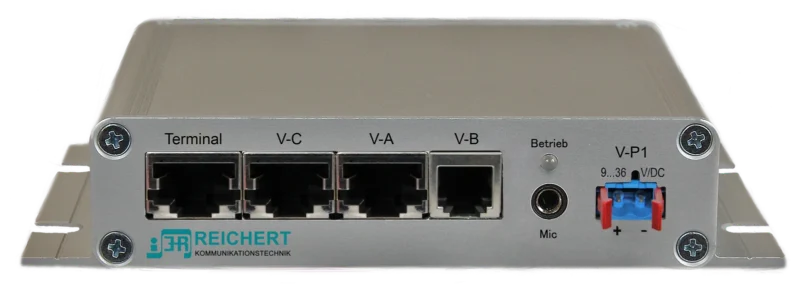
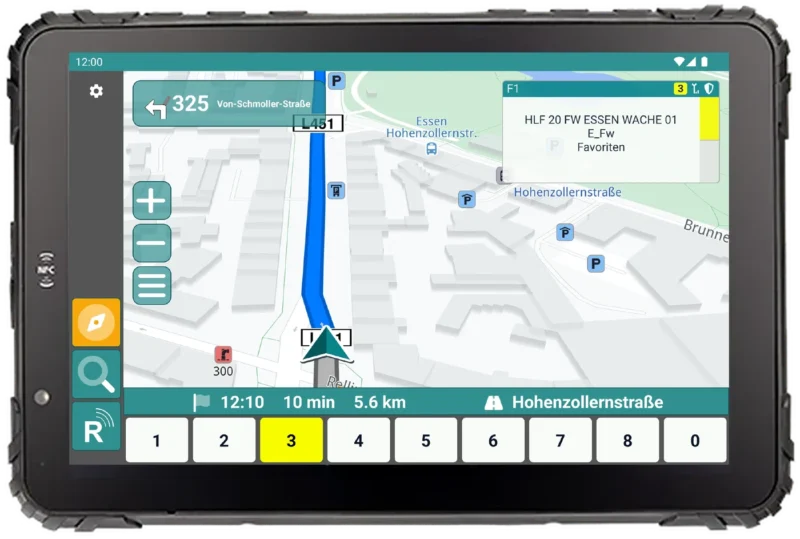
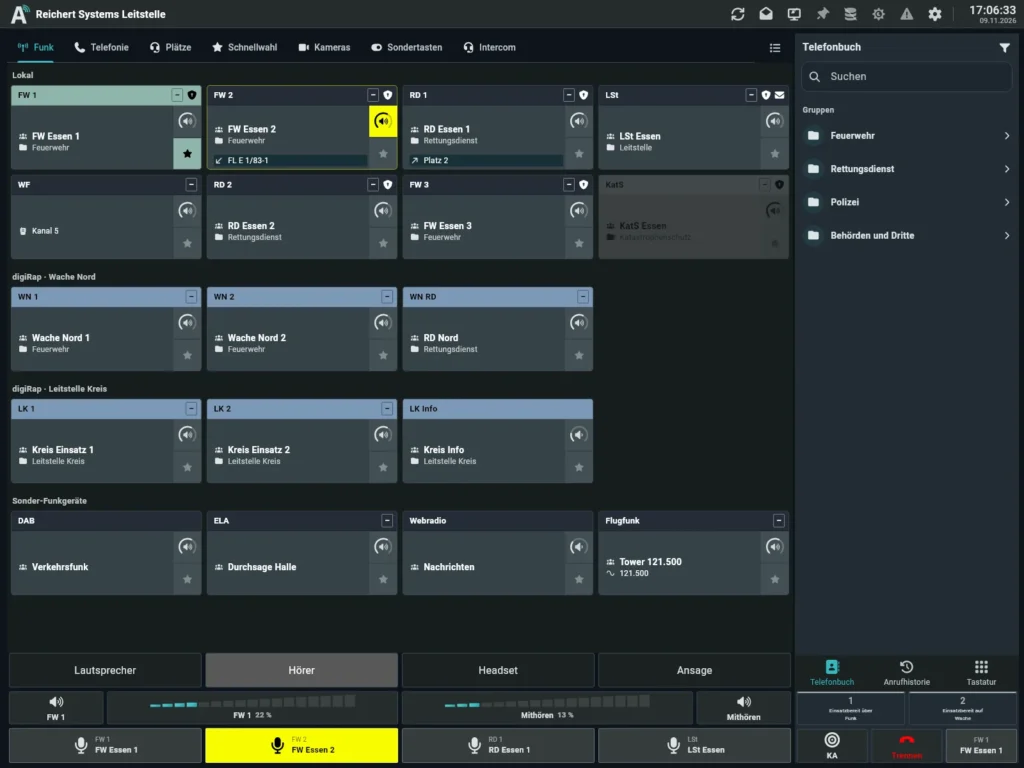
The tablet in the cockpit operates the module, for example as a driver position.
 UniKey-NavigatorView product
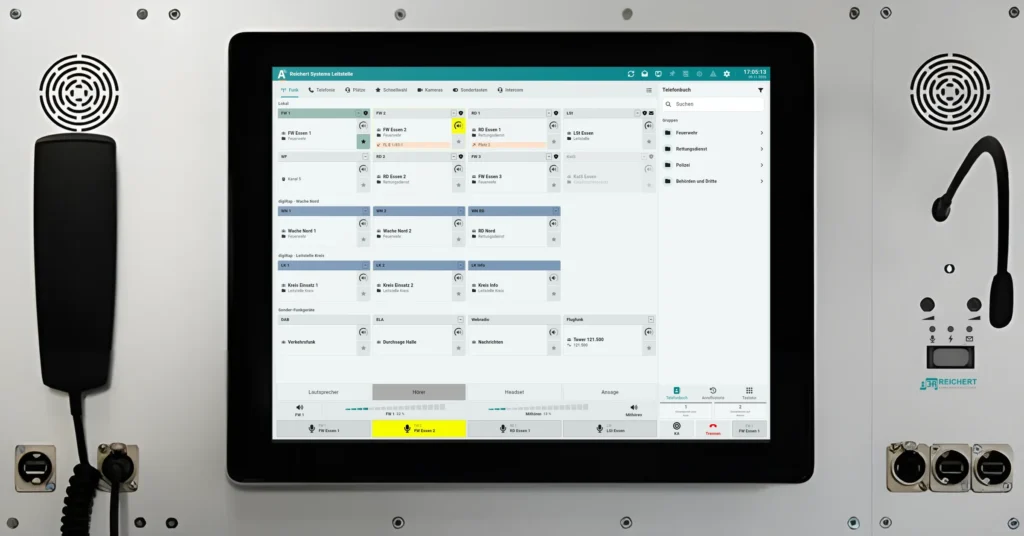
AfVis on a notebook or PC, for example in the command vehicle or the office. Can run in parallel with the Navigator at the same workstation.
 Software workstationView product
The audio unit without a display: takes handset, headset, loudspeaker and foot switch and supplies voice, loud listening and the PTT key. One network cable is enough.
Module, AfVis, Navigator and BOS-Compact share the same network. The BOS-Compact monitors the module.
 BOS-CompactView product
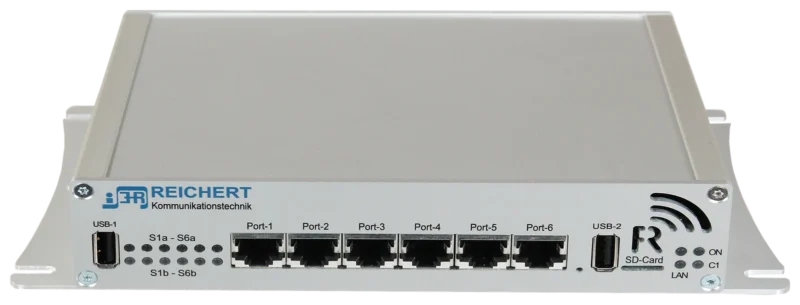
The controller: accepts the operation, controls and monitors the module, and brings radios and telephony into the system.
BOS-CompactView product Radios (digital and analogue) and telephony connect to the BOS-Compact, not to the workstation.
The TALKpit Advanced connects directly to the ATL-IP module: display, keypad, earpiece, microphone and PTT key in one device.
 TALKpit AdvancedView product
Audio unit without a display
With AfVis and Navigator
BOS-Compact: controls and monitors the module
Handset, headset, loudspeaker, PTT
Under the worktop or in the console
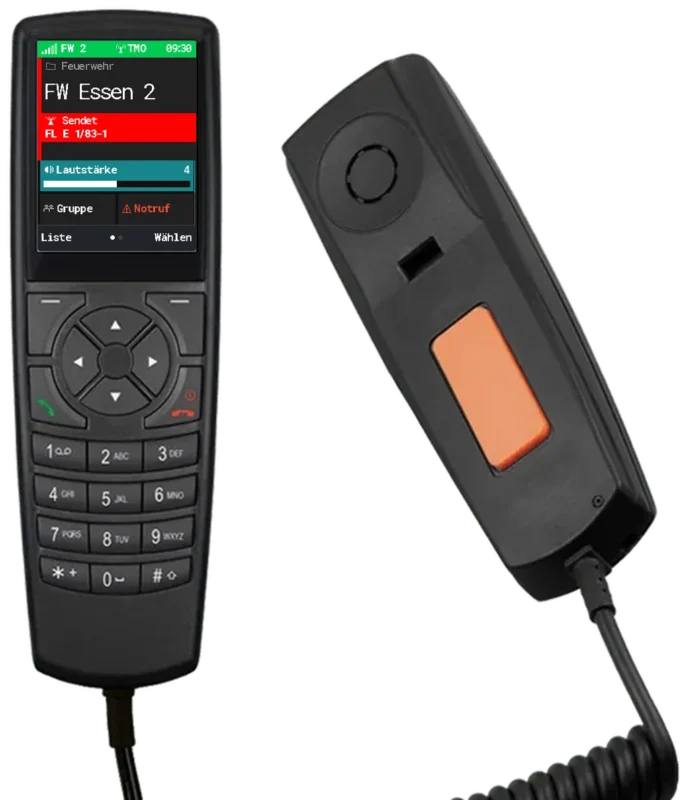
Like the Advanced, the TALKpit Xtreme connects to the ATL-IP module. Display, keys and PTT key are built into the device; the module connects the handset to the system.
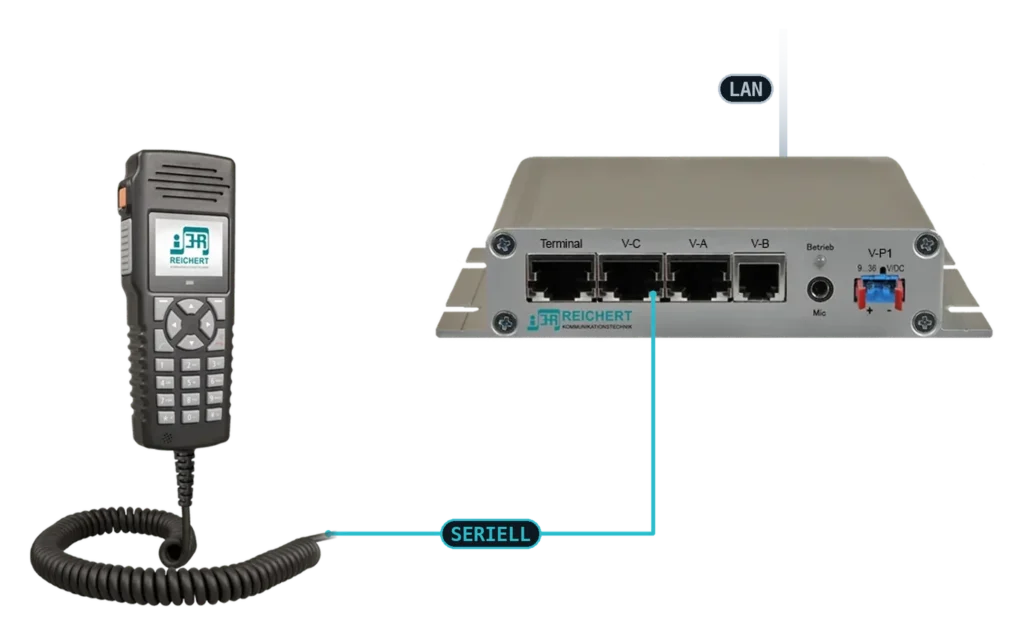
The hardened handset also plugs straight into the module, which is connected to the BOS-Compact over the network.
More about TALKpit XtremeThe TALKpit Advanced plugs into the ATL-IP module and works at the position with all radio and telephone lines of the system. Together with AfVis it becomes a dispatcher position with the handset in your hand and the overview on the monitor.
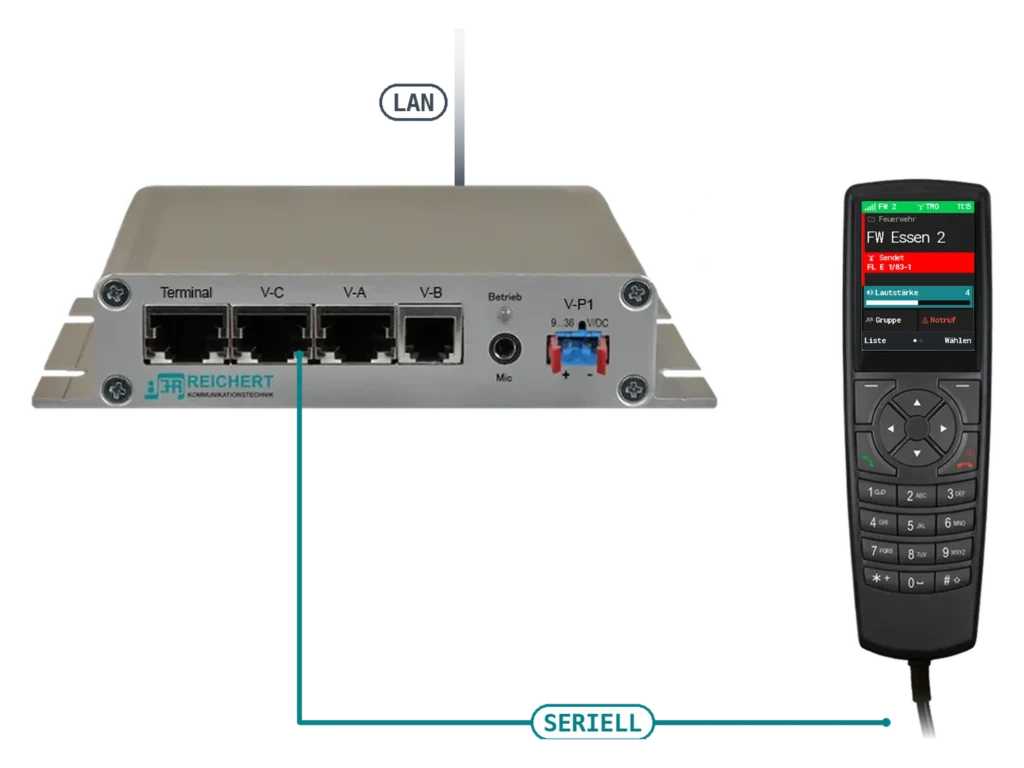
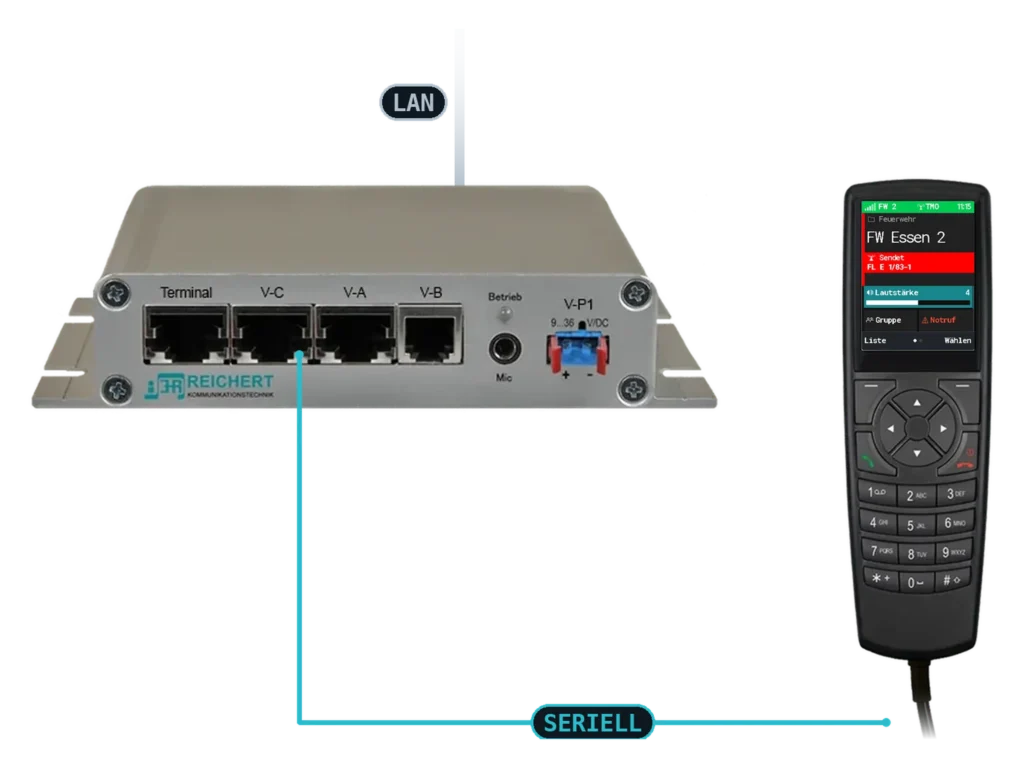
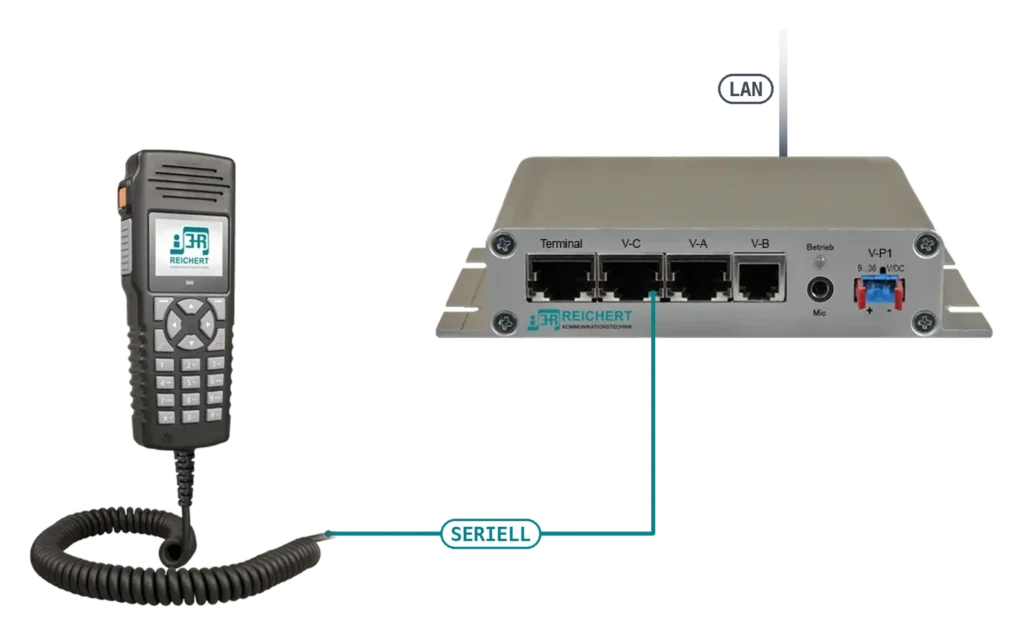
The handset plugs straight into the module, which is connected to the BOS-Compact over the network. The handset shows line FW 2 with an active speaker.
More about TALKpit AdvancedThe module has neither a display nor a user interface. It is operated with AfVis or the UniKey-Navigator, also both in parallel at the same workstation. The BOS-Compact monitors the module, so its state and connection stay visible. The ATL-IP module supplies voice, loud listening and the PTT key.
In the vehicle, the UniKey-Navigator sits in the cockpit as a tablet and shows radio, status and navigation. The ATL-IP module sits inconspicuously next to it, for example in the console; you connect handset, additional loudspeaker or microphone to the module.
In the command vehicle or the office, AfVis runs on a notebook or PC; together with the module this is the software workstation. The module adds a headset or handset, loudspeaker and foot switch – a fully fledged radio and telephony workstation without a desk unit.
The BOS-Compact connects radios and telephony, and controls and monitors the module. The module needs only one network cable for this; the workstation has no wiring of its own to radios or telephone.
Besides handset, headset, loudspeaker and foot switch, a TALKpit handset can also be run on the module. It brings display, keypad, earpiece, microphone and PTT key with it and needs no further audio parts; in the drawing above this variant is marked “SERIAL”. Anyone who also uses AfVis on a notebook combines handset and monitor at one position – more on the TALKpit Advanced and AfVis pages.
Where loudspeaker, microphone and PTT key are already permanently installed, the module replaces the UniKey-TS2 and -TS3 desk units. Its compact design lets it disappear under the worktop or in the console without giving up the functions of the desk units.
As the audio unit of a workstation operated with AfVis on a notebook (software workstation) or with a UniKey-Navigator – for example at the notebook position in a command vehicle or as a driver position.
At the workstation, not in the technology cabinet: handset, headset, loudspeaker and PTT key connect directly to the module; only one network cable runs to the BOS-Compact.
Yes: the module runs on a BOS-Compact, which keeps the radios and telephony ready. The module itself has no radio connections.
Both operate the module and can also run in parallel at the same workstation. The UniKey-Navigator suits vehicles: a rugged tablet in the cockpit, for example for the driver position. AfVis suits places where a notebook or PC is at hand, for example in the command vehicle or the office.
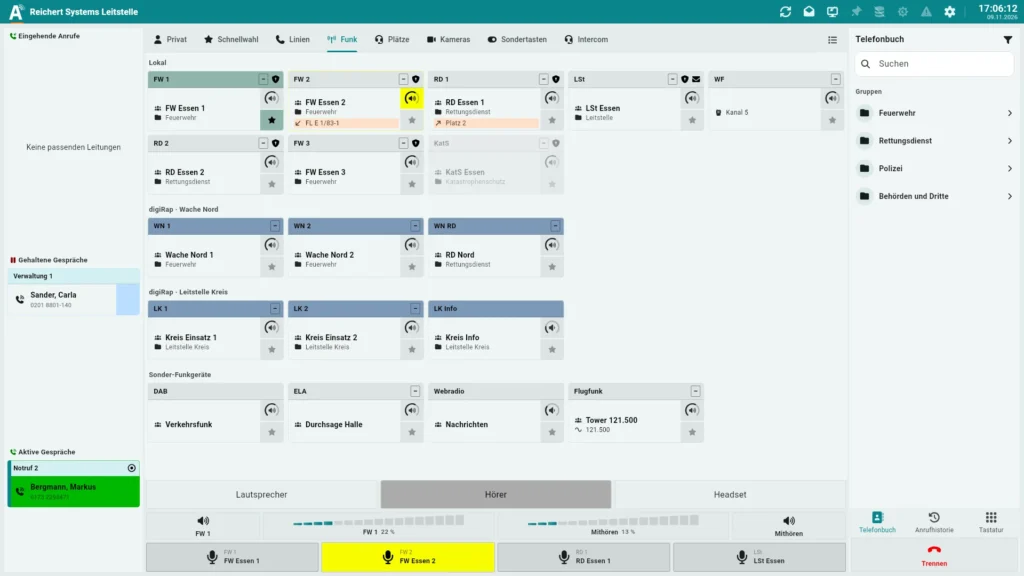
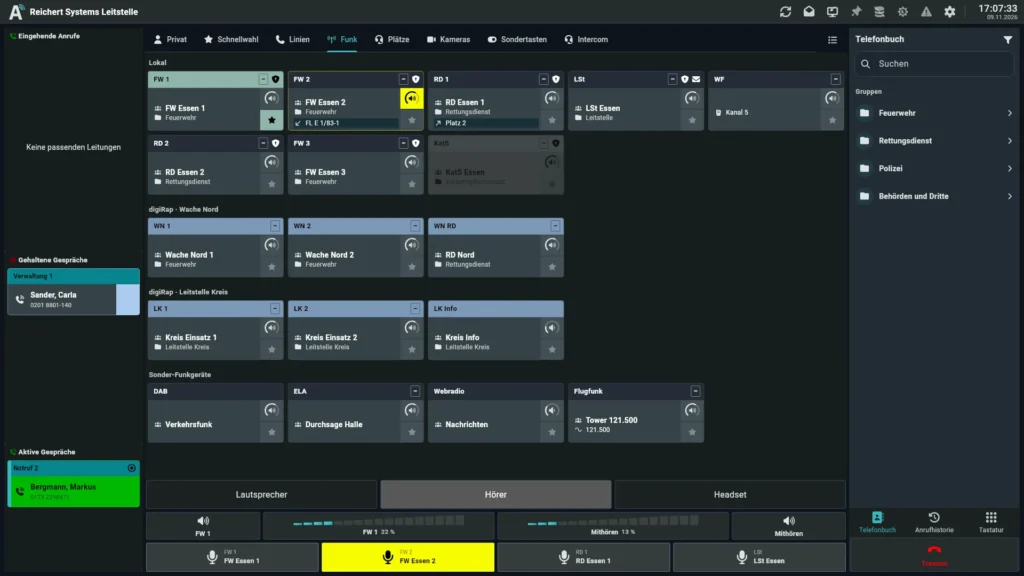
Operator software for radio, telephony and video – on the PC, at a software workstation or with UniKey
Controller for radio, recording and telephony
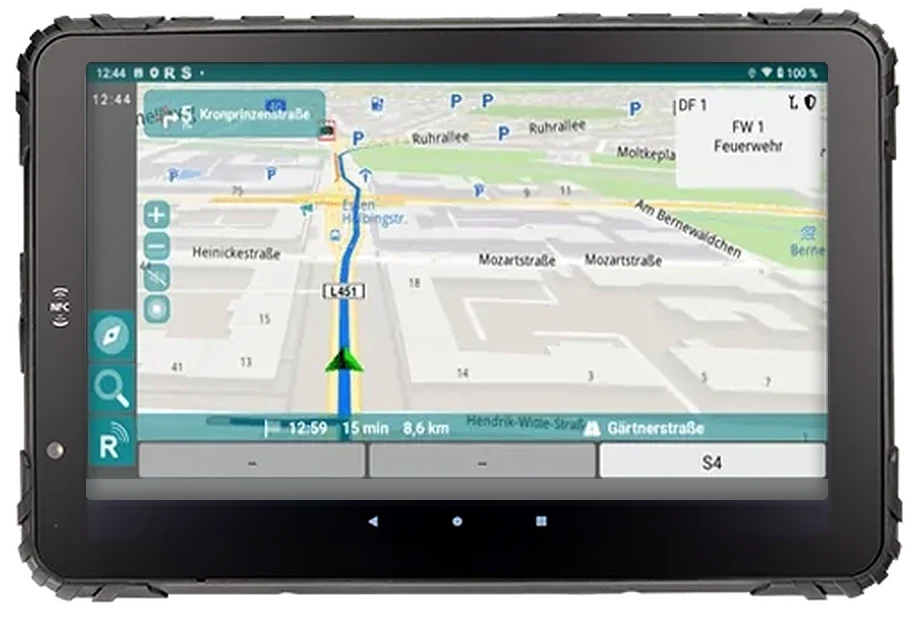
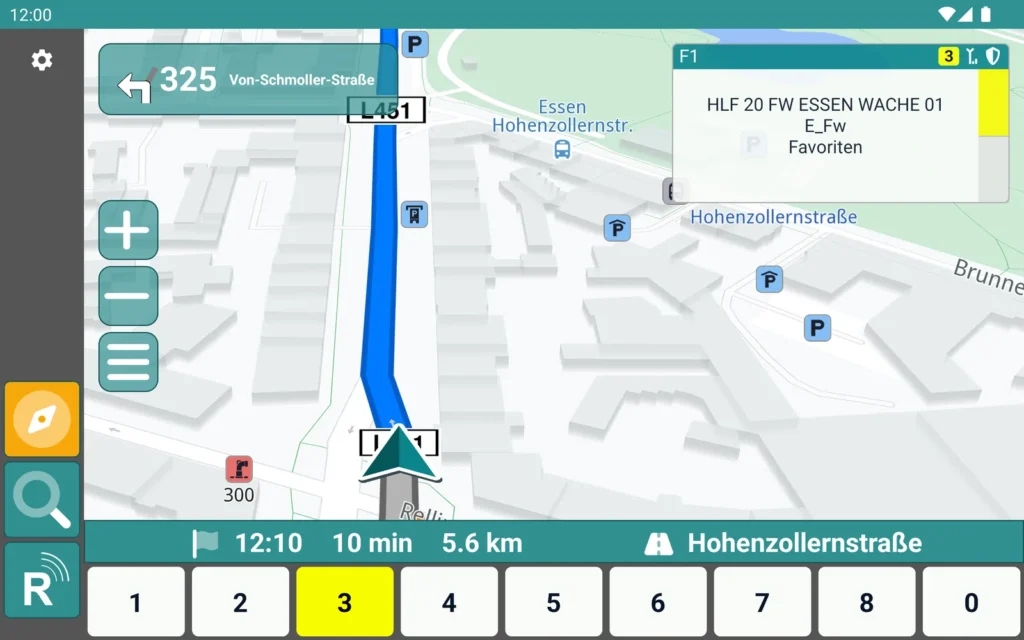
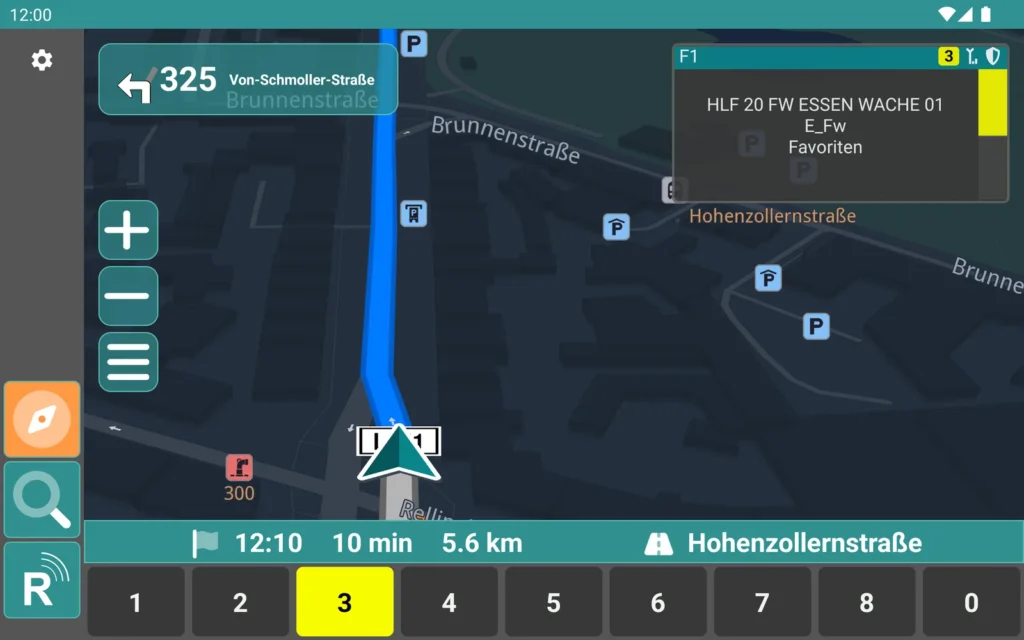
Navigation, radio and status on a rugged tablet
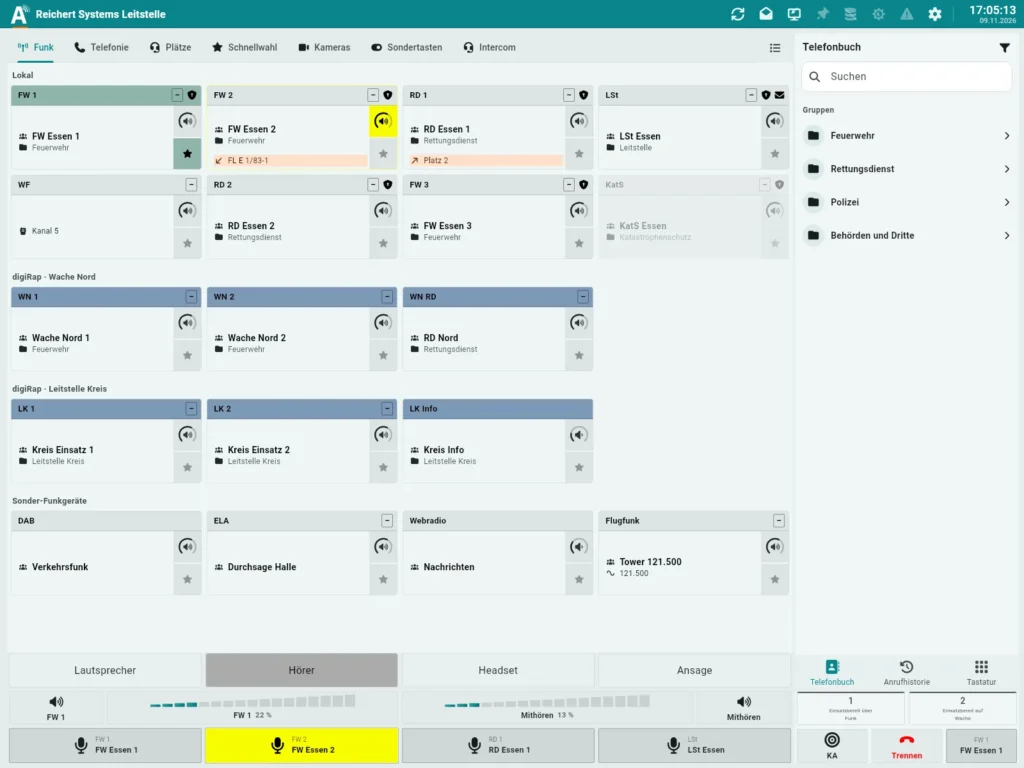
Software workstation = AfVis + ATL-IP module, on the network at the BOS-Compact
Handset with colour display
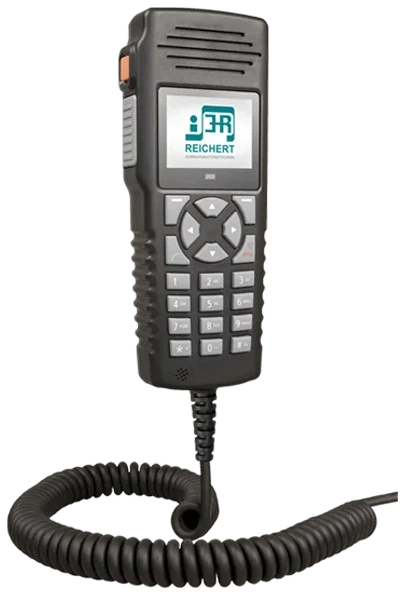
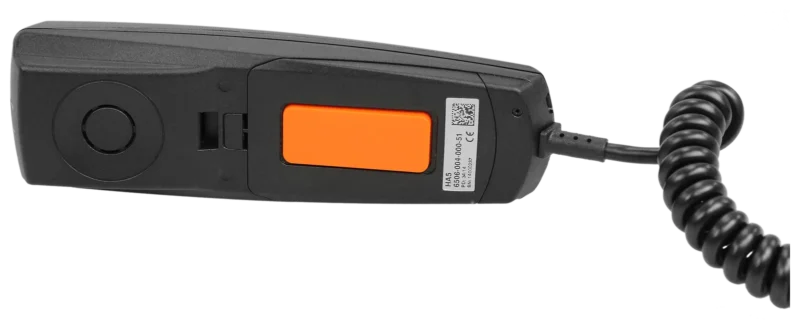
Rugged handset with emergency key
Handset with PTT key and clip
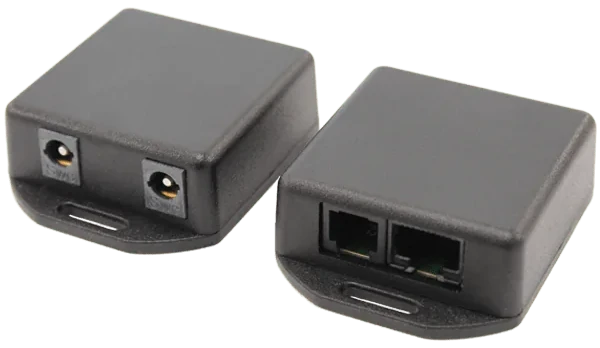
Connection modules for UniKey accessories
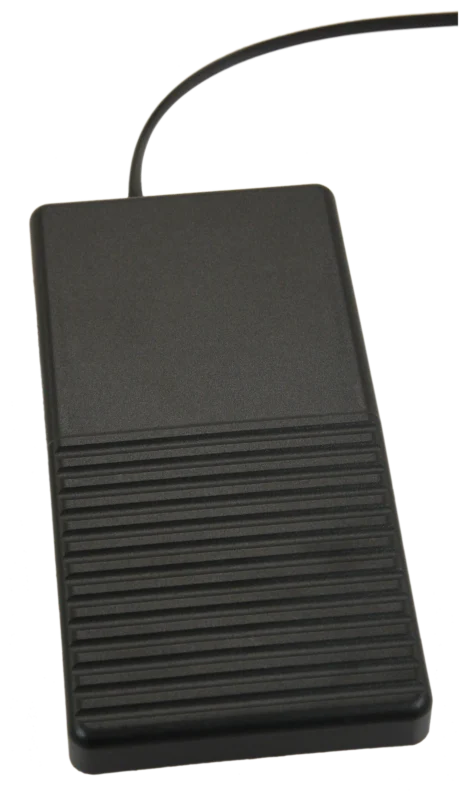
Foot-operated PTT switch
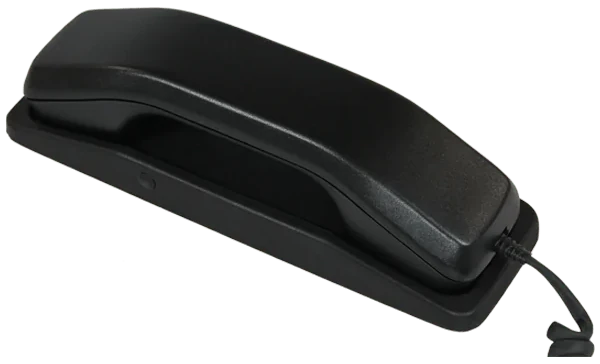
Handset with cradle and PTT key
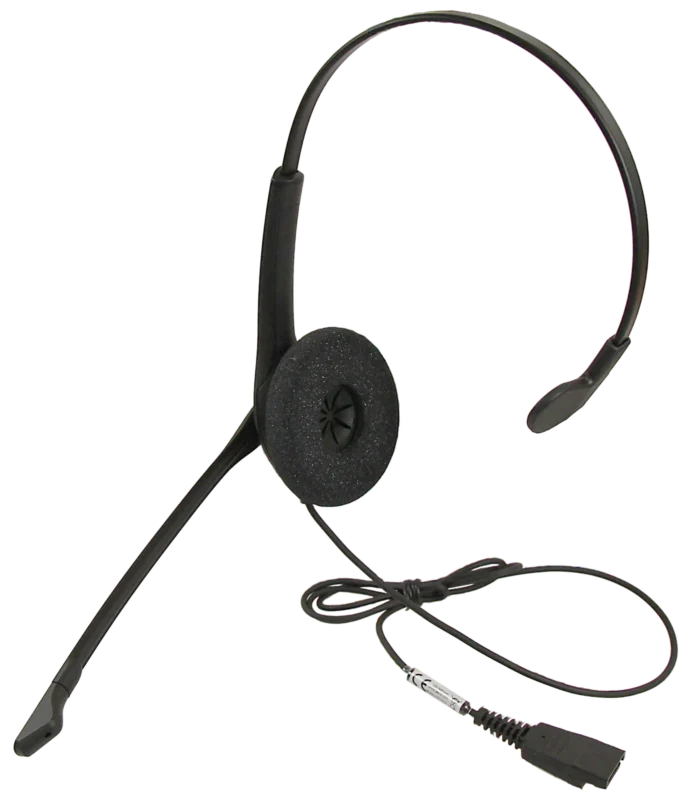
Single-ear headset with quick connect
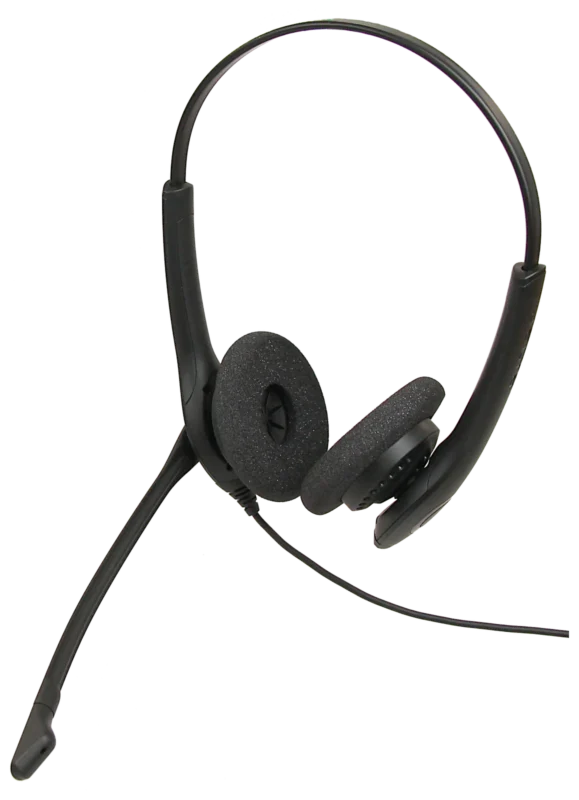
Dual-ear headset with quick connect
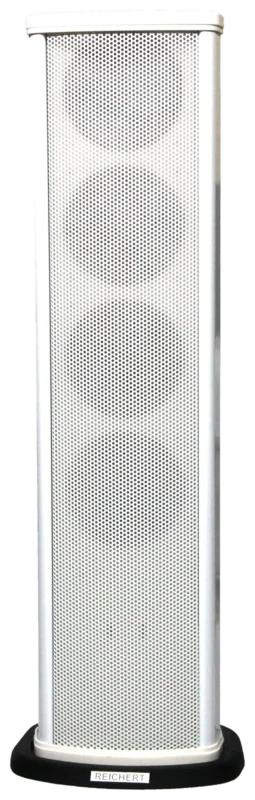
White column with four speakers
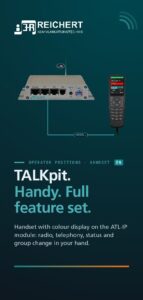
Handset with colour display on the ATL-IP module: radio, telephony, status and group change in your hand.
Products:TALKpit AdvancedTALKpit Xtreme
We advise you in person, tailor the solution to your operating environment and show you the product in live operation.