Controllers & modules
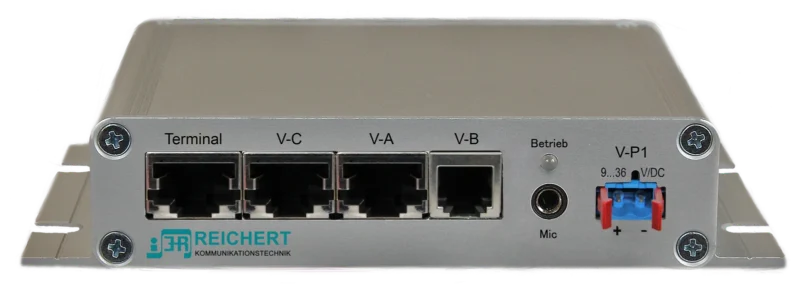
ATL-IP module
Audio unit for the workstation
Navigate. Talk. Send status.
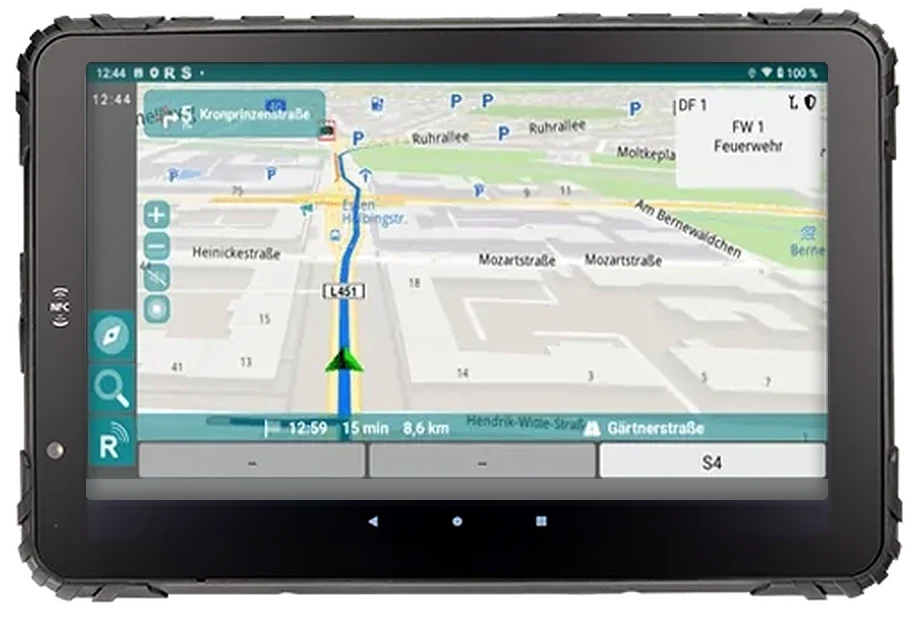
The UniKey-Navigator operates radio, status and navigation with a single device: a rugged 8-inch Android tablet (optionally 10 inch) for the driver position. It works as a direct connection to a radio or as part of the REICHERT ZBE.
Navigation with either

From incident coordinates
Directly on the display
Send via menu
Rugged, IP67, 1000 cd/m²
Network, radio and power
Optional
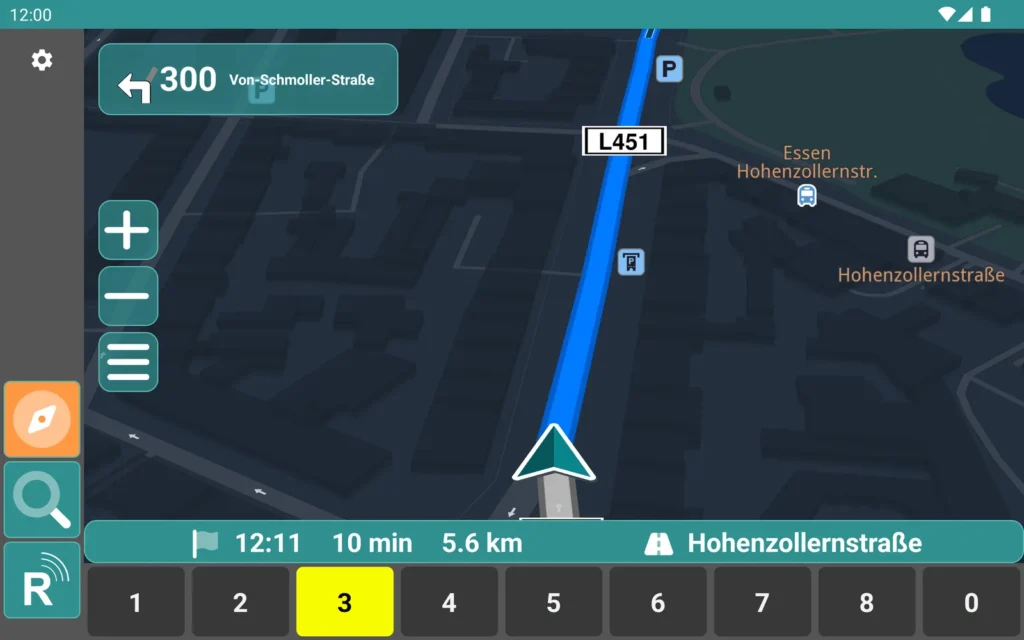
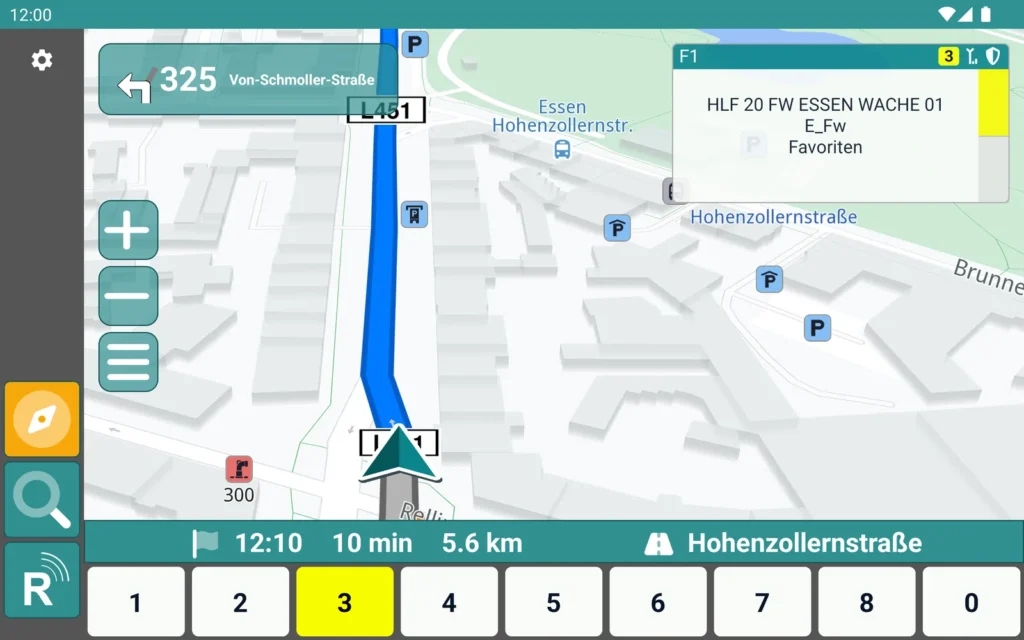
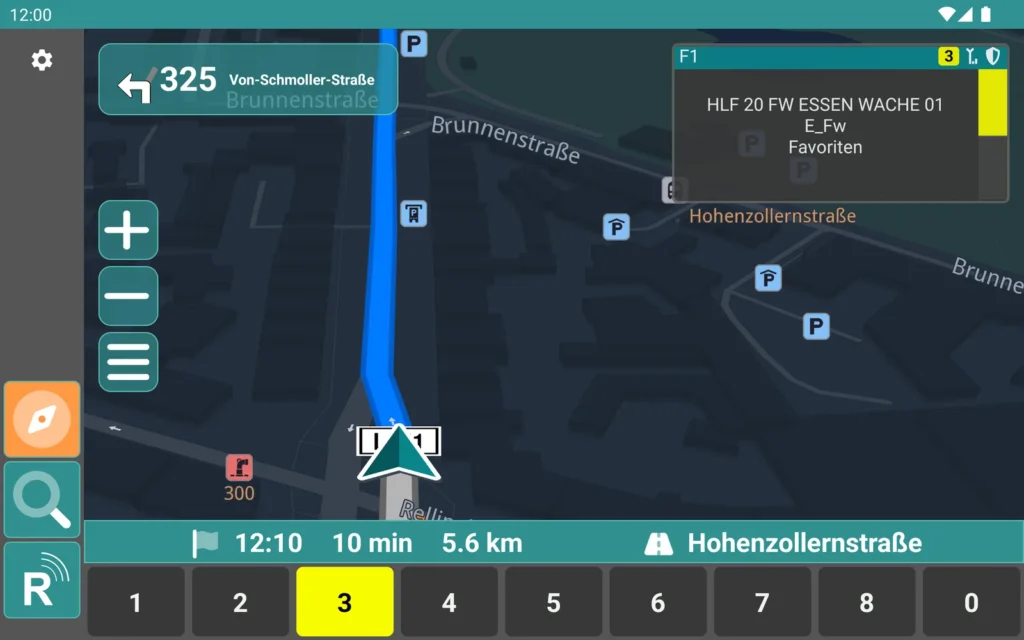
Navigation fills the display: the next turn with distance and street at the top left, the route as a blue line on the map, arrival time, remaining time and distance at the bottom. Zoom, menu, compass, search and the switch to radio operation sit on the left. The status keys 1 to 9 and 0 stay within direct reach in the footer; the current status is highlighted in yellow.
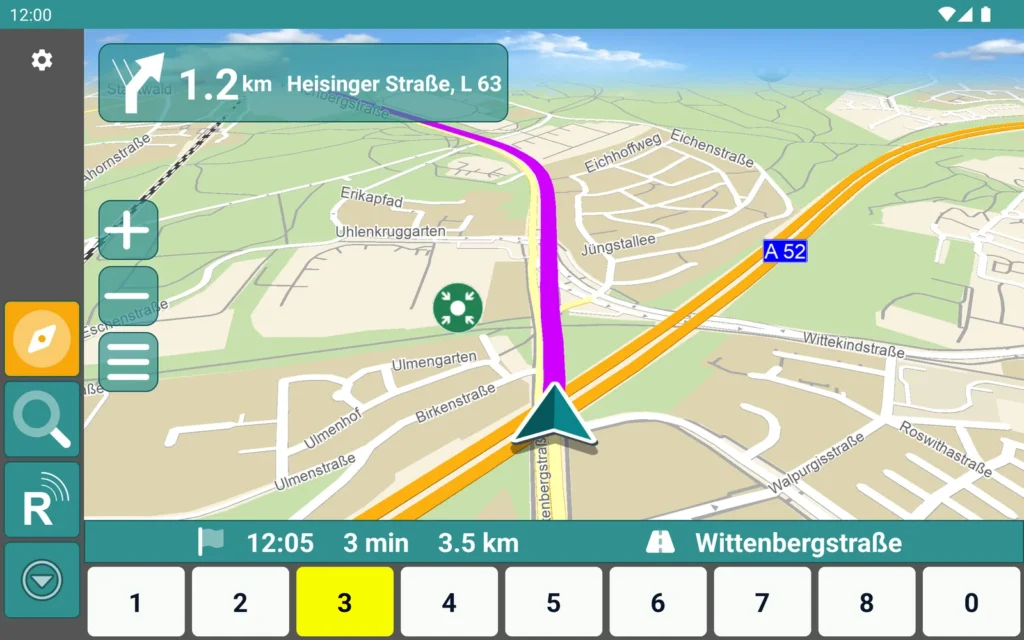
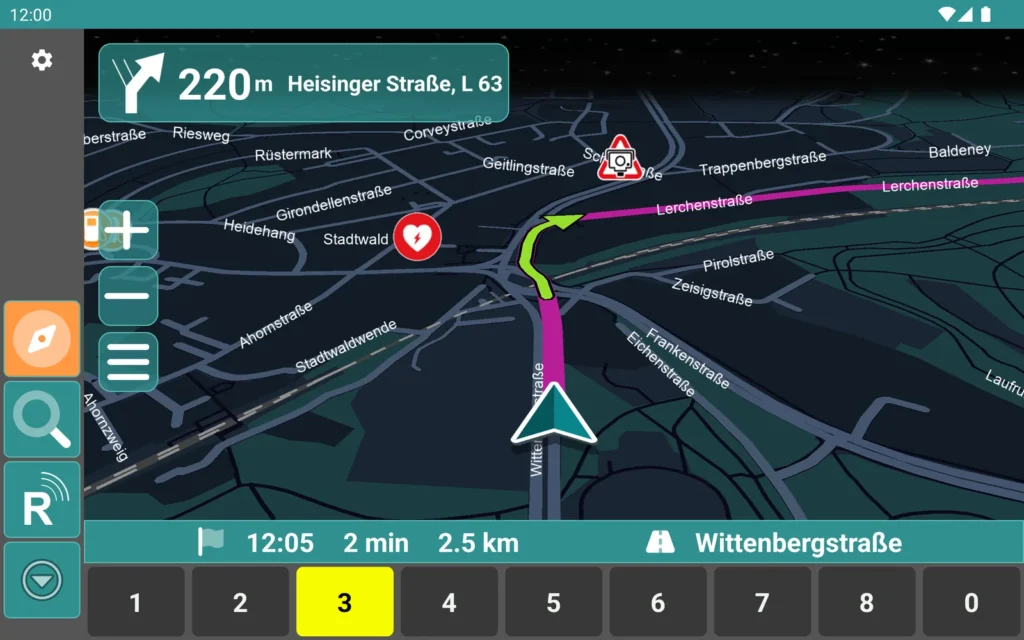
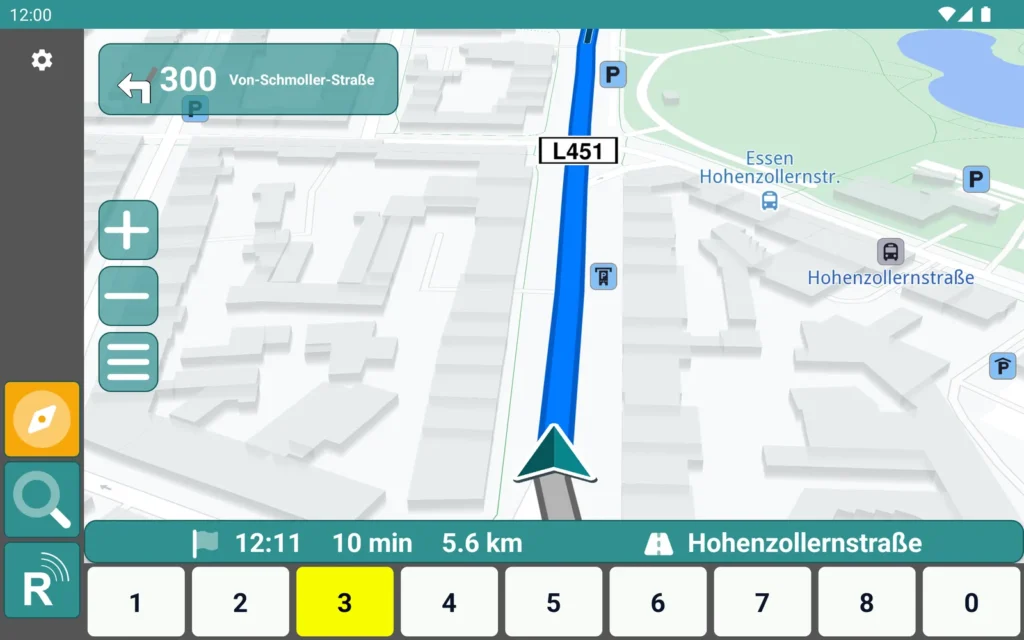
With MapTrip as the navigation, operation stays the same: the next turn with distance and street at the top left, the route as a coloured line on the map, arrival time, remaining time, distance and destination at the bottom. Zoom, menu, compass, search and the switch to radio operation sit on the left, the status keys 1 to 9 and 0 in the footer.
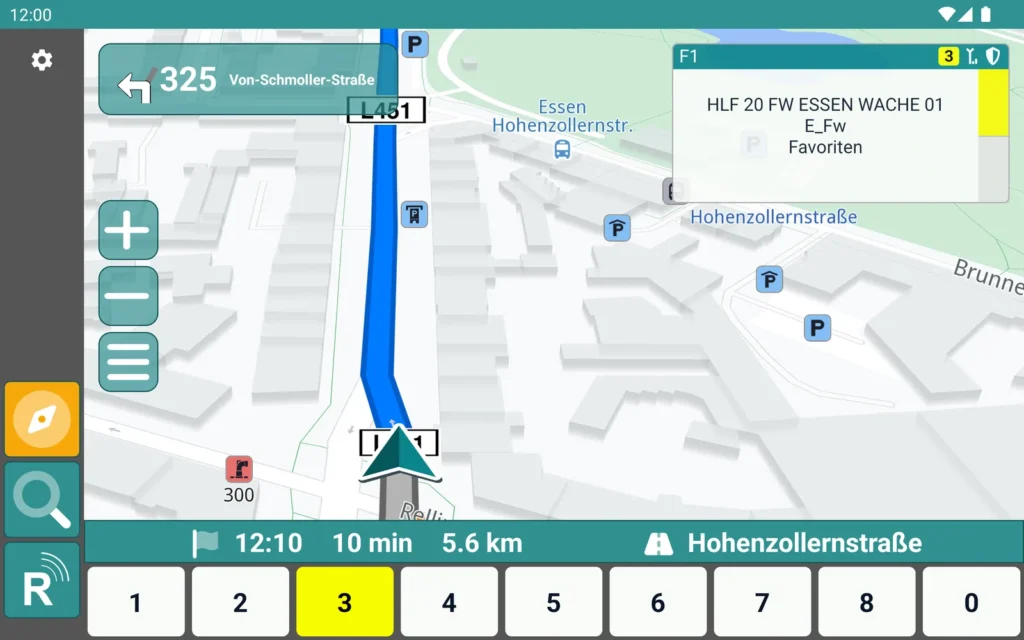
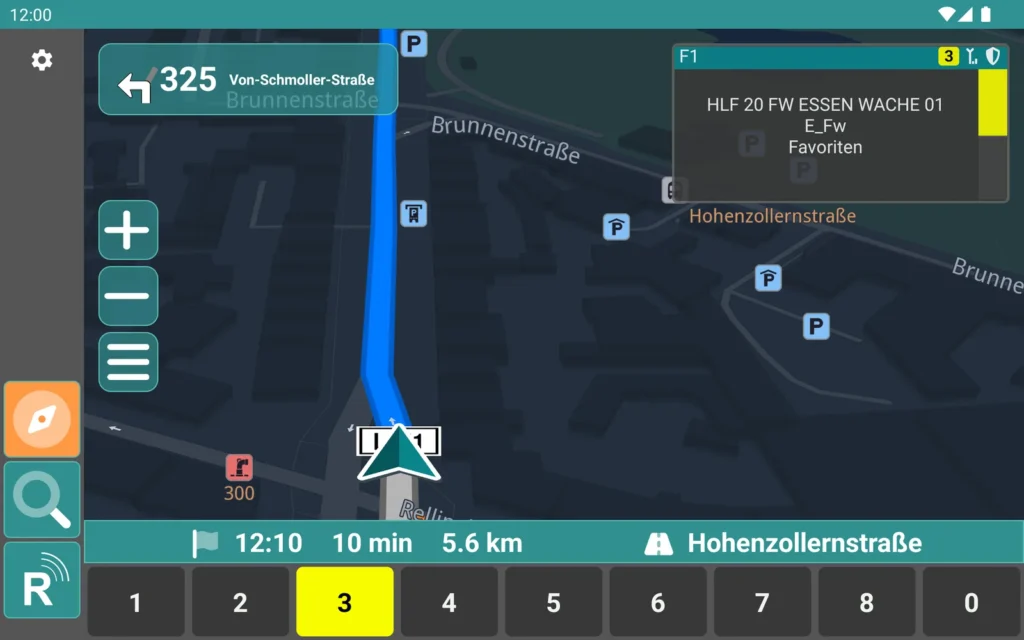
During route guidance, a window at the top right shows radio line F1 with the current talkgroup, its folder and the favourites list, plus status, encryption and reception. The destination is shown in plain text at the bottom. Driver and co-driver see route, radio and status on one screen.
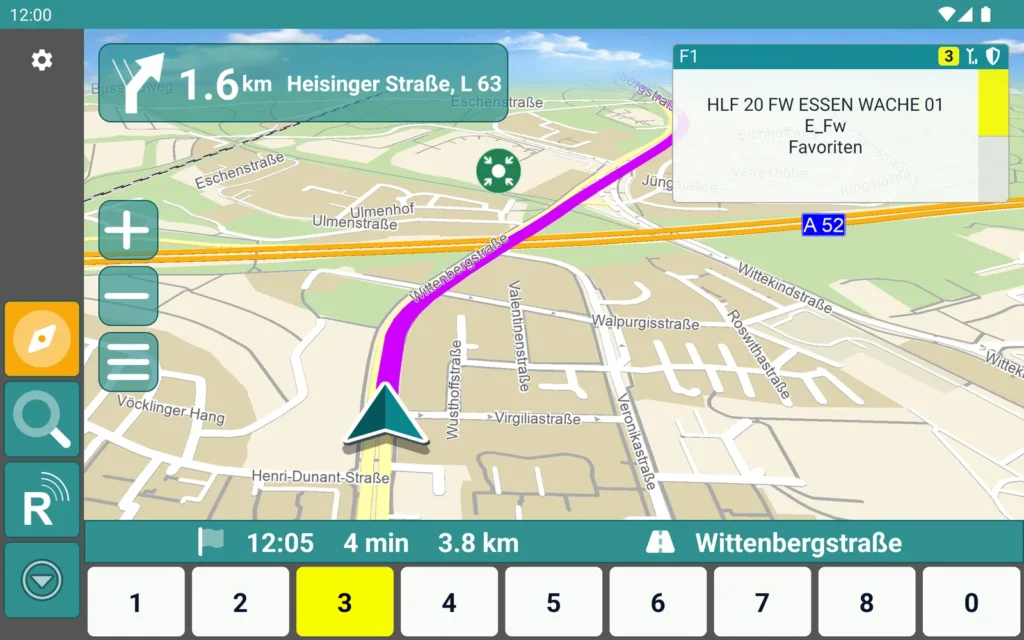
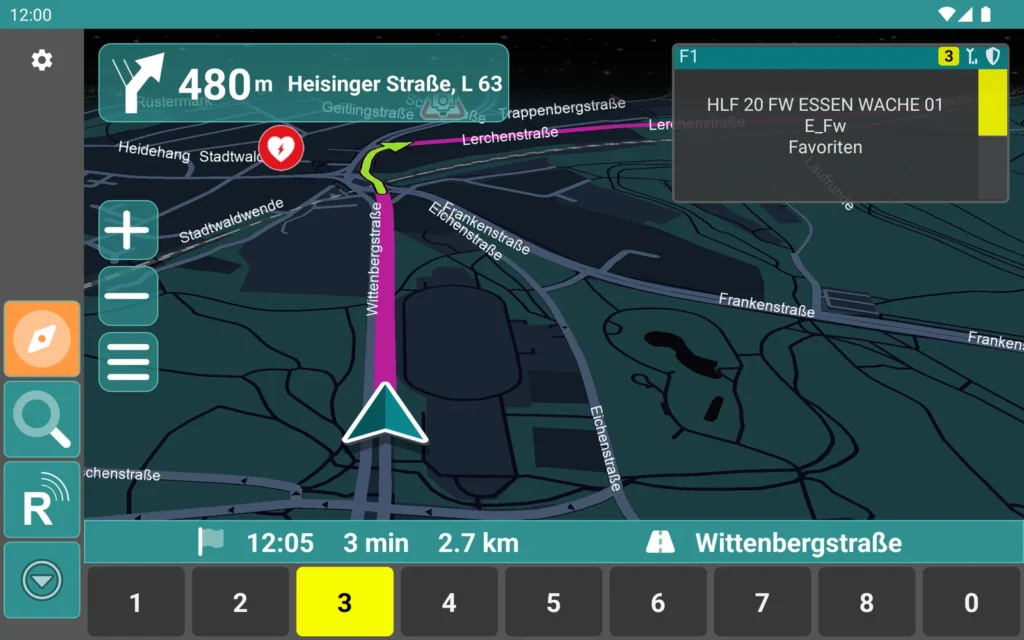
With MapTrip, too, the window at the top right shows radio line F1 with talkgroup, folder and favourites during route guidance, plus status, encryption and reception.
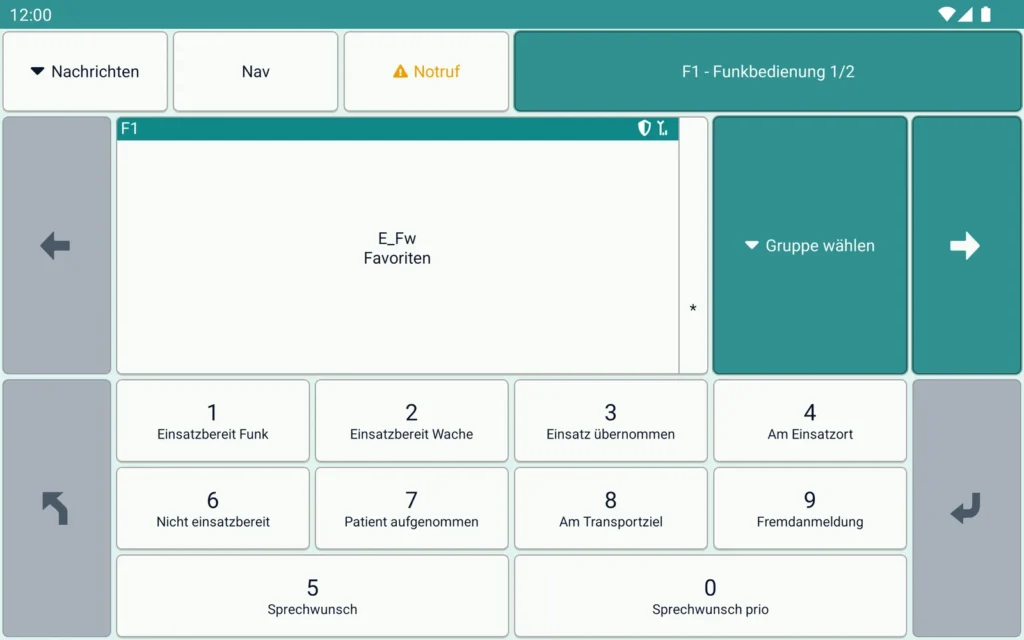
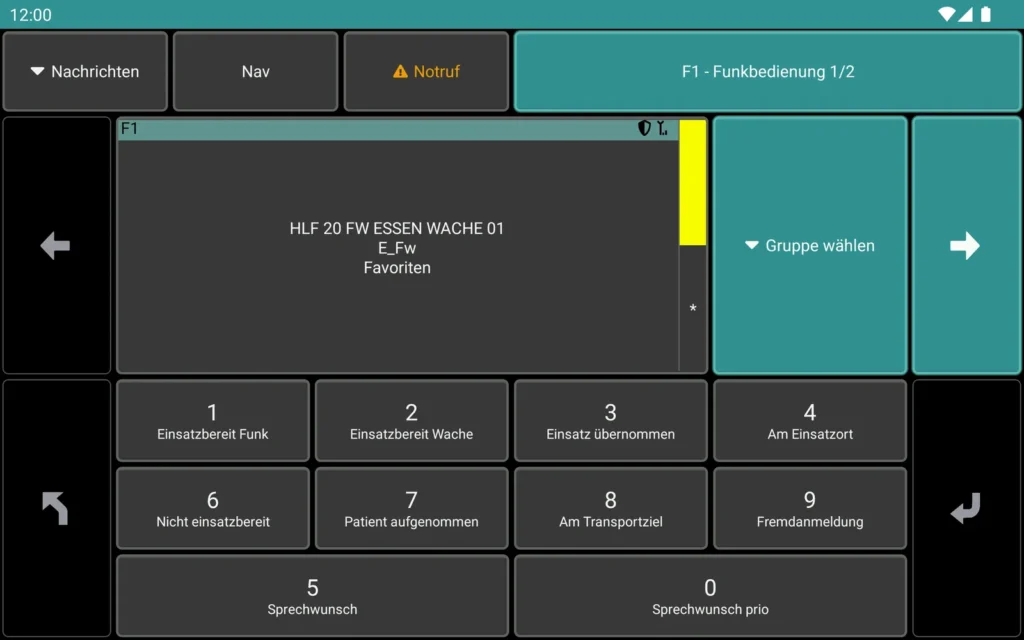
Without the map, the display belongs to radio operation: messages, navigation, emergency call and the page “F1 - Funkbedienung” at the top, the radio line with talkgroup and “Gruppe wählen” below. The status keys carry their plain text, from 1 “Einsatzbereit Funk” via 3 “Einsatz übernommen” and 4 “Am Einsatzort” to 0 “Sprechwunsch prio”.
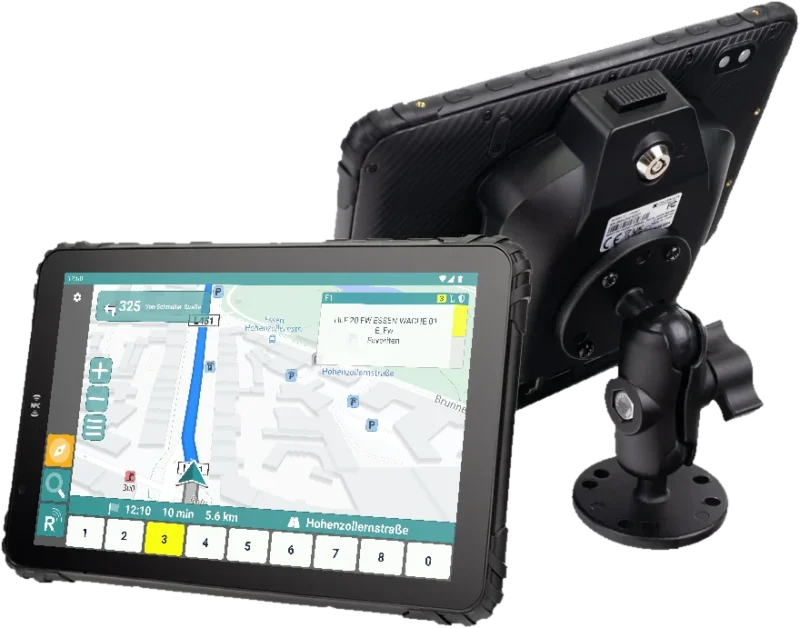
The UniKey user interface runs on the tablet, so all important functions are available in one device. Incident coordinates received by radio are taken over automatically and route guidance starts straight away. Messages with incident information pop up directly on screen. The navigation is available with either MapTrip or Magic Lane; radio and status operation stay the same.
The device is navigation unit, radio control and status panel at once. The current talk group, requested status, unread messages and the call signs (OPTA) of other users appear directly on the map; you send status via freely designed menus. The bright anti-glare display can be operated with gloves and when wet.
The tablet sits in a vehicle dock that is docked and undocked with one hand. The dock connects it to the vehicle network, the ZBE and the radio, powers it from the vehicle supply and detects the ignition. Via the ATL-IP module, handsets, additional loudspeakers or a room microphone can be connected; alternatively the radio is controlled directly, and with an adapter cable also further radios supported by the ZBE. A reversing camera can optionally be connected, saving a further screen at the driver position.
Yes, it can be connected directly to a radio or operated as part of the ZBE.
Network, two data ports for radio or ATL-IP module, two USB ports and switching contacts. The tablet connects automatically when docked and is powered from the vehicle supply.
Yes, with an 8-inch display as standard or with a 10-inch display; both variants have the same equipment.
Rugged 8″ tablet for the driver’s seat: route guidance from SDS coordinates, radio operation and status in one device.
We advise you in person, tailor the solution to your operating environment and show you the product in live operation.