PMR Expo 2026 · 24–26 November 2026 · Hall 8 · Stand D030 / E031PMR Expo 2026 · Hall 8 · Stand D030 / E031 Learn more

Search the website

Popular searches

Tip: press / or Ctrl+K to open the search on any page.

← All products

Desk units · Software workstation = AfVis + ATL-IP module, on the network at the BOS-Compact

Software workstation

AfVis plus ATL-IP. One workstation.

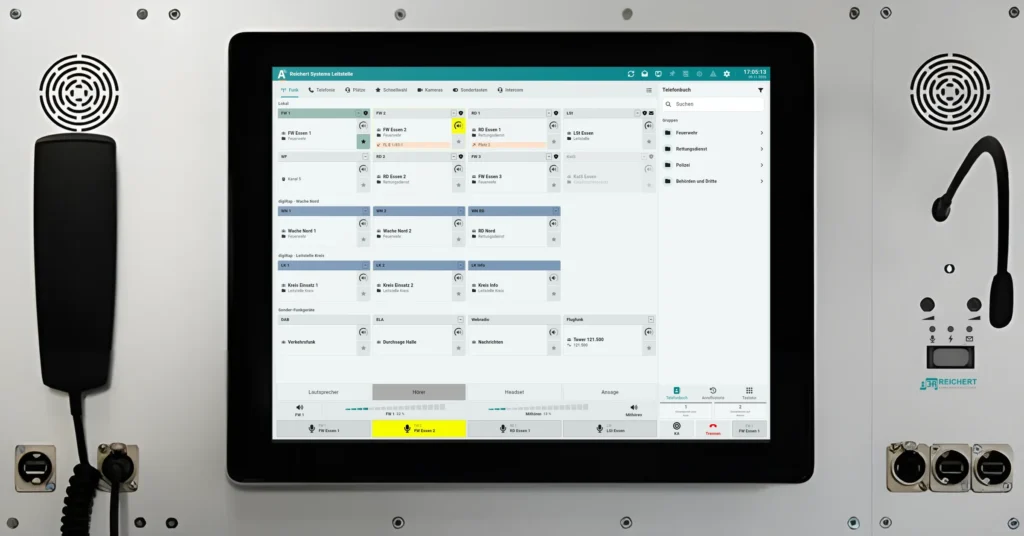
The software workstation combines the AfVis operator software with the ATL-IP module for audio. The monitor sits in an aluminium front panel, and everything connects to the BOS-Compact over the network. It can be supplied with or without a PC, so an existing PC can be used.
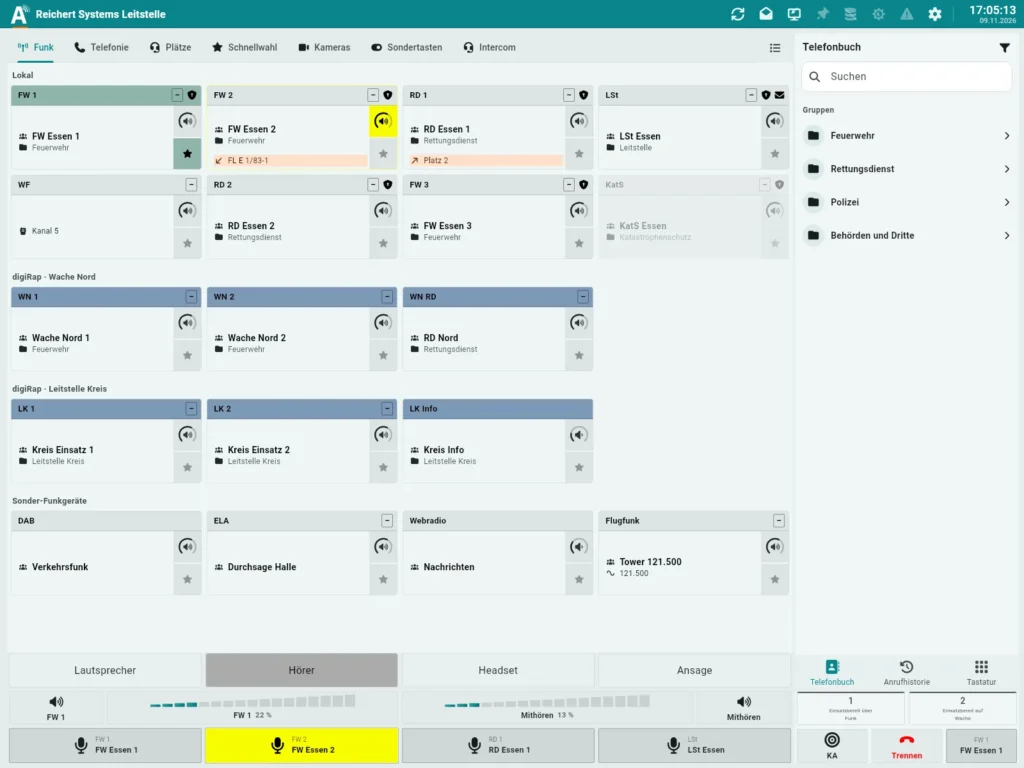
  • With or without PC
  • Selectable monitor size
Request this product
Software workstationSoftware workstation
System diagram

How it becomes a workstation.

123456789

Point at or tap a component or its number to see more.

The building blocks

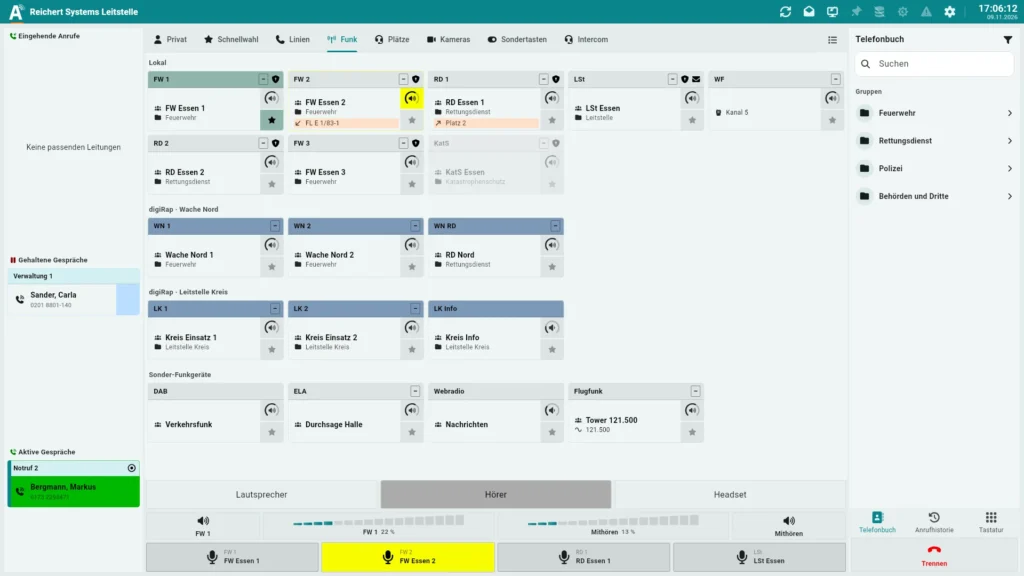
  1. AfVis

    The software on the computer: radio, telephony, camera view, special keys and intercom. The monitor sits in the aluminium front panel.
    AfVisView product
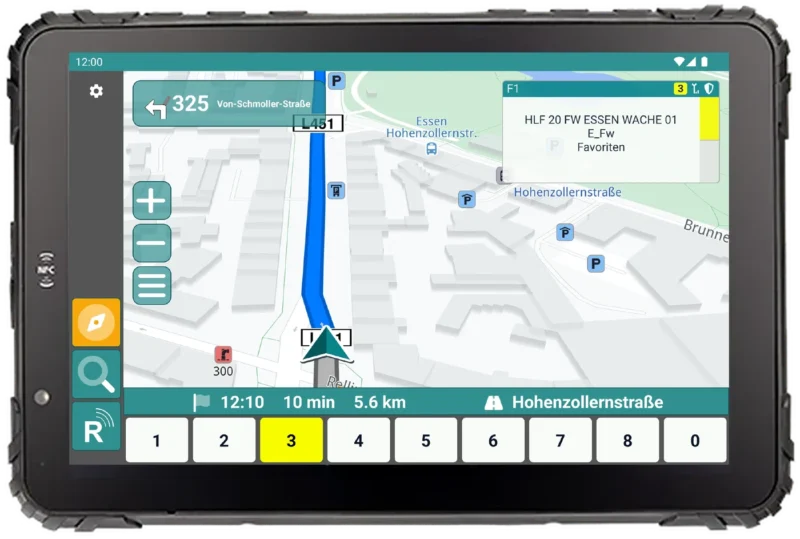
  2. Optional: UniKey-Navigator

    A Navigator can hang on the same workstation in parallel.
    UniKey-NavigatorView product
  3. Network

    Computer, ATL-IP module and BOS-Compact share one network.

    BOS-CompactView product
  4. ATL-IP module

    The audio unit for handset, headset, loudspeaker and foot switch. The BOS-Compact supervises the module.

    ATL-IP moduleView product
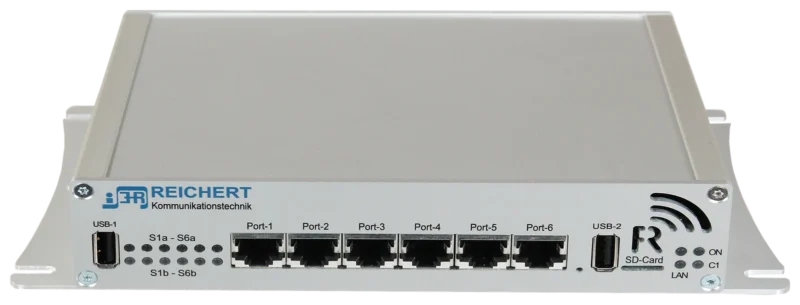
  5. BOS-Compact

    The controller: connects radios and telephony and links AfVis with the module.
    BOS-CompactView product
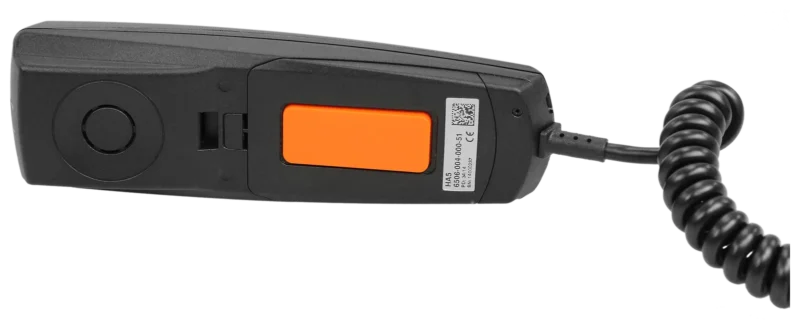
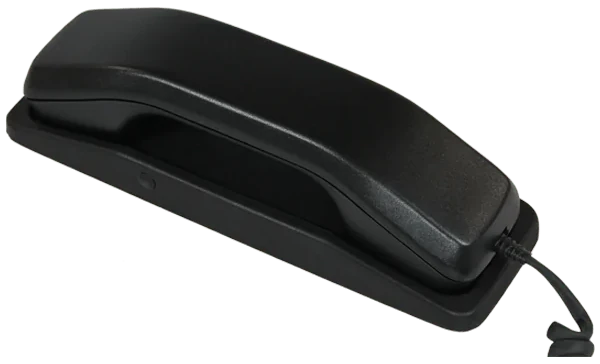
  6. Handset

    Handset with PTT on the module.

    HandsetView product
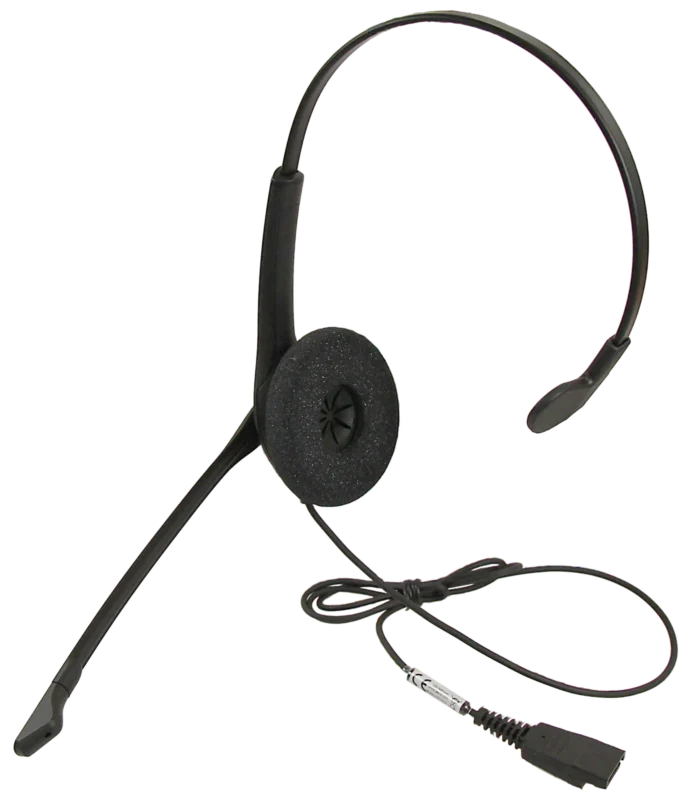
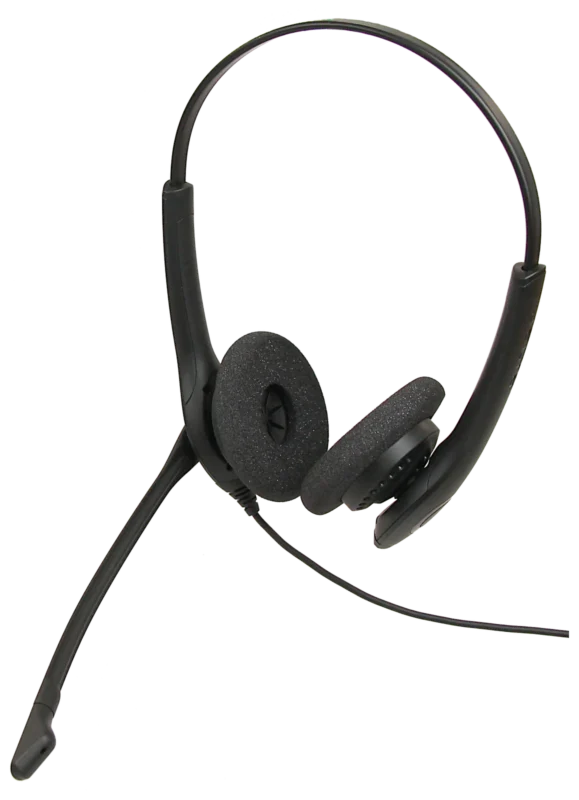
  7. Headset

    Mono or binaural, directly on the module.

    Monaural headsetView product
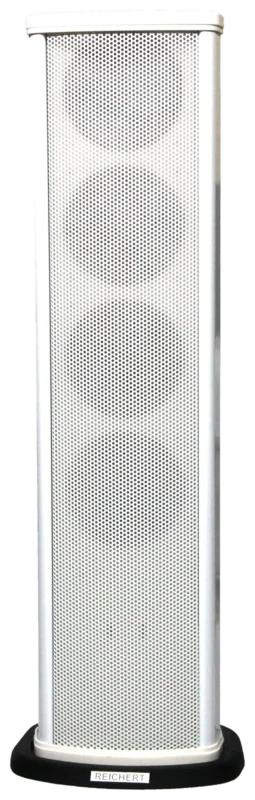
  8. Loudspeaker

    Loudspeaker with switch-on contact for loud listening.

    Speaker columnView product
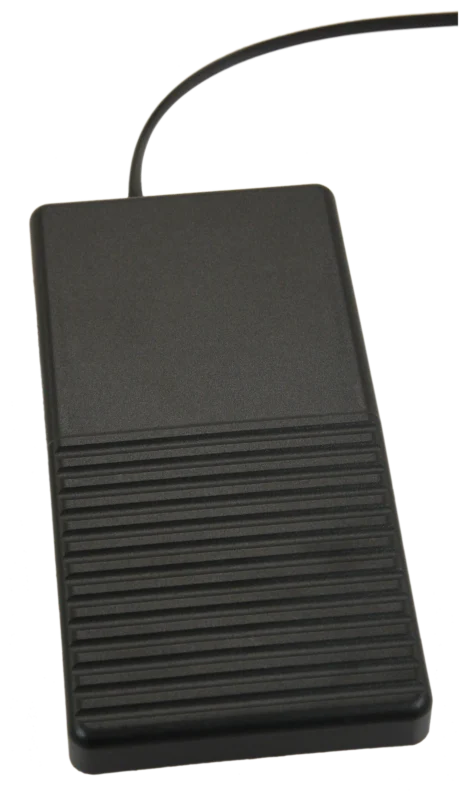
  9. Foot switch

    A PTT key for the foot when the hands must stay free.

    Foot switchView product
Audio
ATL-IP module
Update
Centrally via the system

Key highlights

  • Selectable monitor

    E.g. 15″ touch

  • Own audio unit

    ATL-IP module

  • Fail-safe

    Radio and phone stay usable

  • Made to measure

    Aluminium panel

  • Camera view

    Video images beside radio and telephone

  • Special keys

    Switches and actions at a keypress
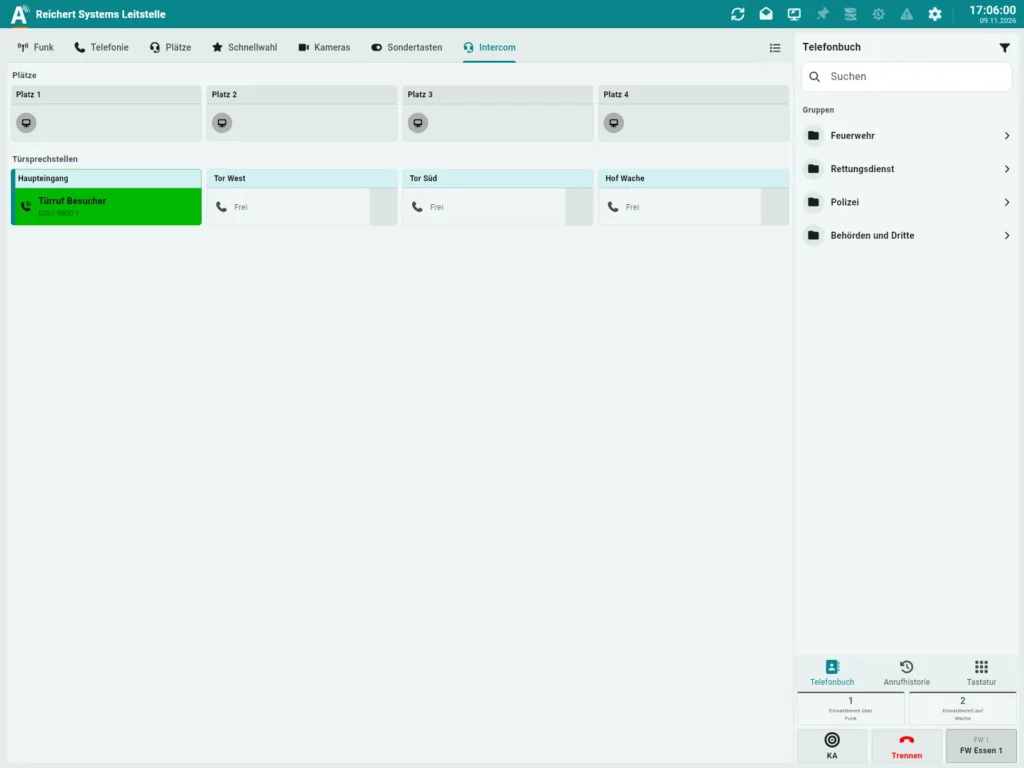
Views

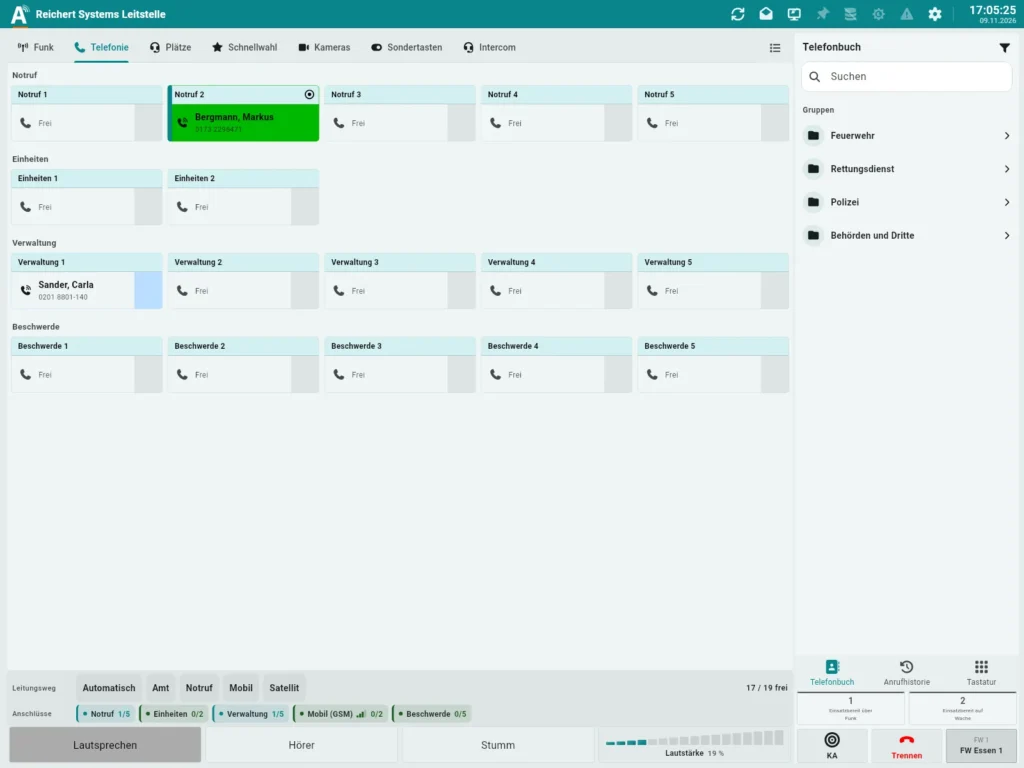
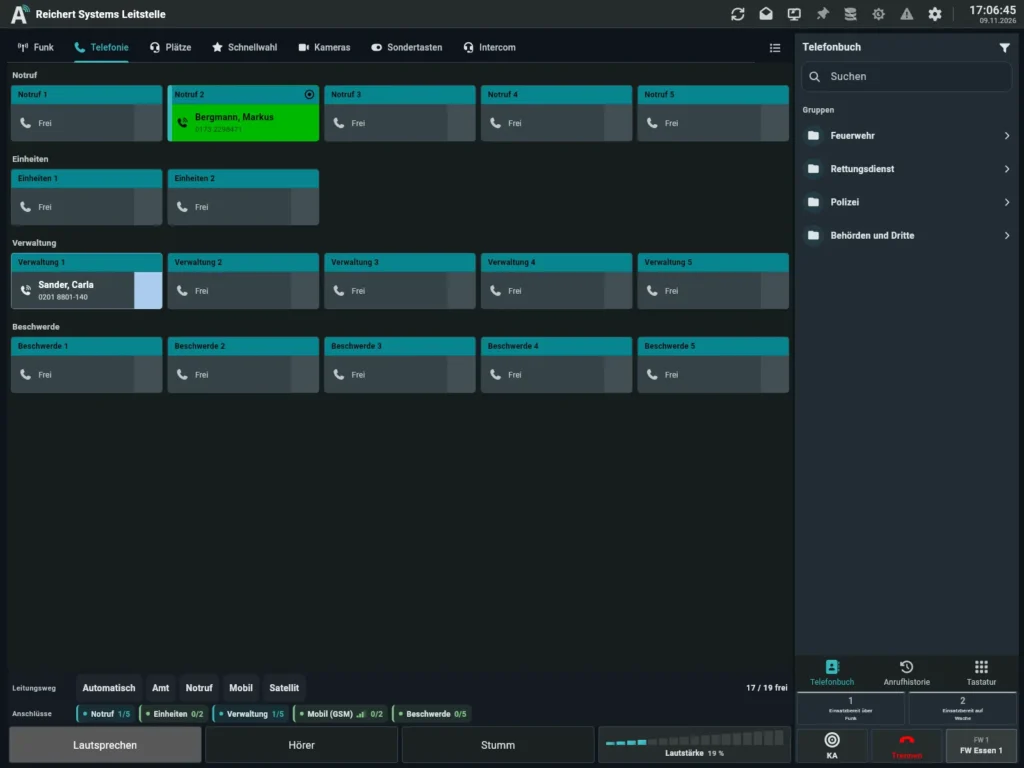
Telephony by line group: one active emergency call, one call on hold, all other lines free on the 4:3 monitorTelephony by line group: one active emergency call, one call on hold, all other lines free on the 4:3 monitor
Telephony by line group: one active emergency call, one call on hold, all other lines free on the 4:3 monitor
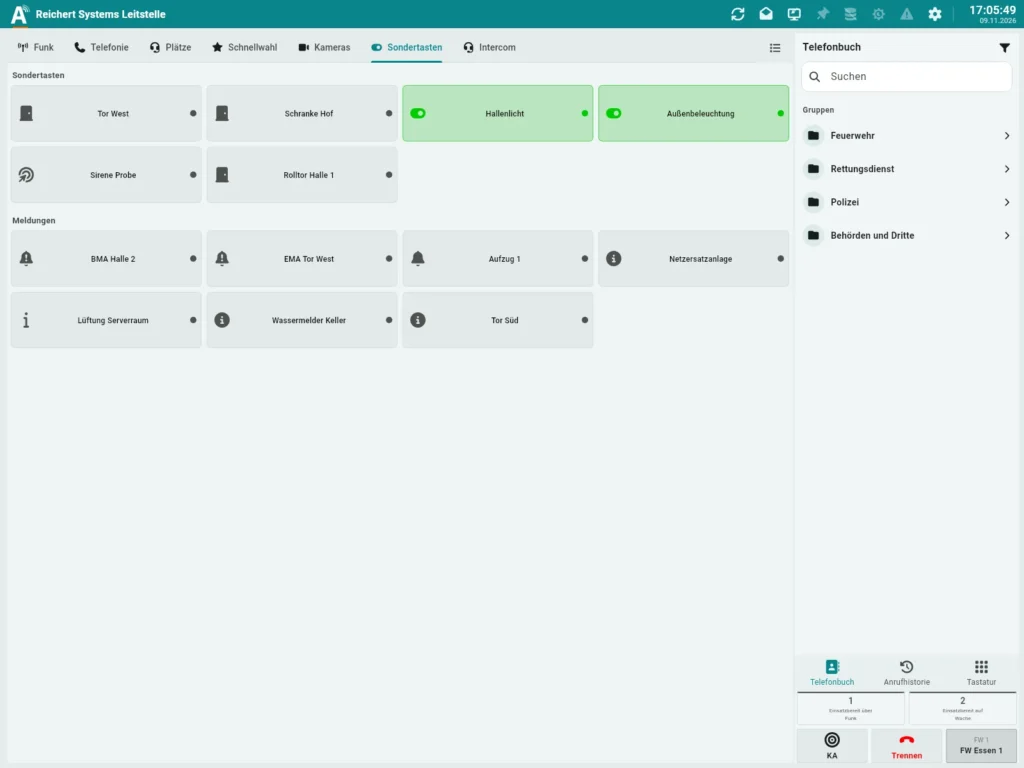
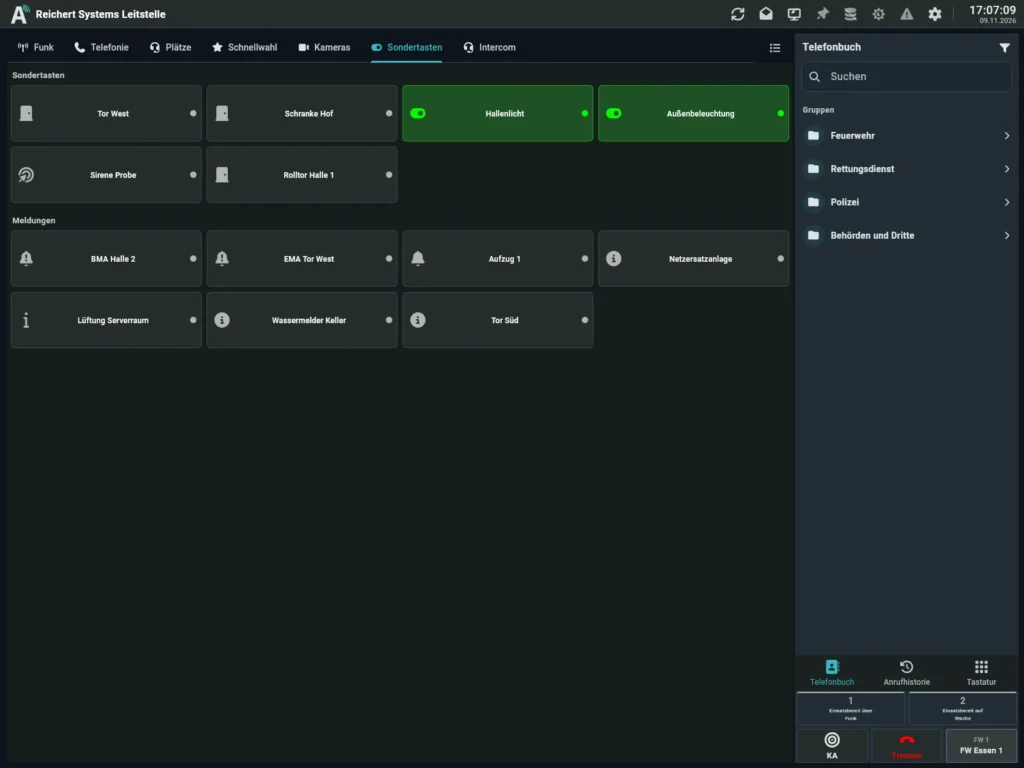
Special keys for gates and lighting next to building-services indicationsSpecial keys for gates and lighting next to building-services indications
Special keys for gates and lighting next to building-services indications
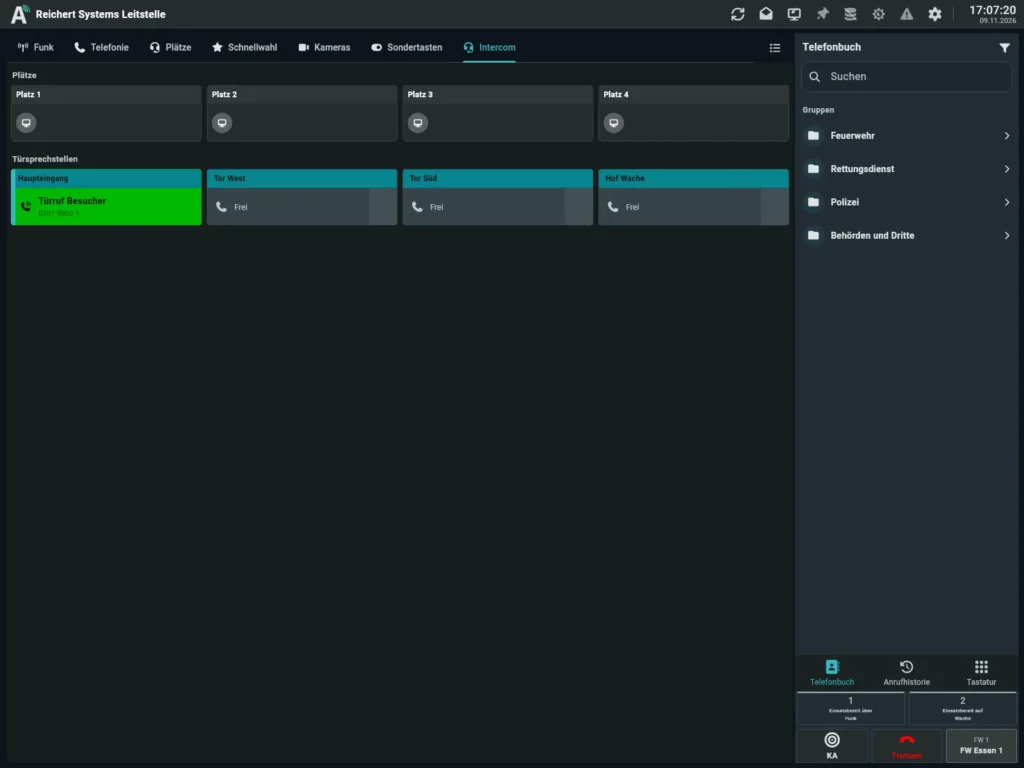
Door stations and desks in one place, here with an active door callDoor stations and desks in one place, here with an active door call
Door stations and desks in one place, here with an active door call

Design

The workstation is built to your requirements as an aluminium front panel and so adapts to the installation situation. The monitor size is selectable (e.g. 15″ touch), and several monitors are possible. Because audio does not run through the PC and AfVis is light on resources, other applications can run on the PC in parallel. If the PC fails, radio and telephone can still be answered.

ATL-IP module

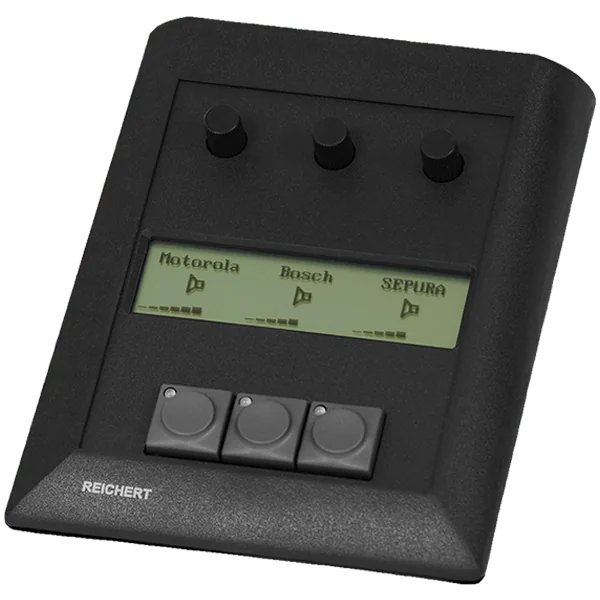
The ATL-IP module handles the audio. It lets you connect a headset, handset, additional loudspeakers and a separate push-to-talk key. Updates are installed centrally.

What AfVis shows at the workstation

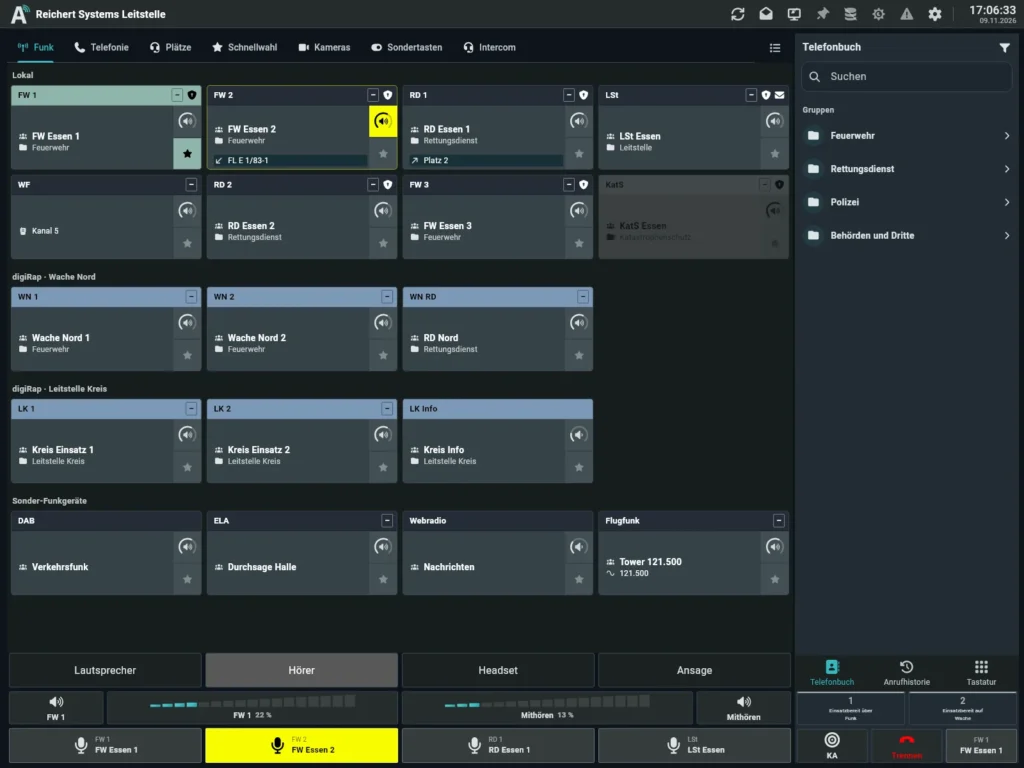
Besides radio and telephony, AfVis offers a camera view for video signals, freely assignable special keys for switches and actions, and intercom for call stations and announcements.

At a glance

Features

  • Proven UniKey connection technology based on the ATL-IP module
  • High-quality aluminium
  • Selectable monitor size (e.g. 15″ touch)
  • Powerful integrated loudspeakers and microphone
  • Connections for optional accessories (e.g. foot switch)
  • Additional connection of headphones, handset and loudspeakers possible
  • Central updates via the system

Applications

  • Command vehicles
  • Control rooms
  • Stations

Frequently asked questions

Can I use my existing PC?

Yes, the workstation can be supplied with or without a PC.

What happens if the PC fails?

Radio and telephone can still be answered because audio runs through the ATL-IP module, not through the PC.
See for yourself. Live in our showroom.

We advise you in person, tailor the solution to your operating environment and show you the product in live operation.

Your inquiry list

Put together products and example configurations and send us the list with a message. We will get back to you with a quotation or an appointment for a consultation.

    Your contact details

    The list is only stored in your browser until you send it.