Desk units
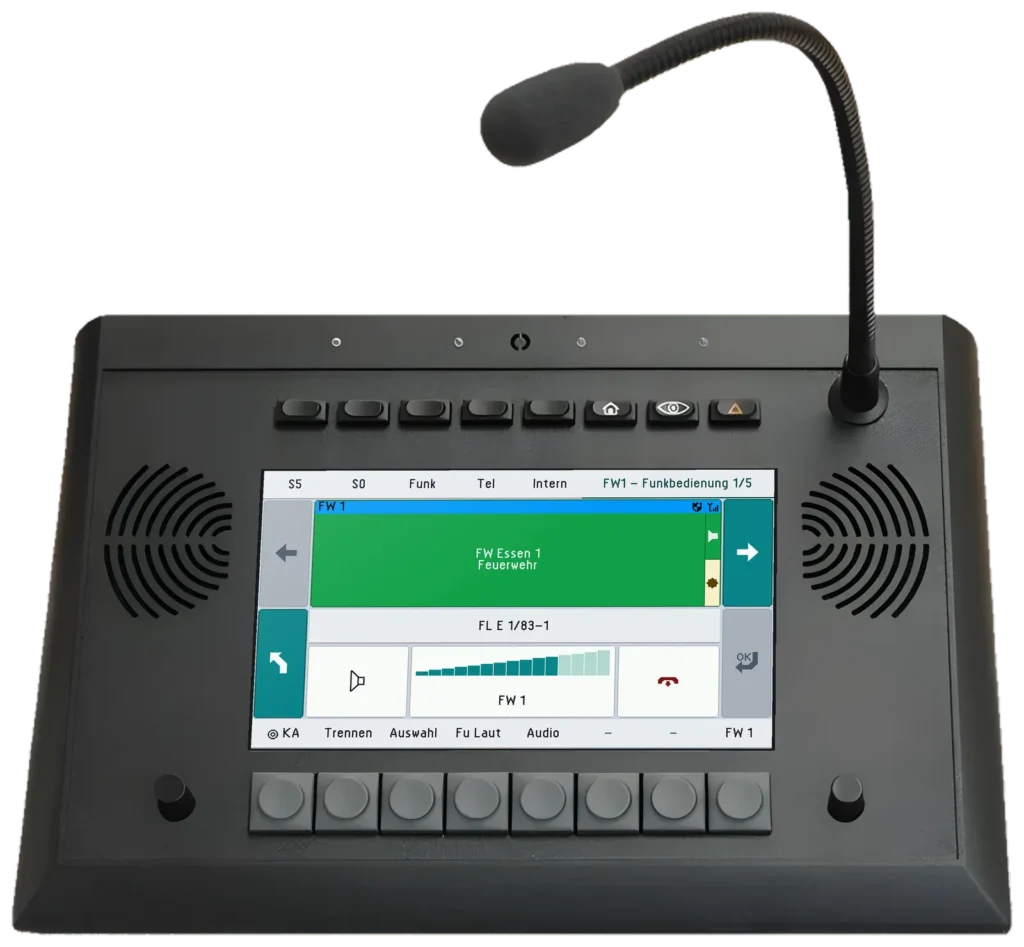
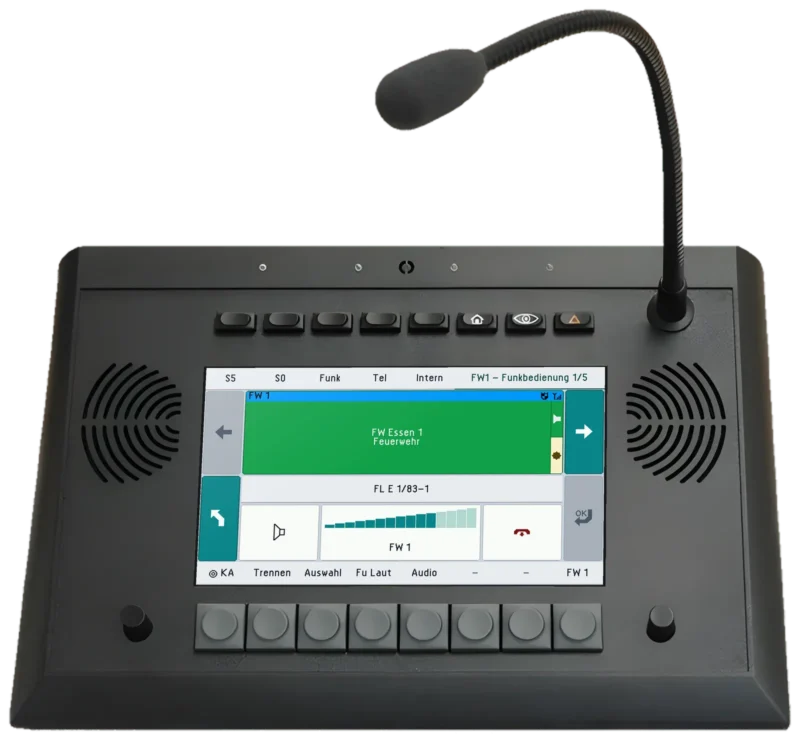
UniKey-TS3
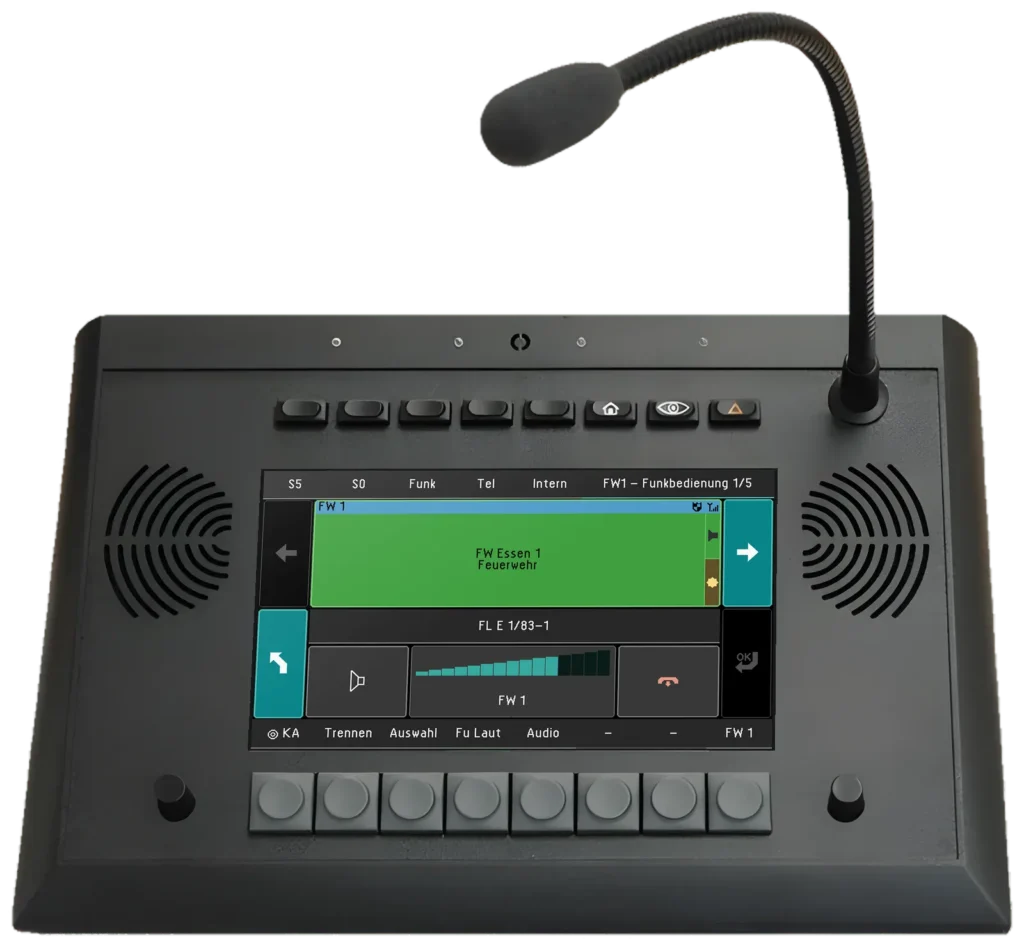
7″ touch desk unit for radio operation
As platoon commander you have radio and telephony in one place directly behind the front seats, and the driver’s console operates the same system up front. Point at or click a component in the diagram to get to know it.
The console at the workstation behind the front seats: radio and telephony on the 7″ touch display, right at the platoon commander’s fingertips. Plus footswitch and loudspeaker.
 UniKey-TS3View product
In the technology compartment below the workstation: one controller for radio, recording and telephony. In this example two to four TETRA and analogue radios are connected via radio connection cables. It runs the REICHERT ZBE.
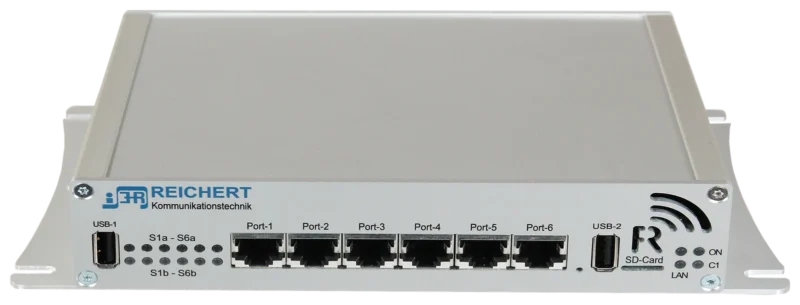 BOS-CompactView product
The audio unit of the software workstation – a UniKey without display: handset, headset and PTT connect directly to the module beside the notebook; only one LAN cable runs to the BOS-Compact.
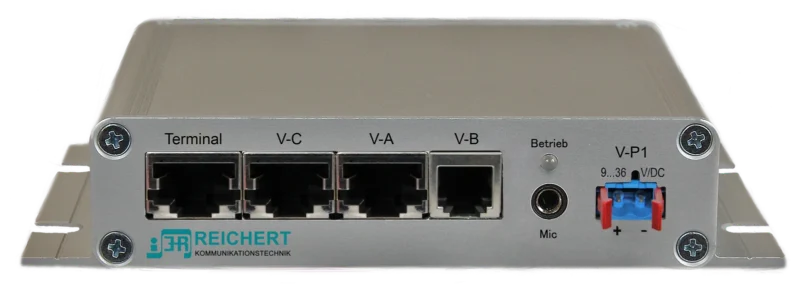 ATL-IP moduleView product
Operation of the software workstation on the notebook: radio and telephony with AfVis, audio through the ATL-IP module, in addition to the UniKey-TS3.
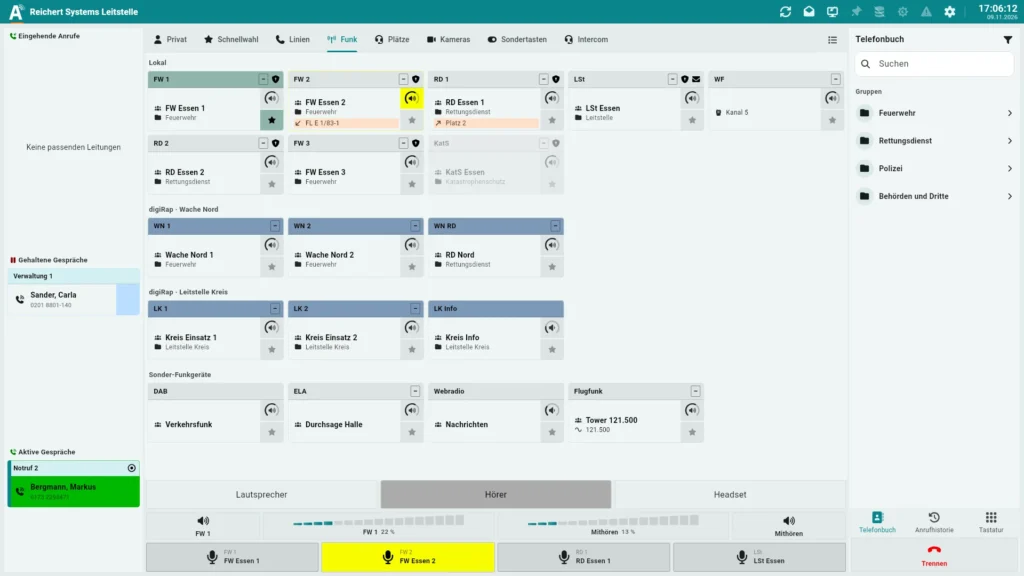 AfVisView product
Within reach at the workstation, connected directly to the ATL-IP module.
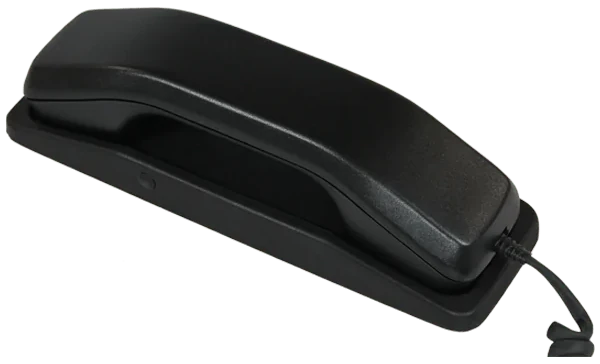 HandsetView product
In the technology compartment: GSM module for telephony at the workstation.
The UniKey-Navigator as the driver’s console with all system functions: navigation with SDS routing, status handling and an optional rear-view camera, plus handset, room microphone, loudspeaker and remote PTT button.
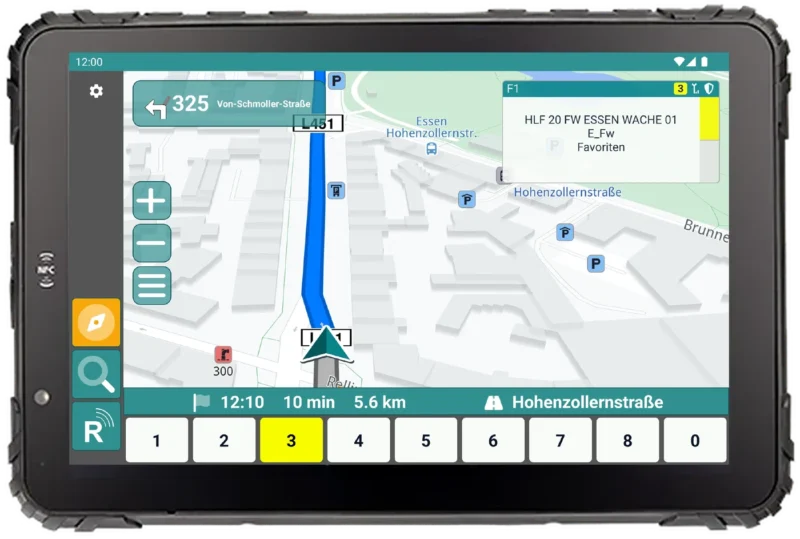 UniKey-NavigatorView product
7″ touch desk unit for radio operation
Controller for radio, recording and telephony
Audio unit for the workstation
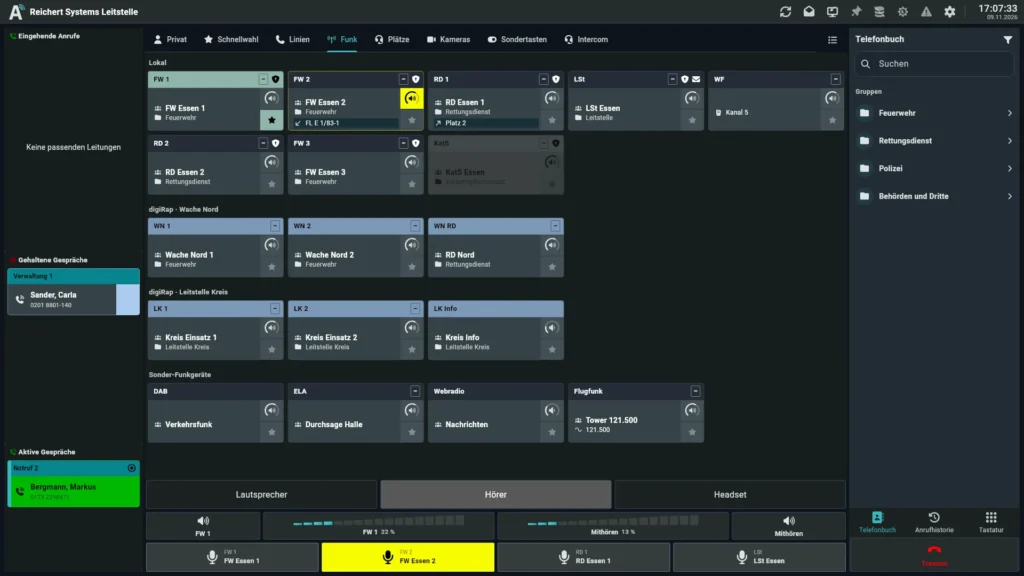
Operator software for radio, telephony and video – on the PC, at a software workstation or with UniKey
Handset with cradle and PTT key
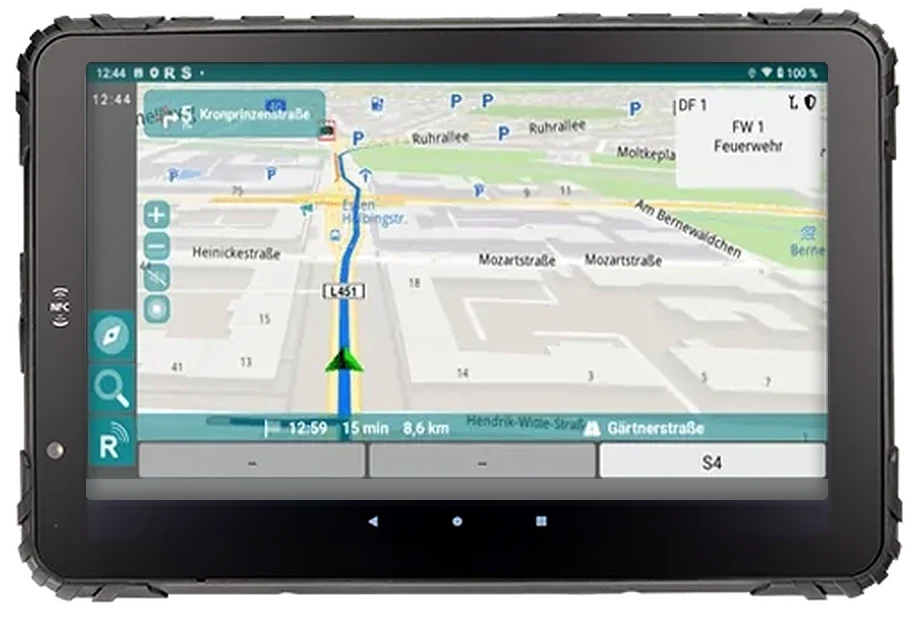
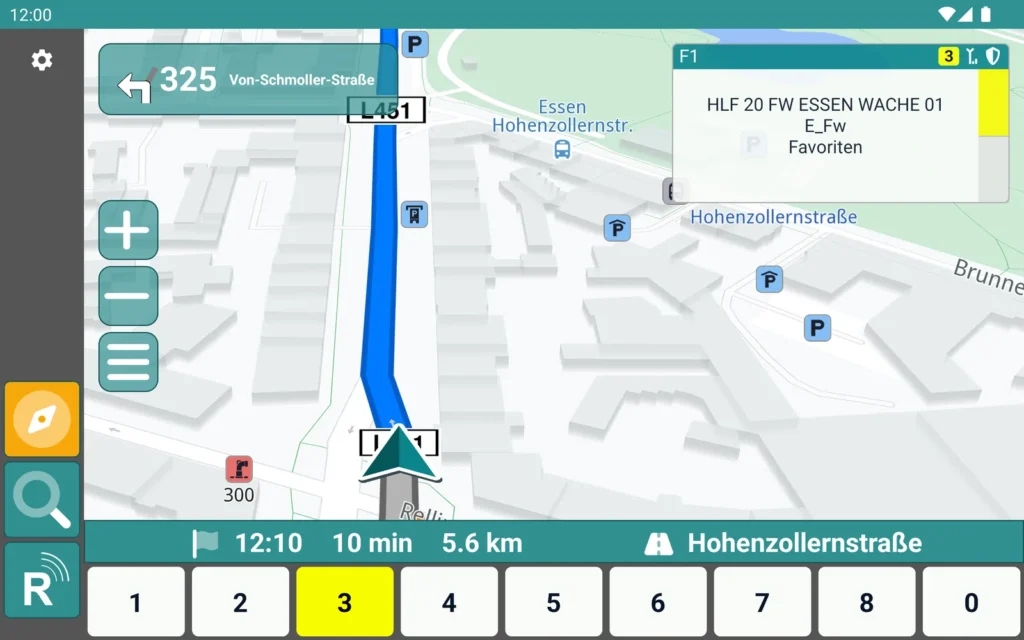
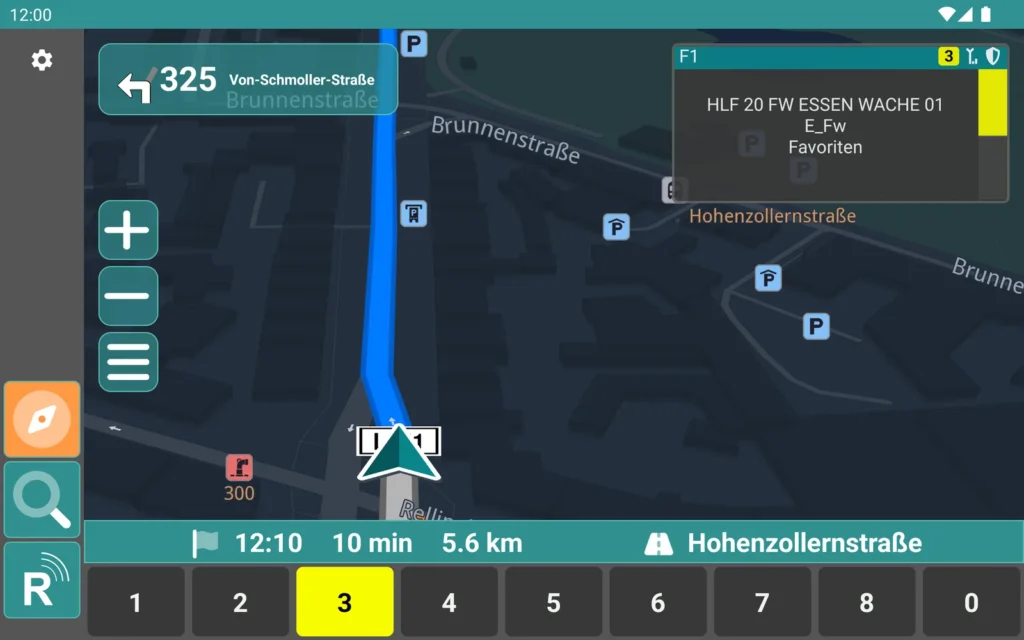
Navigation, radio and status on a rugged tablet
As of 11/2026 · Example – every system is planned individually.
Tell us which vehicles or buildings you want to equip. We put together the matching configuration with you.