Controllers & modules
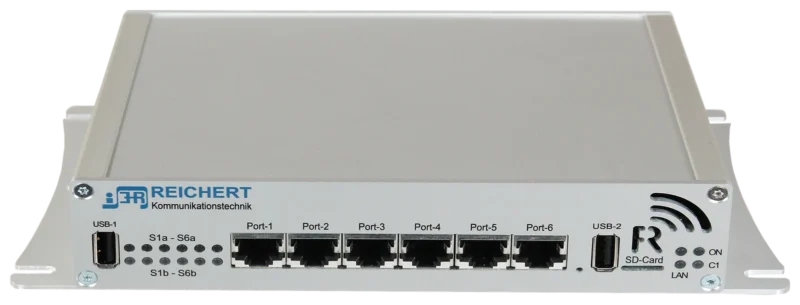
BOS-Compact
Controller for radio, recording and telephony
The ELW2 connects TETRA, DMR and analogue in parallel via BOS-Compact Dual – eight of twelve slots in this example, and the number of radios can be expanded as required. Plus four software workstations and a meeting room. Point at or click a component in the diagram.
In the 19-inch rack: two controllers with six slots each, eight in use here, expandable as required. TETRA, DMR and analogue in parallel, connected via radio connection cables. They run the REICHERT ZBE.
BOS-CompactView product Software on the BOS-Compact units, not a separate device: digiRap connects the system over IP with other REICHERT systems, and radios can be shared.
 digiRapView product
Public address (ELA) with an external loudspeaker on the roof and an internal loudspeaker; it can be connected instead of a radio.
Four software workstations at two tables in the radio room in front of the 19-inch racks, each with handset, headset, footswitch, loudspeaker, room microphone and remote PTT button.
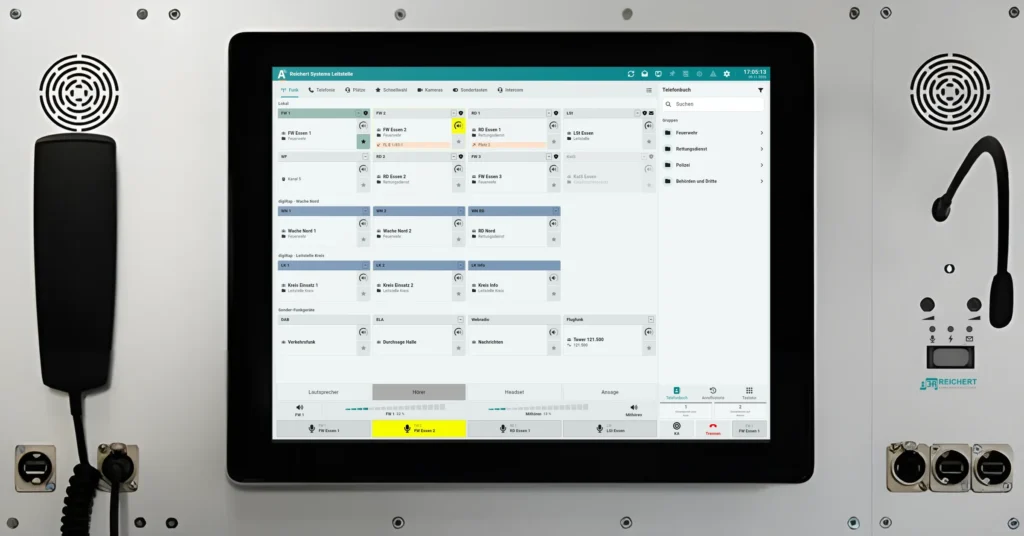 Software workstationView product
UniKey TS2 or TS3 workstation in the meeting room with handset, headset, footswitch, AfVis display extension and loudspeaker.
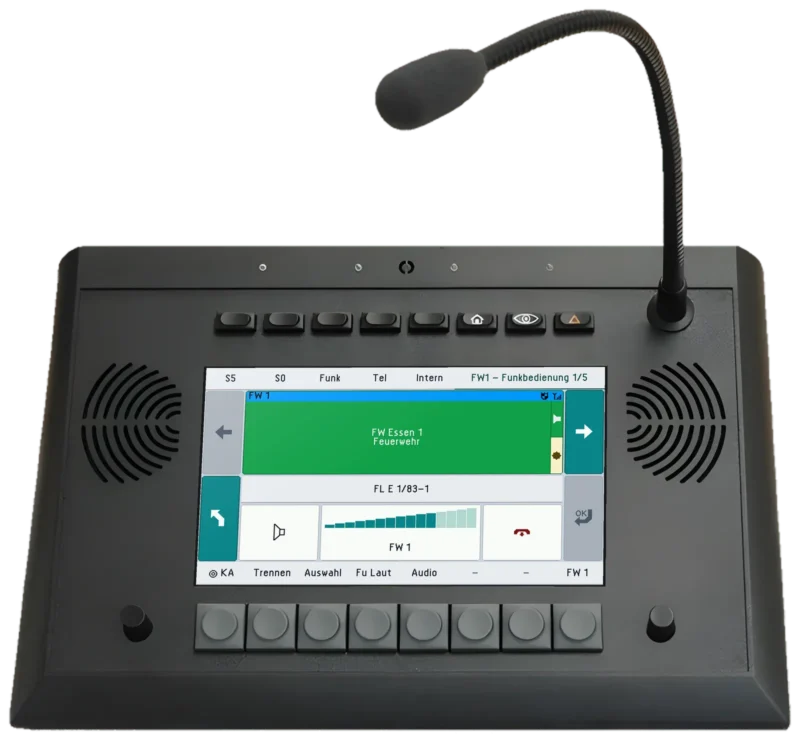 UniKey-TS3View product
AfVis PC client as a remote workstation on the table in the meeting room, operated with headset and footswitch.
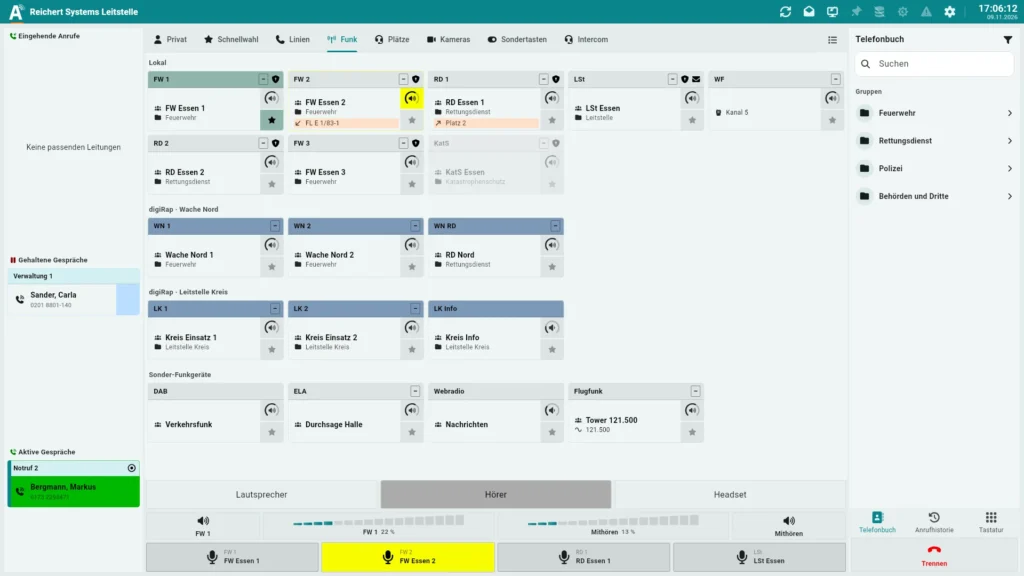 AfVisView product
Module in the 19-inch rack: GSM module for telephony at the UniKey workstations and the optional DECT devices.
Module in the 19-inch rack: DECT base station with the option for up to 6 DECT handsets.
Module in the 19-inch rack: connection of external dispatch software (ELS), for example EMMA.
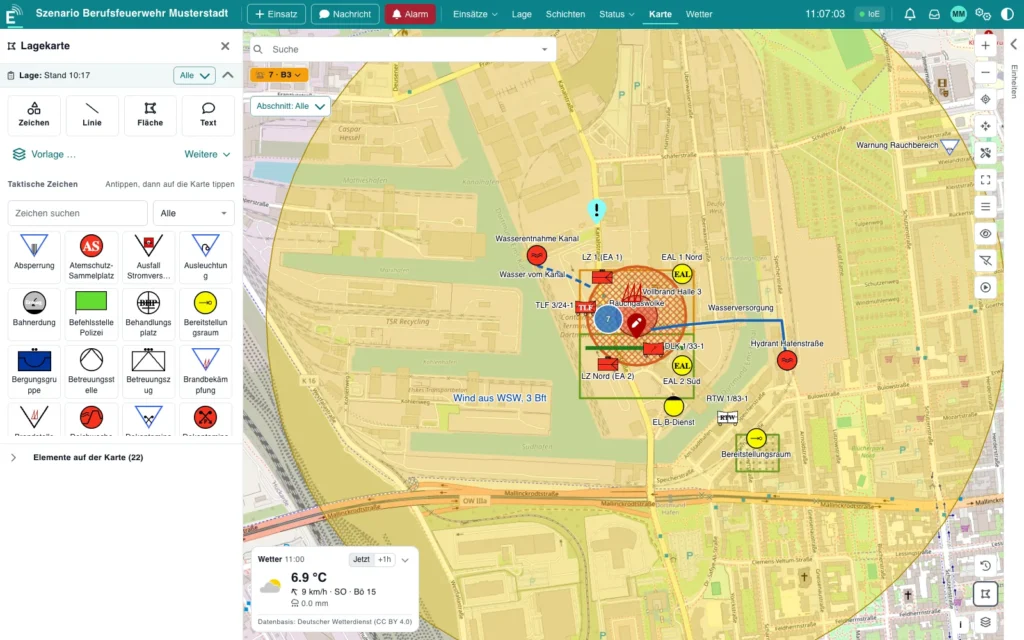 EMMAView product
The UniKey-Navigator as the driver’s console with all system functions: navigation with SDS routing, status handling and an optional rear-view camera, plus handset, room microphone, loudspeaker and remote PTT button.
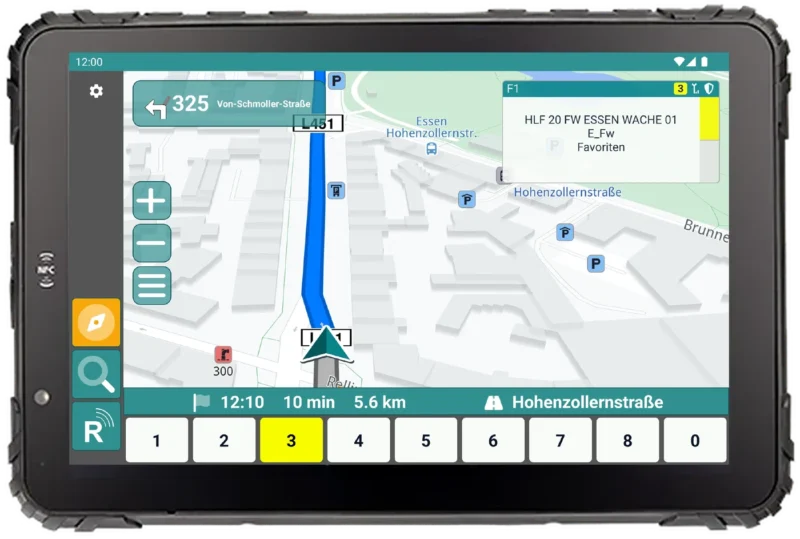 UniKey-NavigatorView product
Controller for radio, recording and telephony
Link systems, share radios
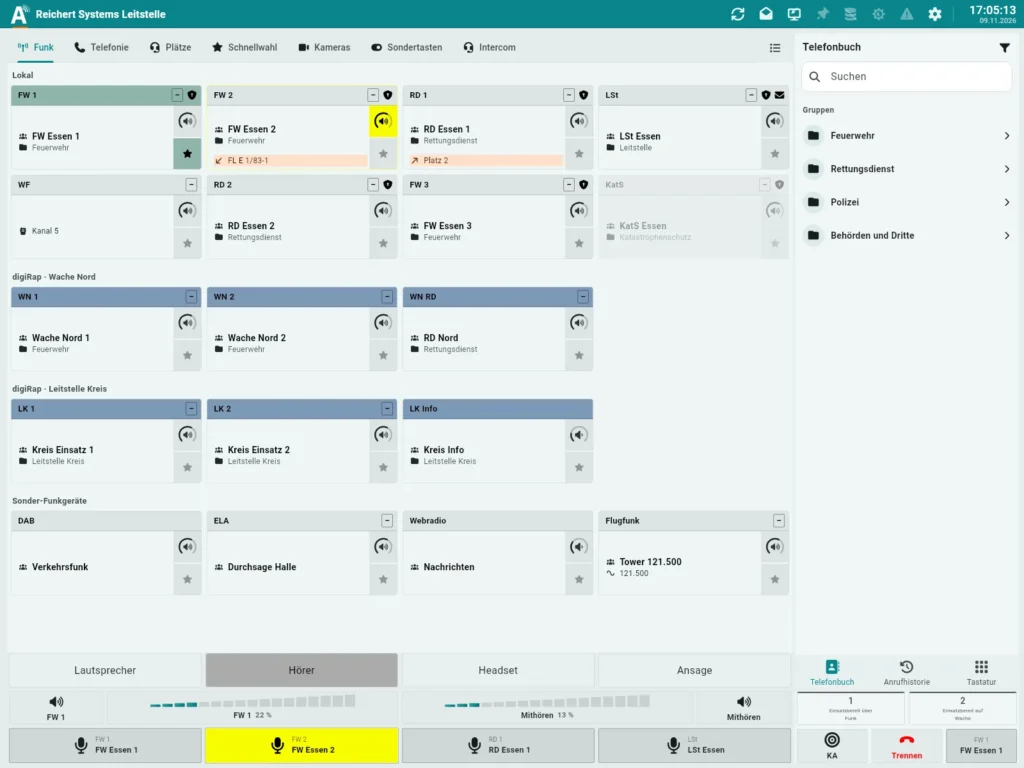
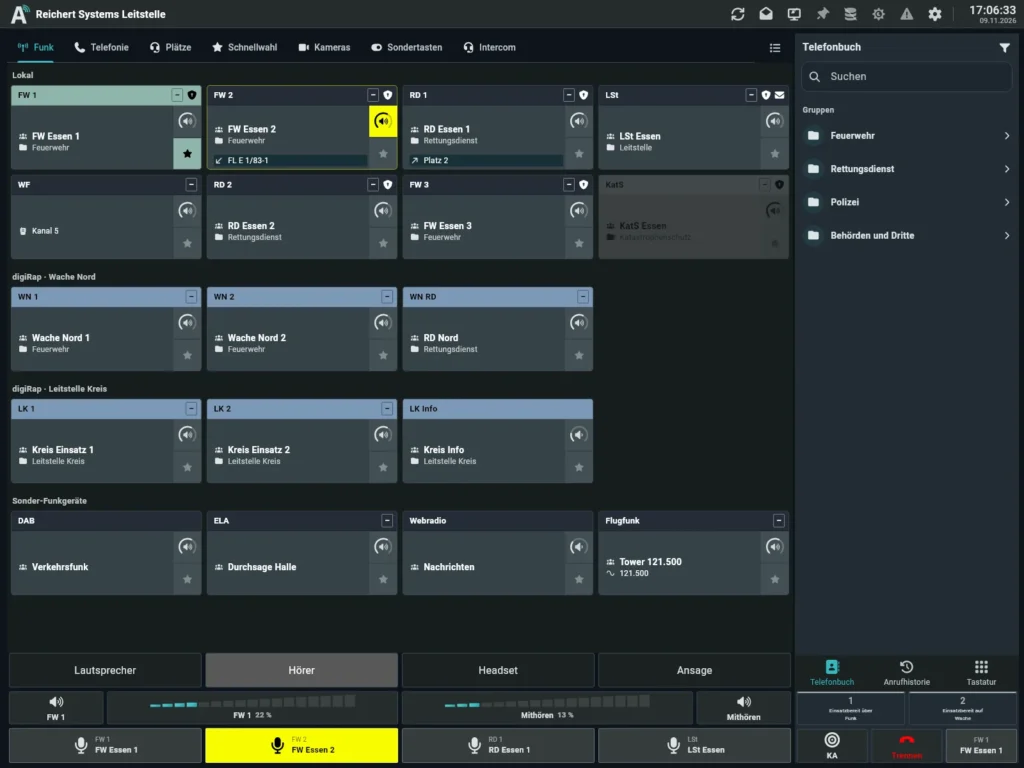
Software workstation = AfVis + ATL-IP module, on the network at the BOS-Compact
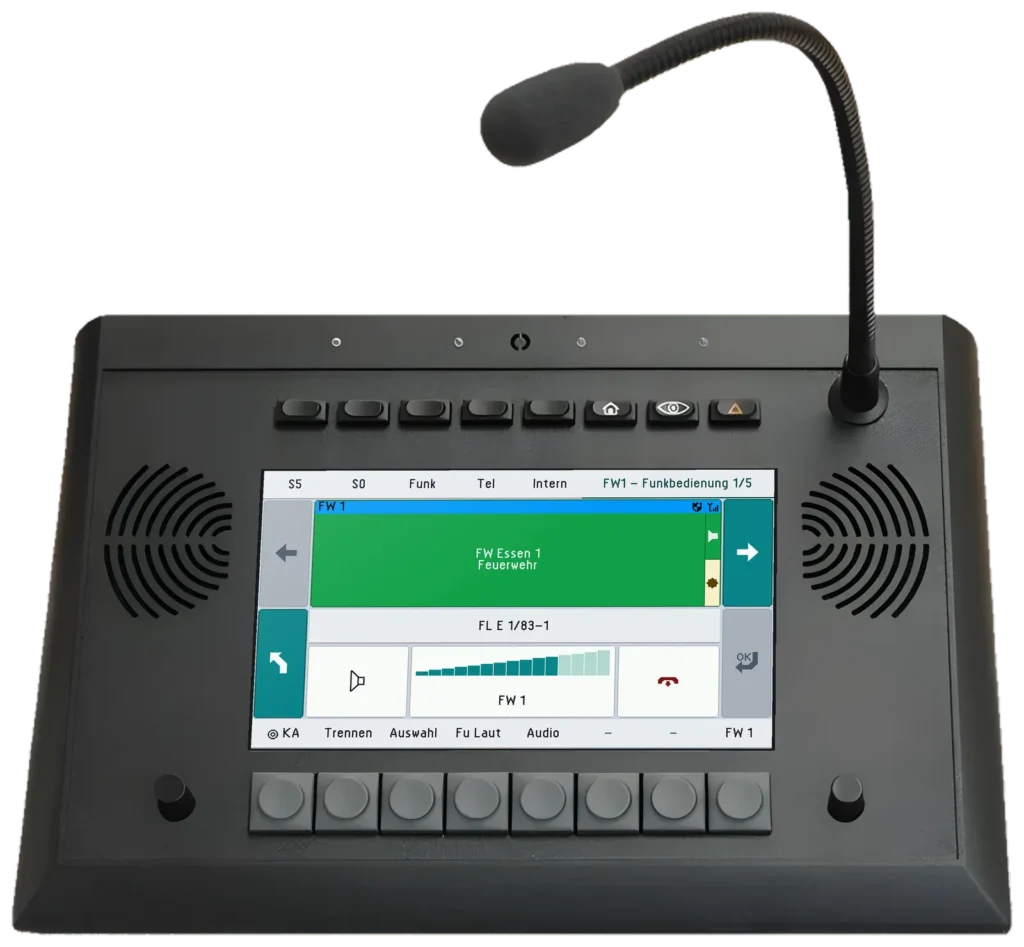
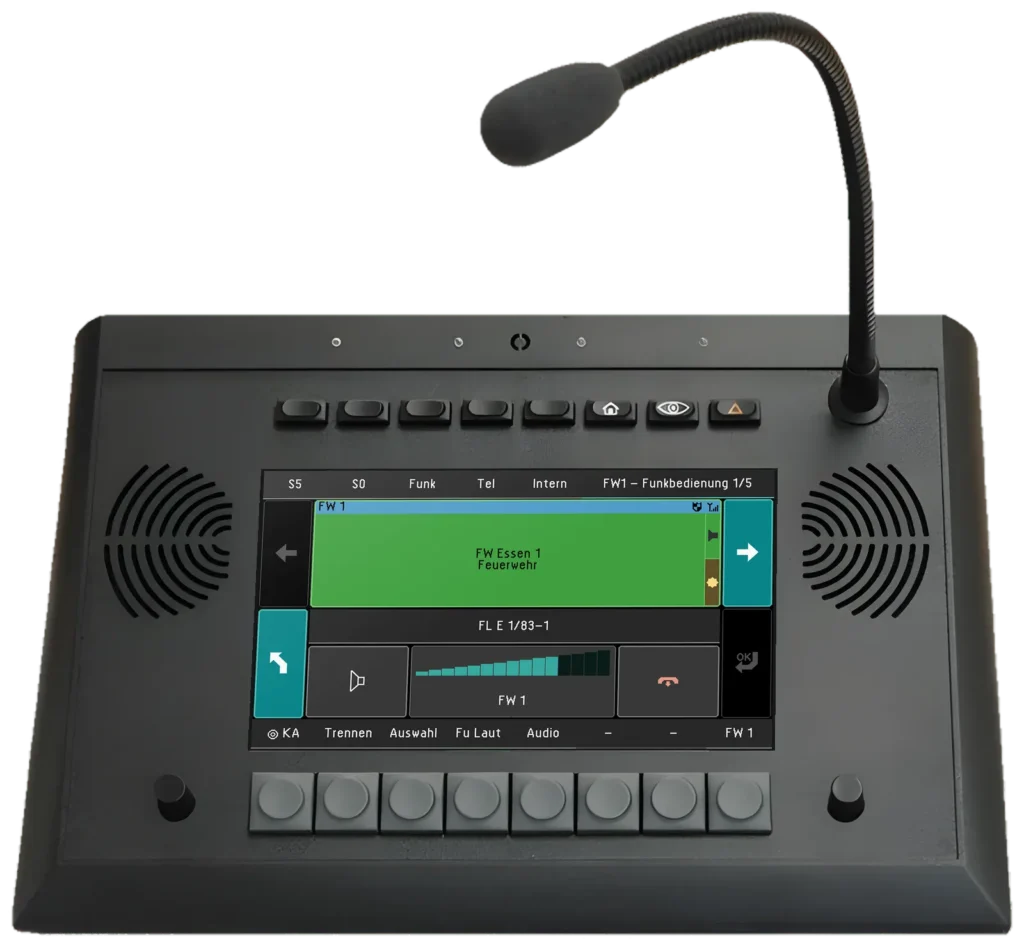
7″ touch desk unit for radio operation
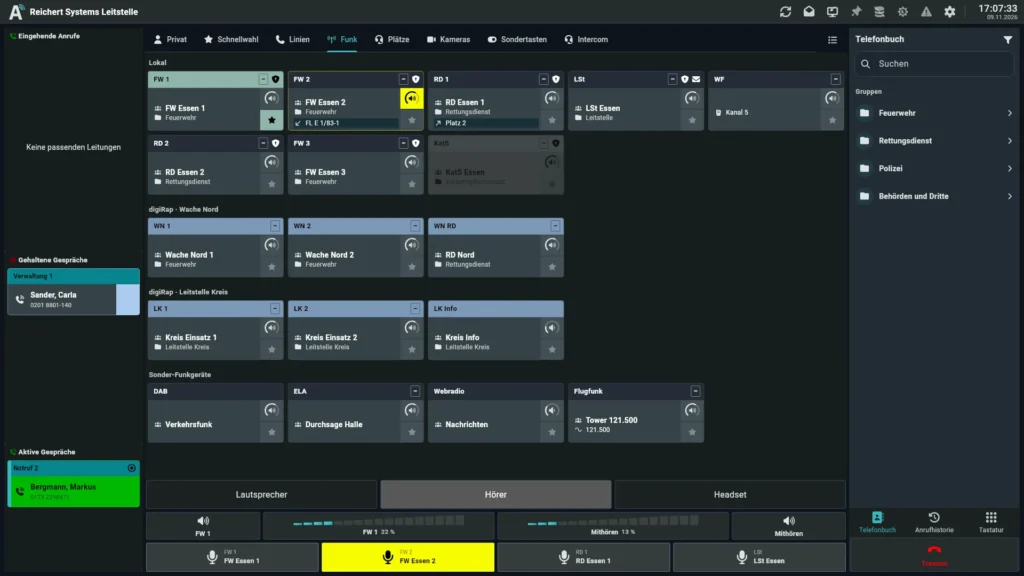
Operator software for radio, telephony and video – on the PC, at a software workstation or with UniKey
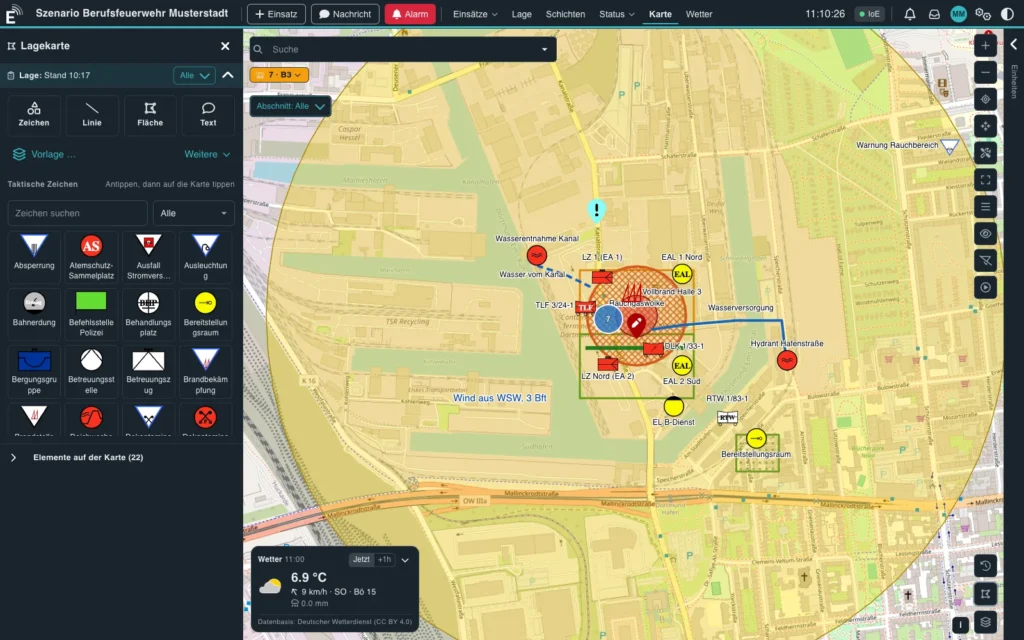
Incident management software
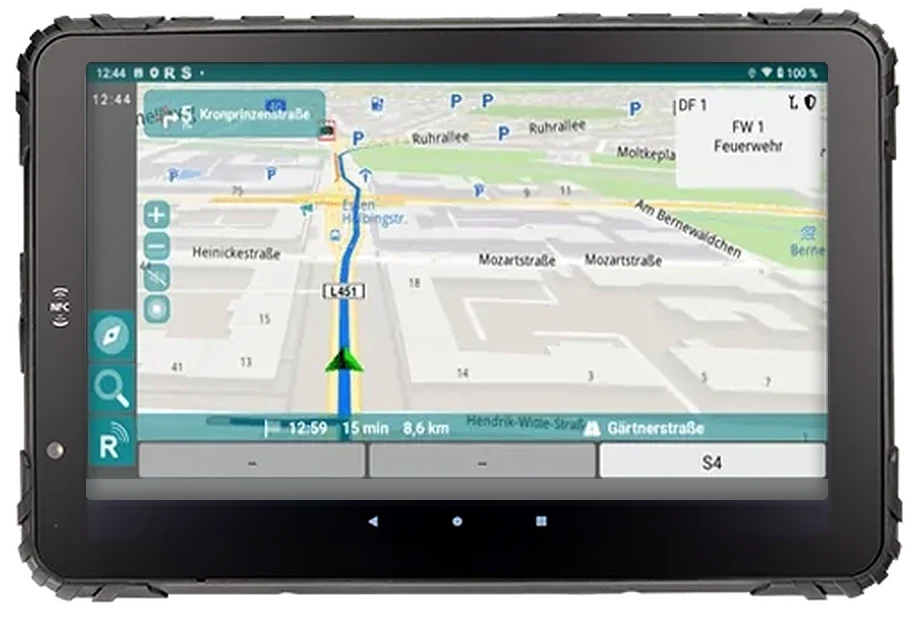
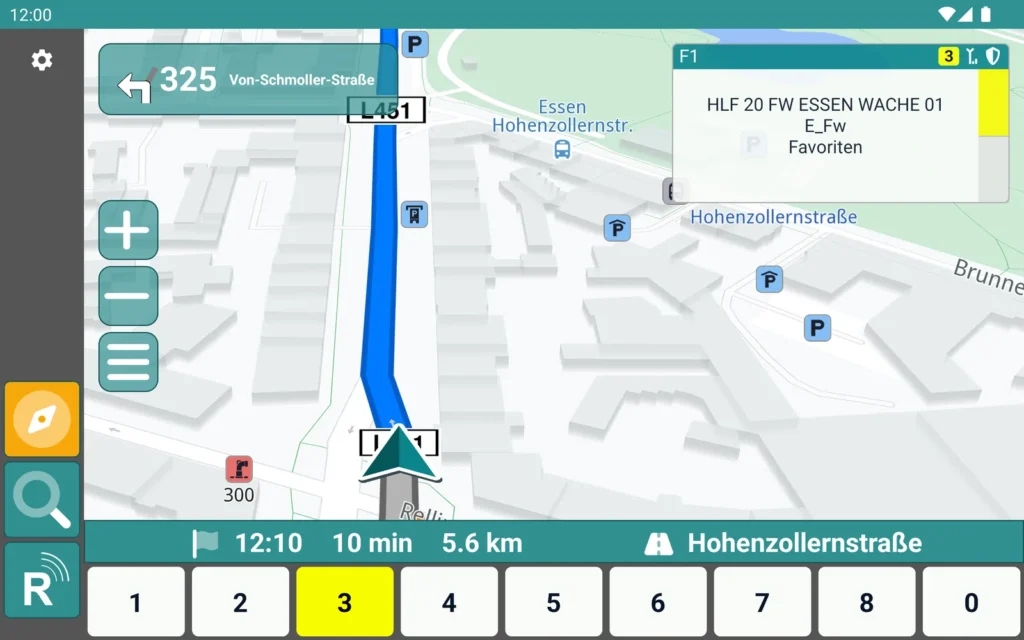
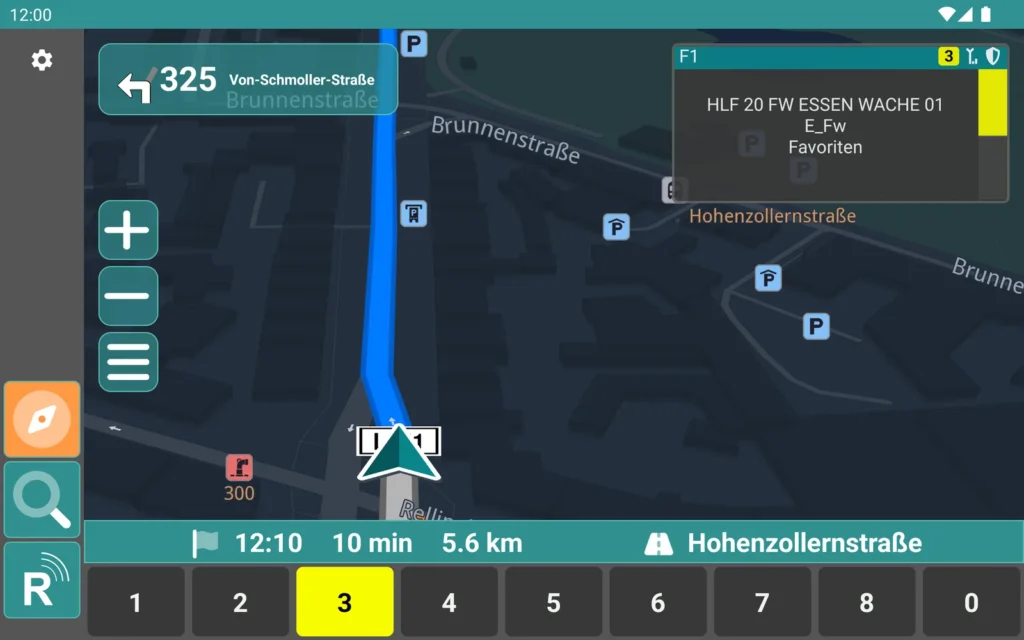
Navigation, radio and status on a rugged tablet
As of 11/2026 · Example – every system is planned individually.
Tell us which vehicles or buildings you want to equip. We put together the matching configuration with you.