
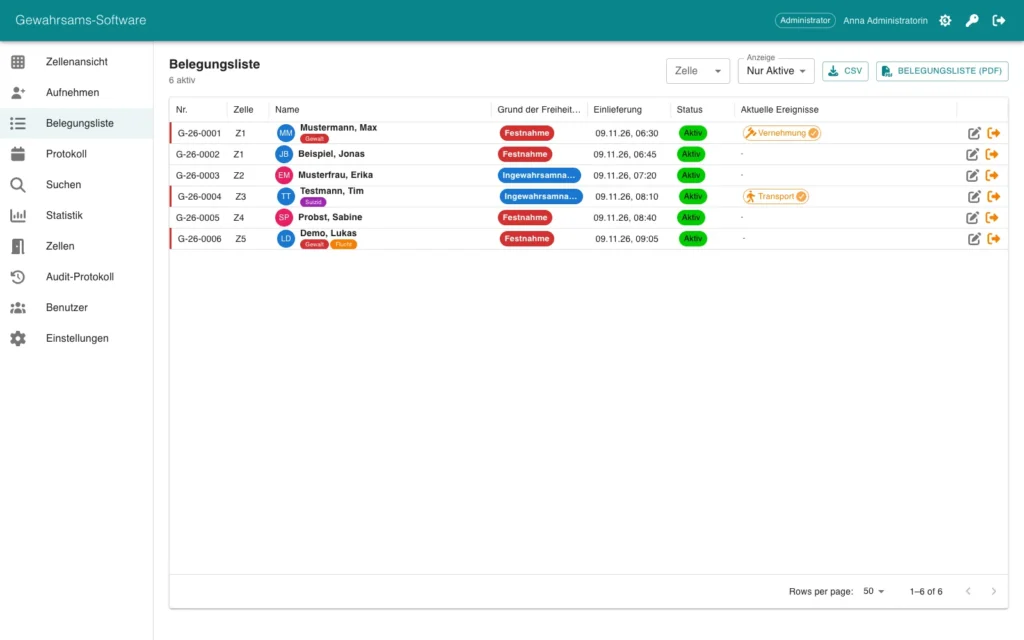
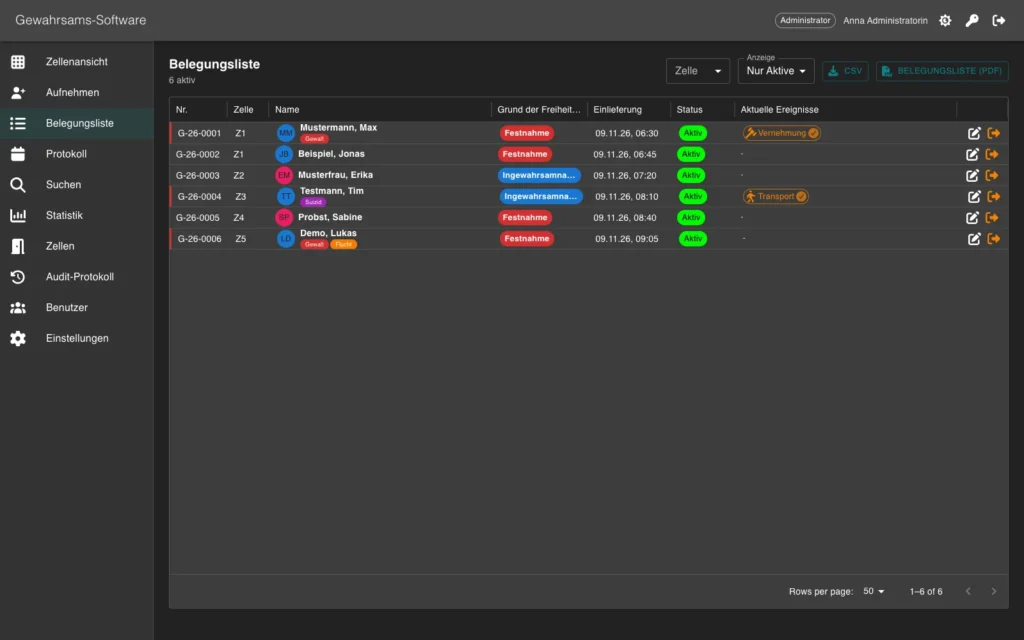
Occupancy list with export
All persons in custody with reason for detention, admission, status and current events. Export the list as CSV or PDF.
Custody in view. Fully documented.
GeSa is the custody management software for police custody. It manages persons in custody with a cell view, log and diary, and the process from admission to release.
All persons in custody with reason for detention, admission, status and current events. Export the list as CSV or PDF.
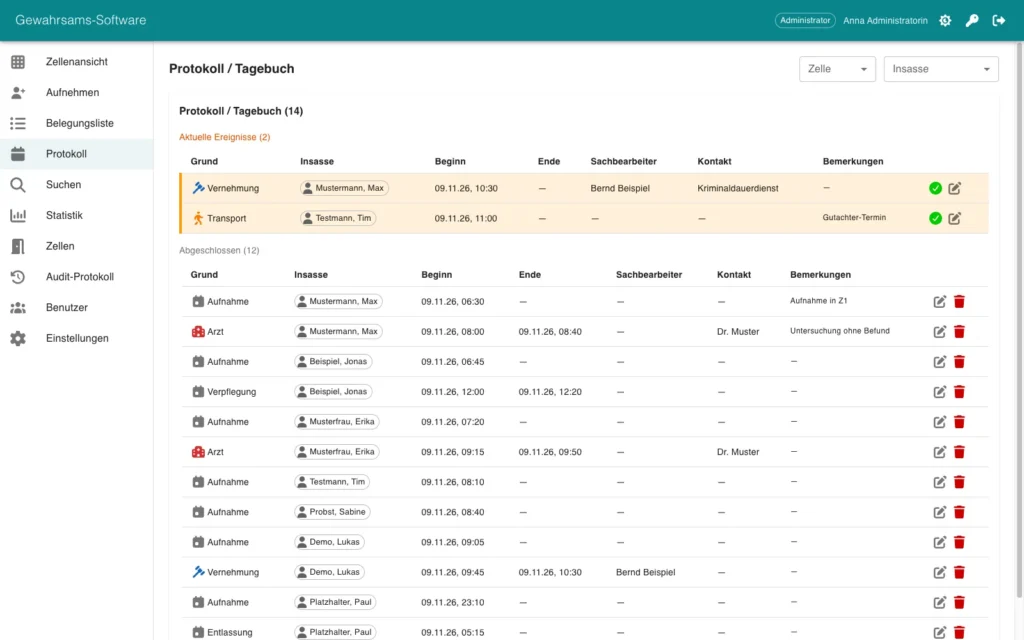
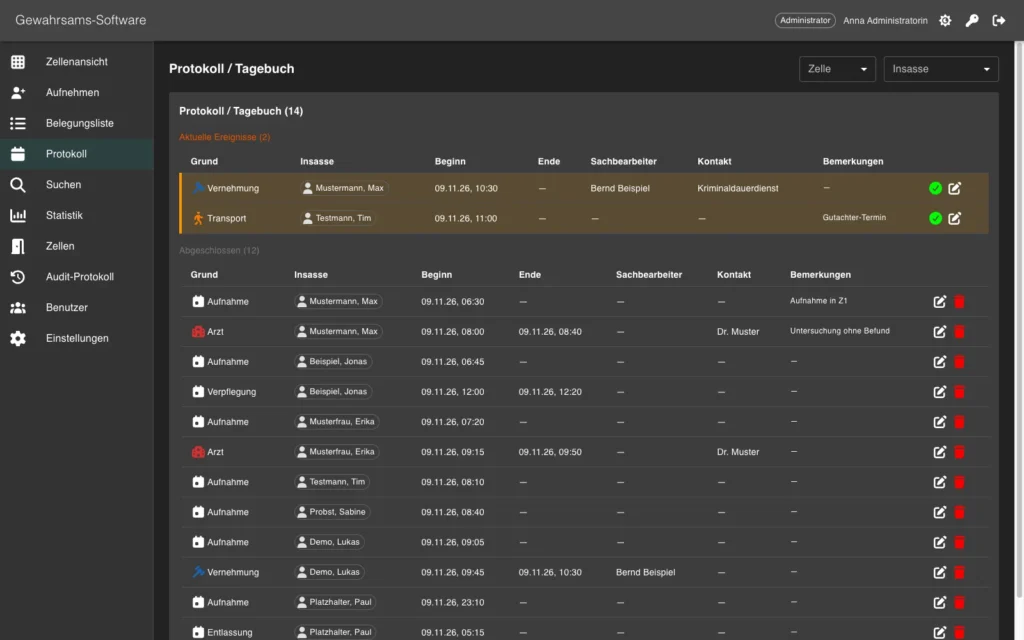
Record events such as admission, doctor visit, interrogation, transport, release and cell change, both ongoing and completed.
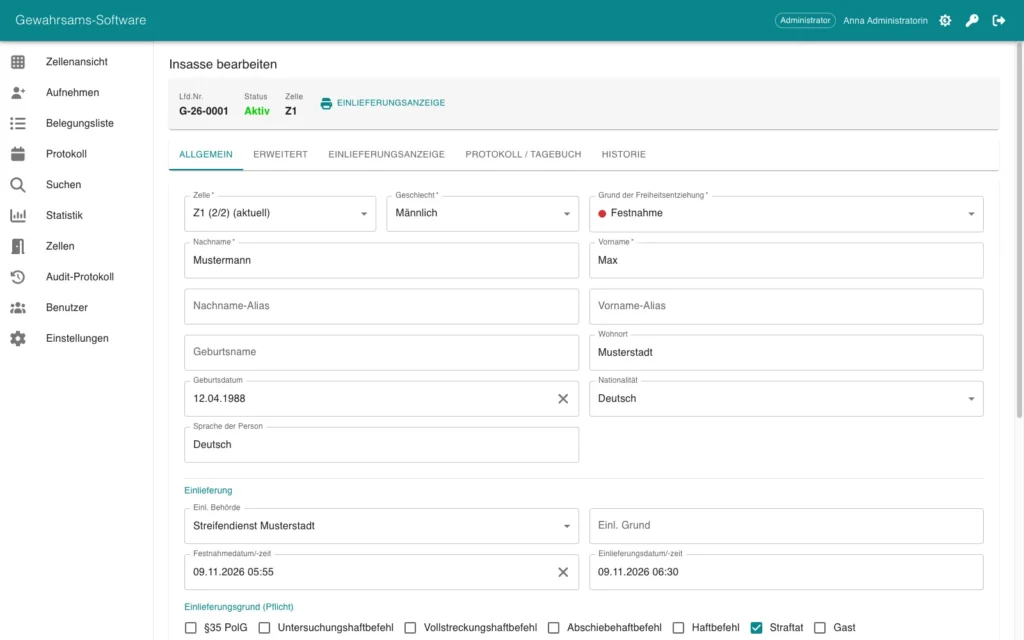
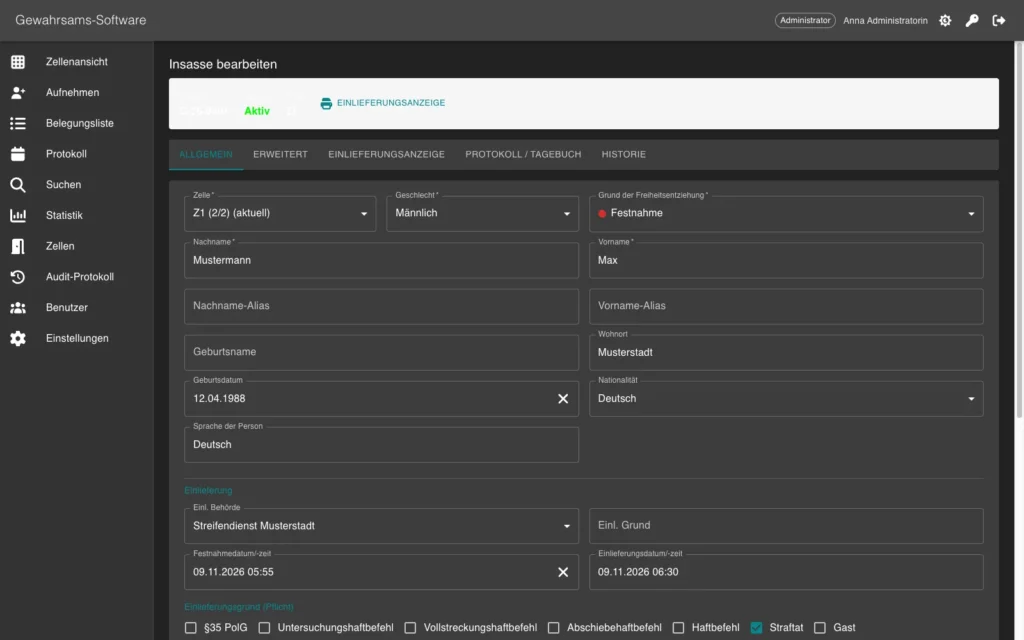
Personal data, admission, personal belongings and search in one place, plus tabs for log and history.
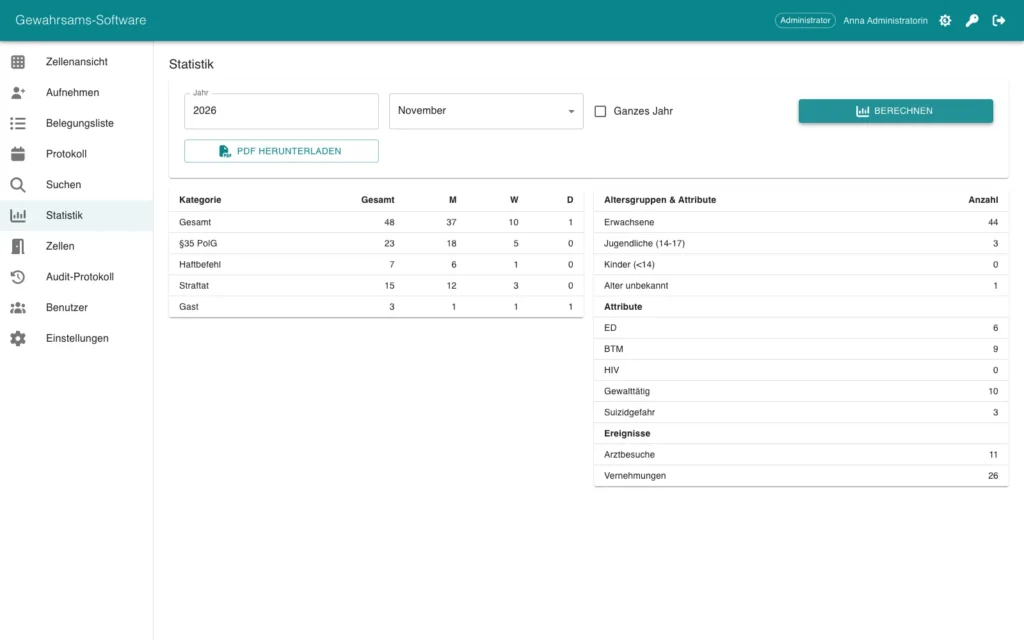
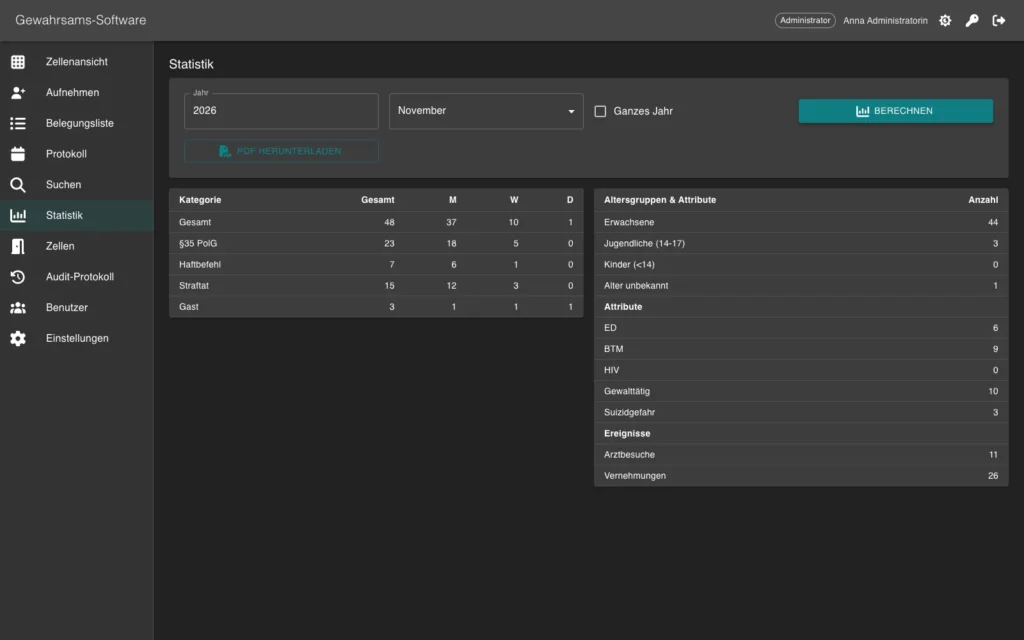
Evaluations per month or year with admission reasons, attributes and events. Create the statistics as PDF.
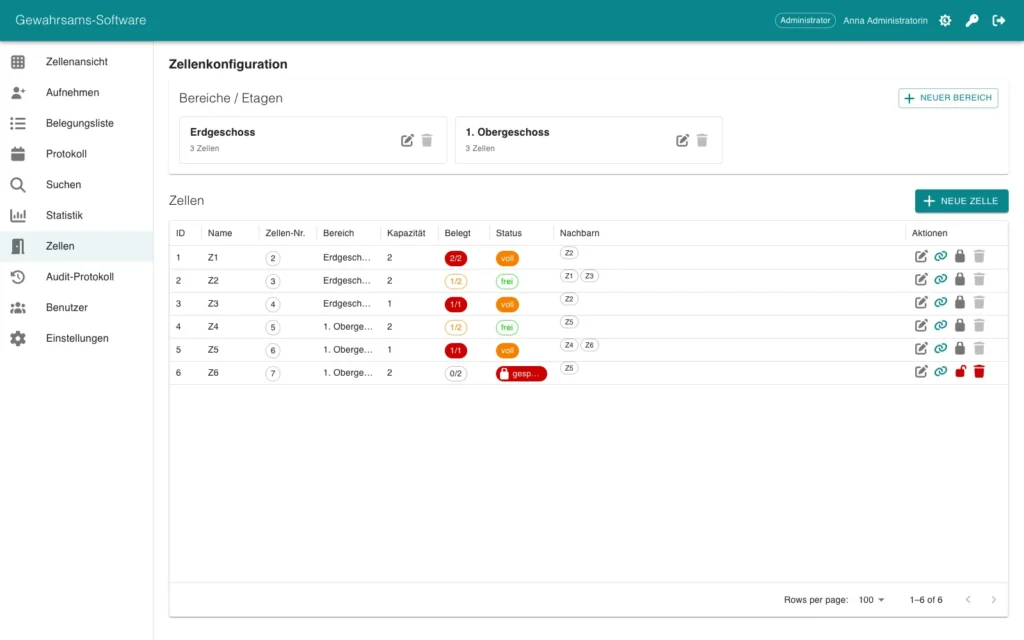
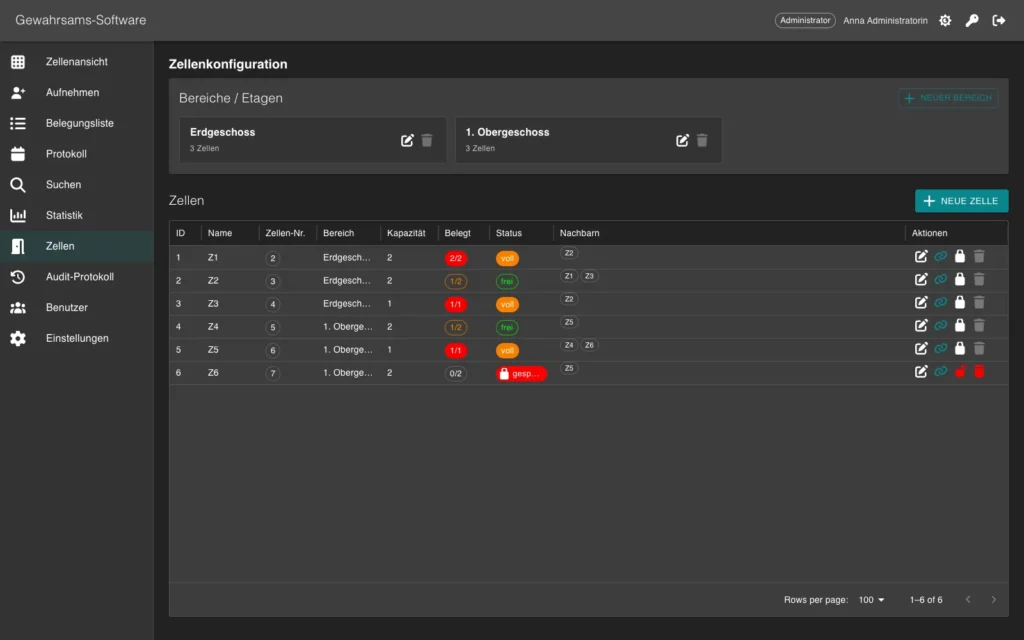
Administrators maintain areas and floors, cells, capacity, neighbouring cells and locks directly in the interface.
Occupancy and cell call in real time
Diary of all events
Four roles with clear permissions
Statistics, search, PDF and CSV
Every change logged
Can be embedded in AfVis
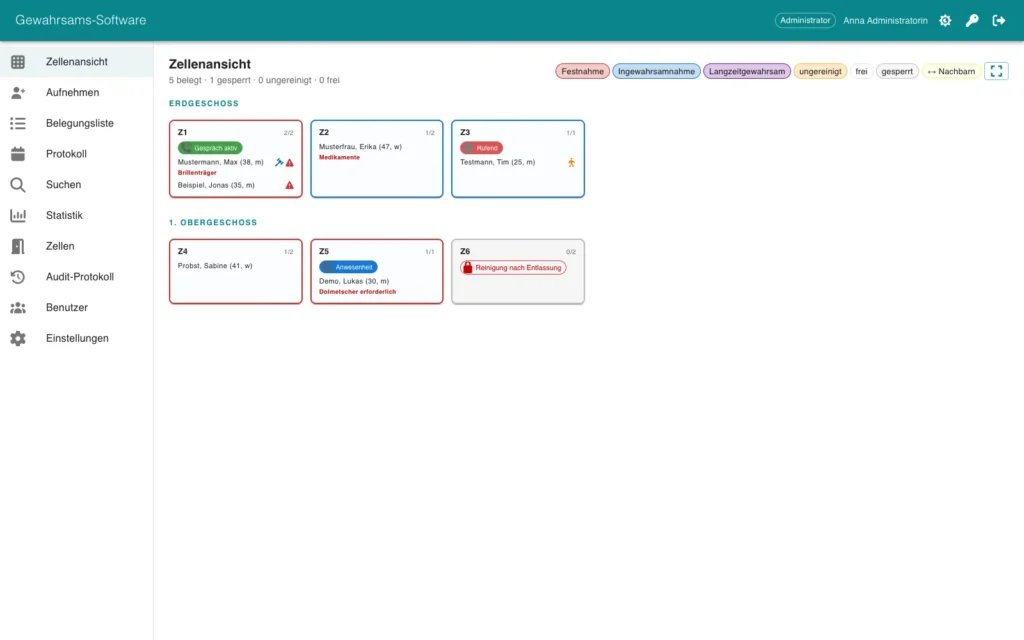
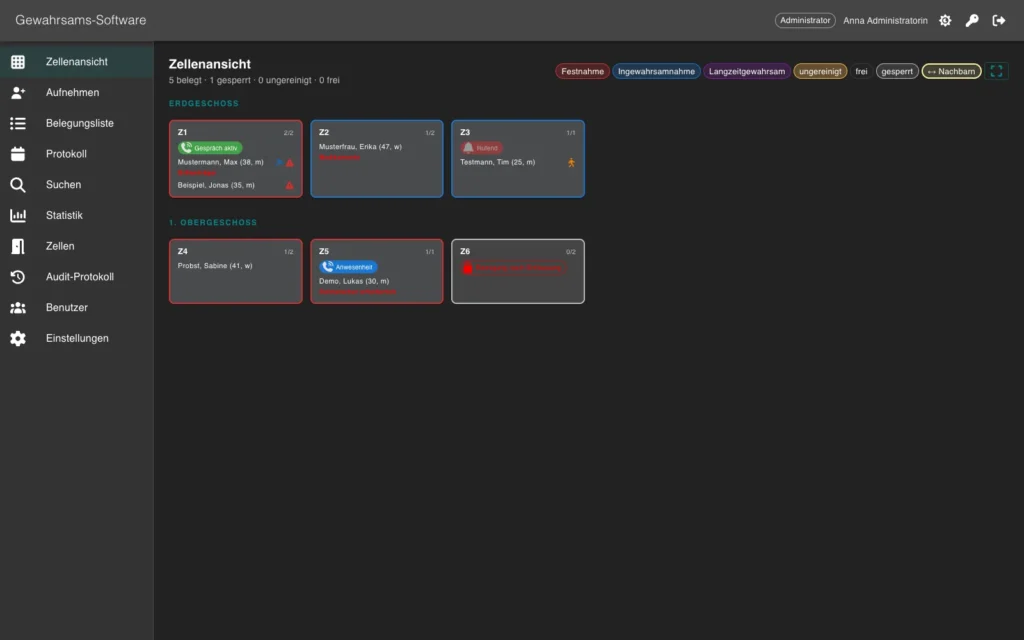
The cell view shows each cell as a tile, grouped by area and floor: occupancy, cell call status in real time, lock with reason, the “uncleaned” flag, neighbouring cells and alerts per person.
At admission you record personal data, admission and reason for admission, attributes, personal belongings, search and handover, and the notification of relatives or consulate. Accomplices can be linked, and GeSa warns you when you do. Create the admission notice as PDF.
The log records events such as doctor visit, interrogation, transport and cell change. On release you choose the destination, for example prison, court, another station or authority, or release. A release can be reversed.
Search works with many criteria. Output statistics and the occupancy list as PDF, the occupancy list also as CSV. A daily report is created automatically, and every change remains traceable: who, when, which record.
GeSa runs alongside AfVis and is operated in the browser. The interface can be embedded directly in AfVis and works together with the REICHERT system, for example with the cell call.
GeSa runs alongside AfVis in your own network and is operated in the browser. No additional software is needed at the workstation.
With user name and password, optionally with the company account. The roles are administrator, main user, user and viewer.
Yes, the interface can be embedded directly in an AfVis workstation.
GeSa deletes data automatically after the configured retention period, 365 days by default.
We advise you in person, tailor the solution to your operating environment and show you the product in live operation.